Learning Studio
Fundamentals
Essential concepts and getting started guides
Getting Started with PhotoGenius: Create Your First AI Images
Learn how to use FLUX 1.1 Pro and Google Nano Banana to generate professional images, edit existing photos, and create product ads.
Beginner, 8 min read
PhotoGenius AI Models: Complete Technical Guide
Technical overview of FLUX 1.1 Pro for images, Google Veo and Kling for videos, and Nano Banana for editing and product photography.
Beginner, 10 min read

Prompting
Master the art of writing effective prompts
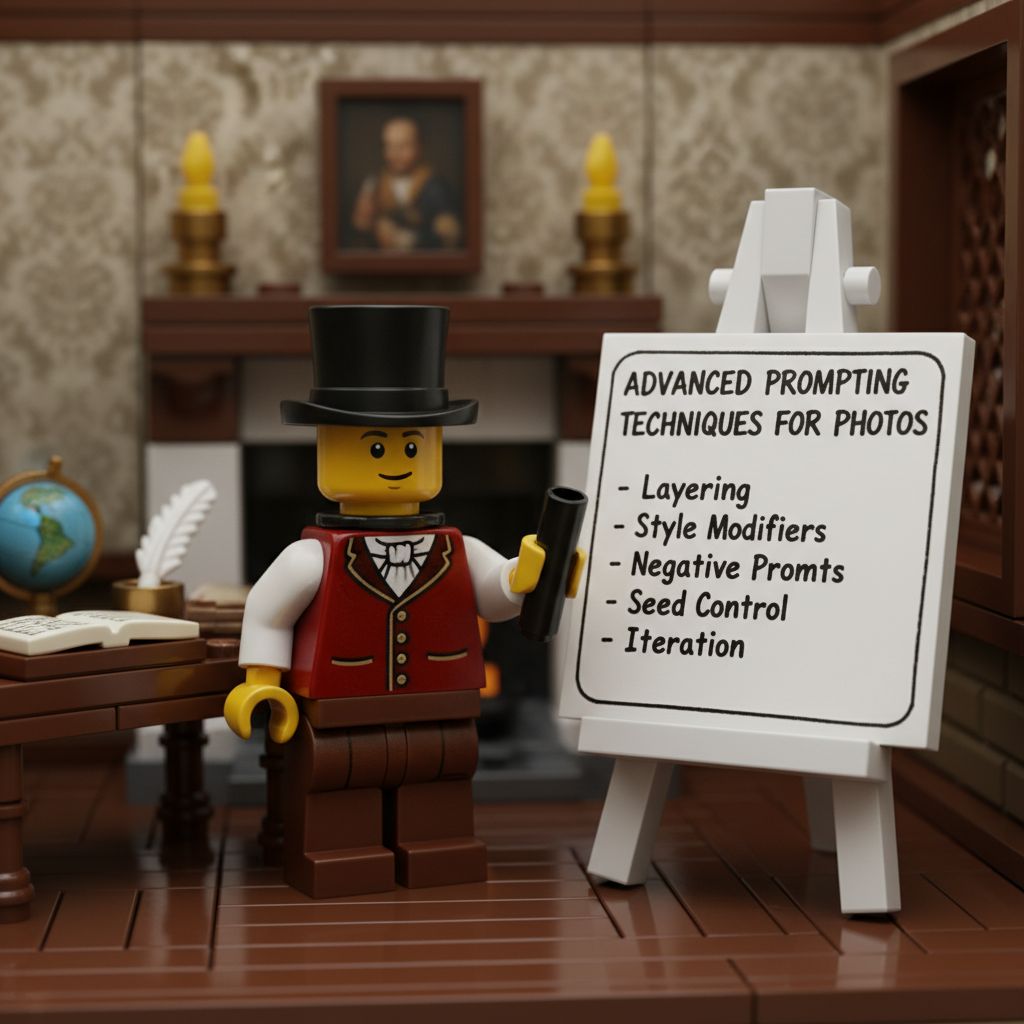
Complete FLUX & Nano Banana Prompting Guide
Master both beginner and advanced prompting techniques for FLUX 1.1 Pro generation and Nano Banana editing.
Intermediate, 18 min read

Effective Prompting for 3D Generation
Specific prompt techniques for successful 3D model generation in PhotoGenius.
Intermediate, 8 min read
Advanced
Professional techniques and workflows
Tools
Deep dives into specific tools and features

Transform Product Photos into Stunning Ads with AI
Turn a simple product photo into professional marketing materials in seconds. Learn how to create ads that actually convert.
Beginner, 12 min read
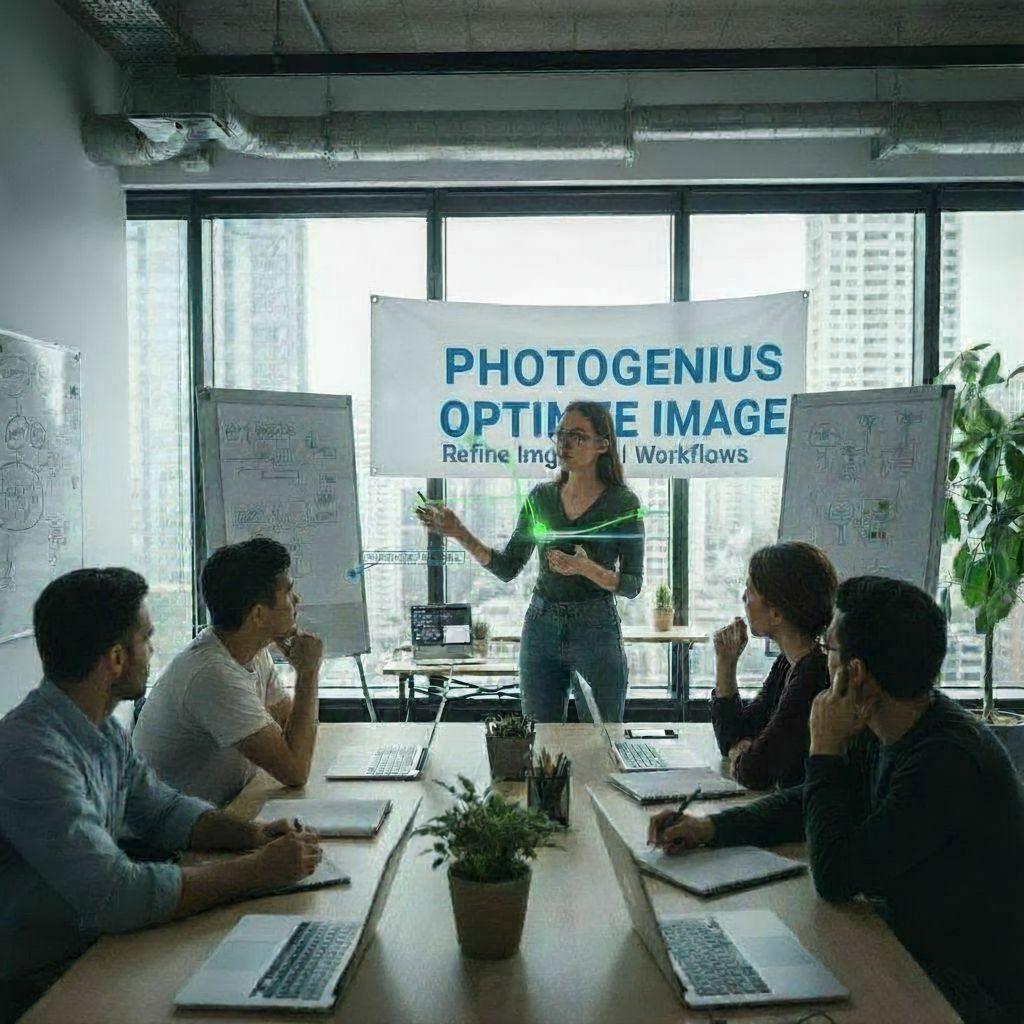
PhotoGenius Workflow Optimization Guide
Optimize your image and video generation workflow using FLUX 1.1 Pro, Nano Banana, and PhotoGenius's video models.
Intermediate, 12 min read
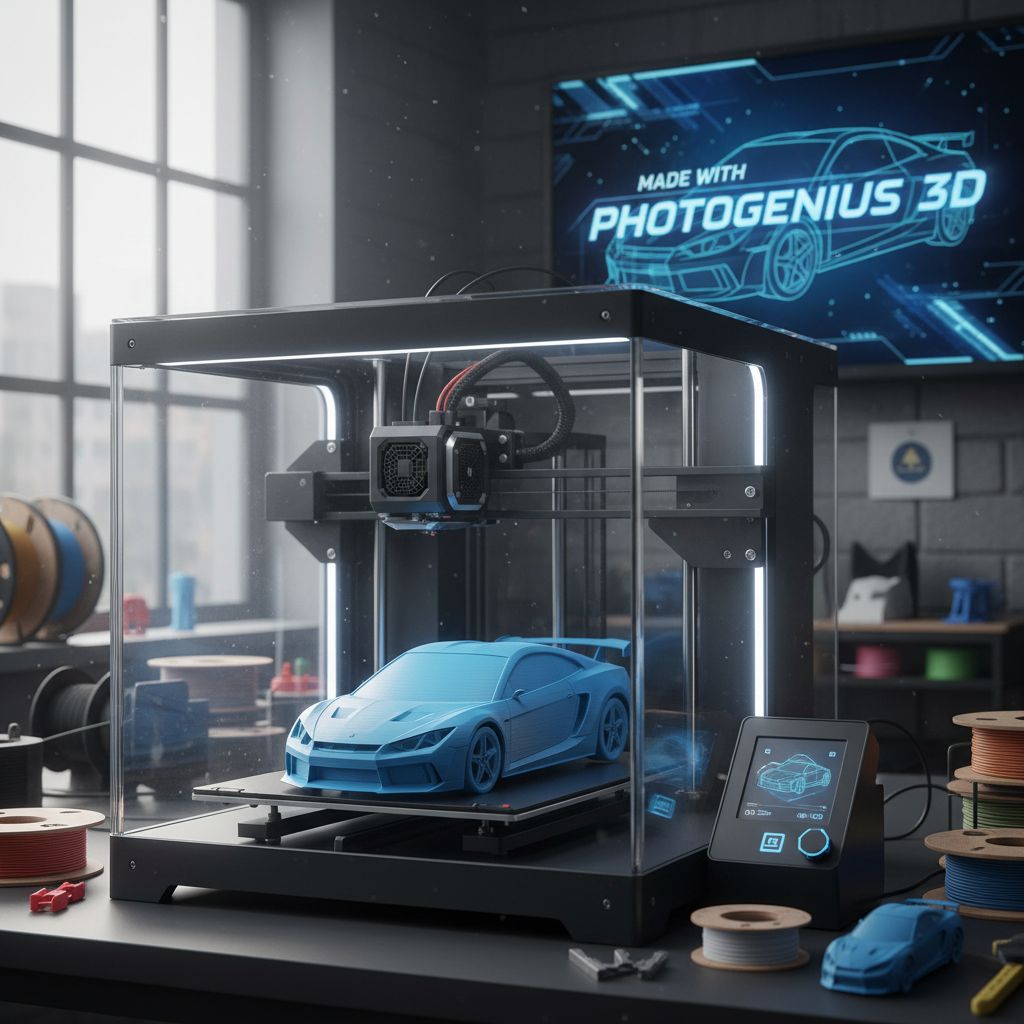
3D Generation with PhotoGenius
Generate 3D models from text prompts or images using PhotoGenius's AI-powered 3D generation tools.
Intermediate, 10 min read
Tips and Tricks
Quick tips for better results