Advanced, Advanced, 14 min read, PhotoGenius Team
Character Consistency with FLUX 1.1 Pro and Nano Banana
Professional techniques for maintaining character consistency using FLUX 1.1 Pro generation and Nano Banana editing.
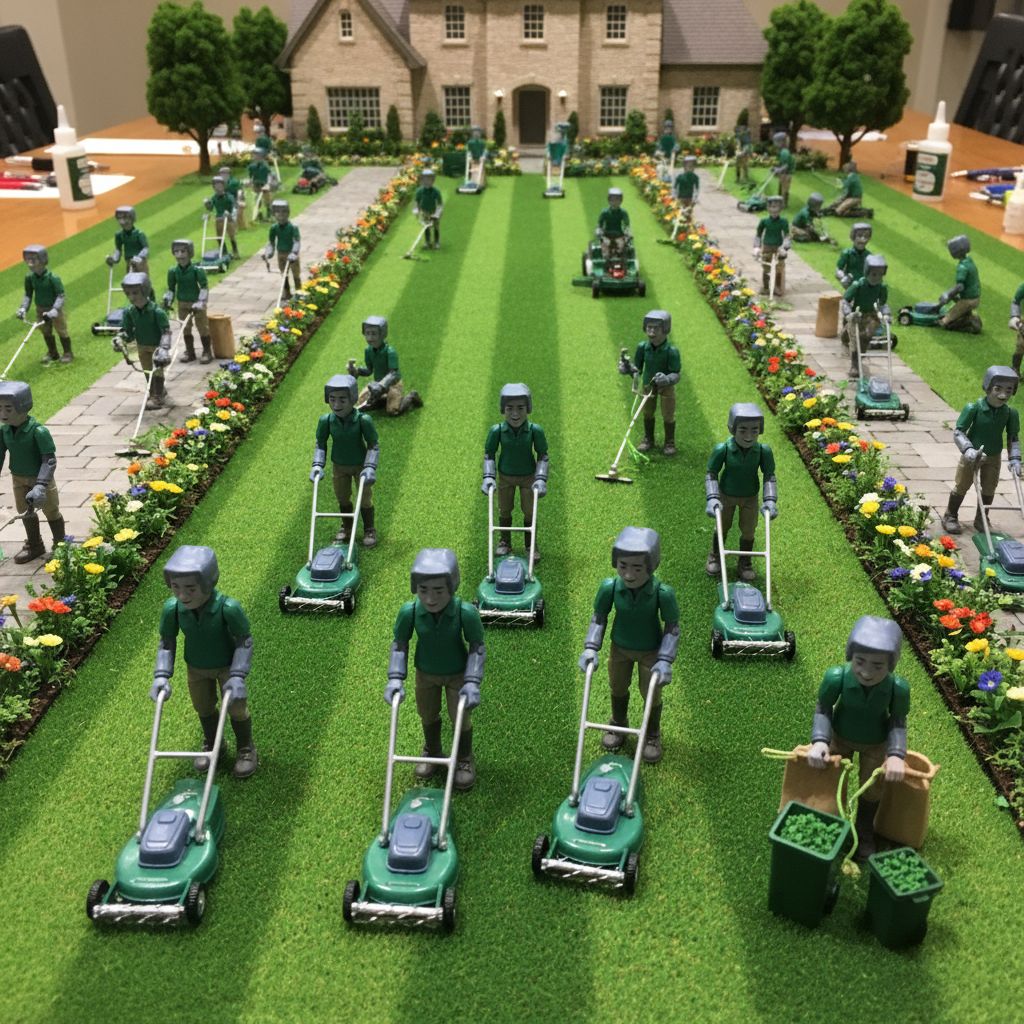
Character Consistency with FLUX and Nano Banana
Creating consistent characters across multiple generations is challenging with FLUX 1.1 Pro. This guide provides practical techniques using PhotoGenius's tools.
Understanding FLUX Character Challenges
Why FLUX Varies Characters
FLUX 1.1 Pro generates each image independently, leading to variations in:
- Facial features (eyes, nose, mouth shape)
- Hair style and color nuances
- Body proportions
- Clothing details
- Age appearance
- Expression and mood
PhotoGenius Solution: FLUX + Nano Banana
The most effective approach combines:
- FLUX 1.1 Pro: Generate base character
- Nano Banana: Edit variations from same base
- Version History: Track successful iterations
FLUX Character Description Strategy
Core Character Template for FLUX
Create a concise character description (FLUX works best under 75 words):
"[Name/identifier], [age] year old [ethnicity] [gender],
[face shape], [eye color and shape] eyes,
[hair color and style], [distinctive features],
[expression], [clothing type], [setting],
photograph style, sharp focus"
FLUX Character Example
"Sarah Chen, 28 year old Asian woman,
oval face, dark brown almond-shaped eyes,
straight black shoulder-length hair with side part,
small mole on left cheek, confident smile,
business casual attire, office setting,
professional photograph, sharp focus"
FLUX Consistency Techniques
Technique 1: Front-Load Critical Features
FLUX prioritizes early prompt elements:
"Sarah Chen with oval face and dark brown eyes,
straight black shoulder-length hair, mole on left cheek,
[rest of prompt]"
Technique 2: Use Specific Descriptors
Vague (inconsistent):
"Young woman with dark hair"
Specific (more consistent):
"28 year old woman with straight black shoulder-length hair"
Technique 3: Include Reference Points
"Same person as before, Sarah Chen,
maintaining exact features: oval face, dark brown eyes,
black shoulder-length hair, left cheek mole"
Nano Banana Variation Workflow
Creating Character Variations
Once you have a good FLUX generation:
- Save Base Image: Generate with FLUX at quality 90+
- Use as Input: Upload to Nano Banana
- Create Variations: Generate similar versions
- Edit Details: Use masking for specific changes
Nano Banana Character Edits
Changing Expression Only:
Mask: Face area
Prompt: "Smiling expression, same person"
Changing Outfit Only:
Mask: Clothing area
Prompt: "Red business suit, same style"
Changing Background Only:
Mask: Background
Prompt: "Coffee shop interior"
PhotoGenius Character Pipeline
Step-by-Step Workflow
-
Initial Generation (FLUX)
Generate 4 variations at quality 85 Select best match to your vision -
Refinement (FLUX)
Regenerate winner at quality 95+ Save as character reference -
Variations (Nano Banana)
Use reference as input image Generate pose/expression variations Keep style consistent -
Targeted Edits (Nano Banana)
Mask specific areas for changes
Maintain core features
FLUX Prompt Patterns for Consistency
Portrait Consistency Pattern
"[Character name and core features],
portrait photograph, facing camera,
neutral background, studio lighting,
consistent appearance, sharp focus"
Full Body Pattern
"[Character name and core features],
full body shot, standing pose,
[specific outfit description],
simple background, professional photography"
Action Scene Pattern
"[Character name and core features],
[specific action], dynamic pose,
maintaining facial features clearly visible,
[environment], sharp focus on face"
Common FLUX Character Issues
Issue: Face Changes Too Much
Solution with FLUX:
Add: "maintaining exact facial features,
same person throughout, consistent face"
Increase quality to 95+
Solution with Nano Banana:
- Use successful generation as base
- Create variations instead of new generations
Issue: Hair Color Shifts
FLUX Fix:
Specify exact shade: "jet black" not "dark"
Add: "consistent hair color and style"
Issue: Age Appears Different
FLUX Fix:
Include specific age in every prompt
Add age descriptors: "youthful 25 year old"
Issue: Lost Distinctive Features
FLUX Fix:
Front-load distinctive features
Repeat critical features: "maintaining mole on left cheek"
Building Character References
FLUX Reference Sheet Approach
Generate multiple angles separately:
1. Front view: "[Character], facing camera directly"
2. Profile: "[Character], side profile view"
3. Three-quarter: "[Character], three-quarter angle"
Note: FLUX doesn't handle multiple views in one image well.
Expression Library with FLUX
Generate each expression separately:
Happy: "[Character], genuine happy smile"
Serious: "[Character], serious professional expression"
Thoughtful: "[Character], contemplative expression"
Nano Banana Advanced Techniques
Style Transfer While Maintaining Character
Input: FLUX photorealistic character Nano Banana Prompt: "Same person as illustration style"
Environmental Integration
Input: Character on white background Nano Banana Prompt: "Same person in coffee shop setting"
Outfit Variations
Input: Character in casual wear Nano Banana Prompt: "Same person in formal business attire"
Character Documentation for PhotoGenius
Successful Prompt Library
Keep track of what works:
✅ Successful FLUX Prompt:
"Sarah Chen, 28 year old Asian woman,
oval face, dark brown almond eyes,
straight black shoulder-length hair,
quality: 95, batch: 2"

✅ Successful Nano Banana Edit:
Input: Sarah_base.jpg
Mask: Background only
Prompt: "Modern office interior"
Version History Usage
PhotoGenius automatically saves versions:
- Compare iterations
- Revert to successful versions
- Track what changes worked
Quality Settings for Characters
FLUX Character Generation
- Testing: Quality 80-85, batch of 4
- Refinement: Quality 90, batch of 2
- Final: Quality 95+, single generation
Nano Banana Editing
- Keep mask areas focused
- Match original image style
- Use "same person" in prompts
Practical Character Exercises
Exercise 1: Basic Character Creation
- Generate character with FLUX (4 variations)
- Select best result
- Create expression variations with Nano Banana
- Document successful prompts
Exercise 2: Context Changes
- Generate character in neutral setting (FLUX)
- Use Nano Banana to place in office
- Use Nano Banana to place at beach
- Maintain character consistency
Exercise 3: Style Variations
- Generate photorealistic character (FLUX)
- Create illustrated version (Nano Banana)
- Ensure recognizable as same person
Pro Tips for PhotoGenius
FLUX Optimization
- Word Order Matters: Place identifying features early
- Be Specific: "oval face" better than "nice face"
- Repeat Key Features: Reinforce important elements
- Quality Matters: Higher quality = better consistency
Nano Banana Best Practices
- Small Masks: Edit only what needs changing
- Style Matching: Keep edits in same style
- Incremental Changes: One edit at a time
- Use Input Images: Better than starting fresh
Troubleshooting Workflow
When FLUX Won't Cooperate
- Simplify prompt to core features
- Generate more variations (batch of 4)
- Try slightly different descriptions
- Use successful result with Nano Banana
When Nano Banana Changes Too Much
- Reduce mask size
- Add "same person" to prompt
- Specify what should stay constant
- Use lighter editing strength
Advanced PhotoGenius Techniques
Hybrid Workflow
1. FLUX: Generate character at quality 85
2. FLUX: Generate outfit variations
3. Nano Banana: Composite best face onto best outfit
4. Nano Banana: Final touch-ups
Batch Processing
1. Generate 4 FLUX variations
2. Select 2 best results
3. Create 2 Nano Banana variations each
4. Choose final from 4 options
Limitations and Workarounds
FLUX Limitations
- Can't guarantee exact same face
- Prompt length limits detail
- Each generation is independent
Workarounds
- Use Nano Banana for variations
- Keep successful base images
- Build prompt library
- Use version history
Remember: FLUX 1.1 Pro generates independently each time. Use Nano Banana's image input feature for true consistency. Build a library of successful prompts and base images.
Continue reading
- 12 min
PhotoGenius Workflow Optimization Guide
Optimize your image and video generation workflow using FLUX 1.1 Pro, Nano Banana, and PhotoGenius's video models.
- 18 min
Complete FLUX & Nano Banana Prompting Guide
Master both beginner and advanced prompting techniques for FLUX 1.1 Pro generation and Nano Banana editing.