By Tencent
Hunyuan3D 3.1 3D model generator
Tencent's Pro image-to-3D model: precise, faithful geometry with PBR materials.
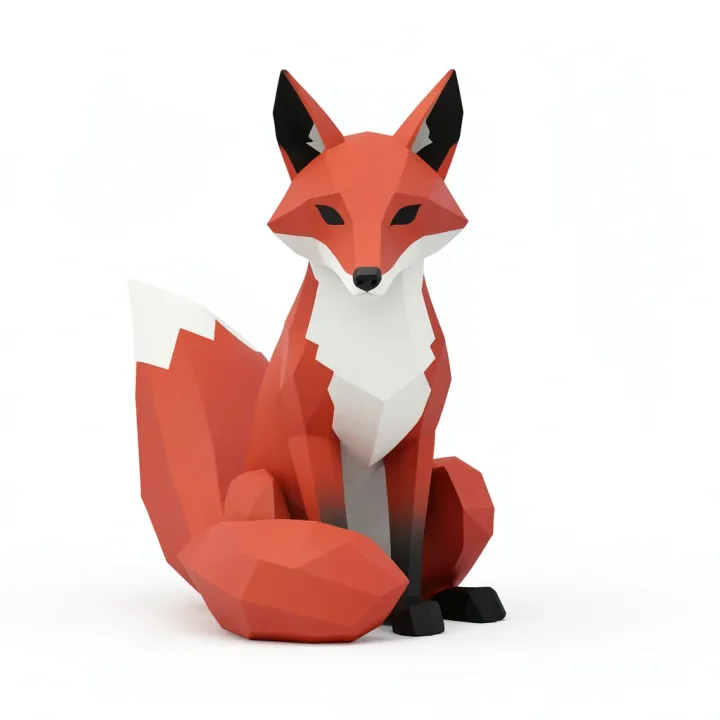
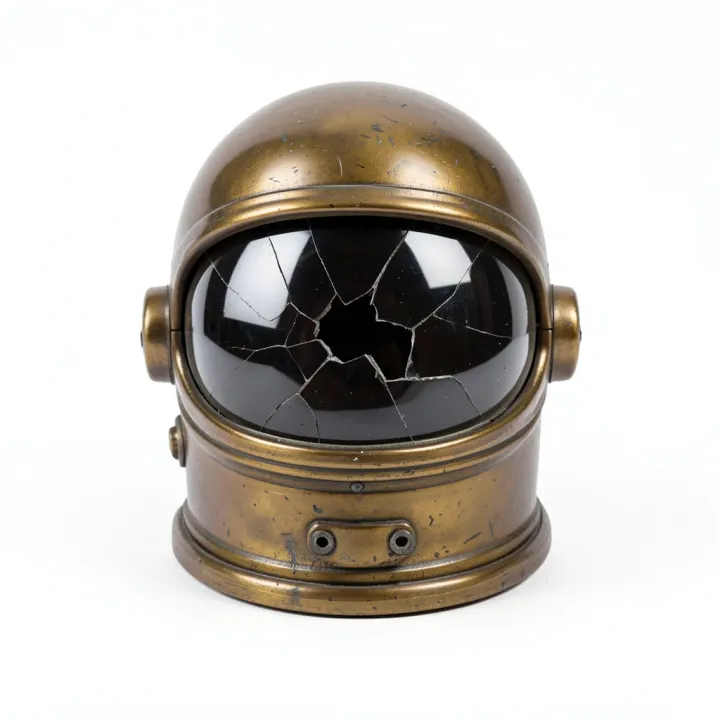
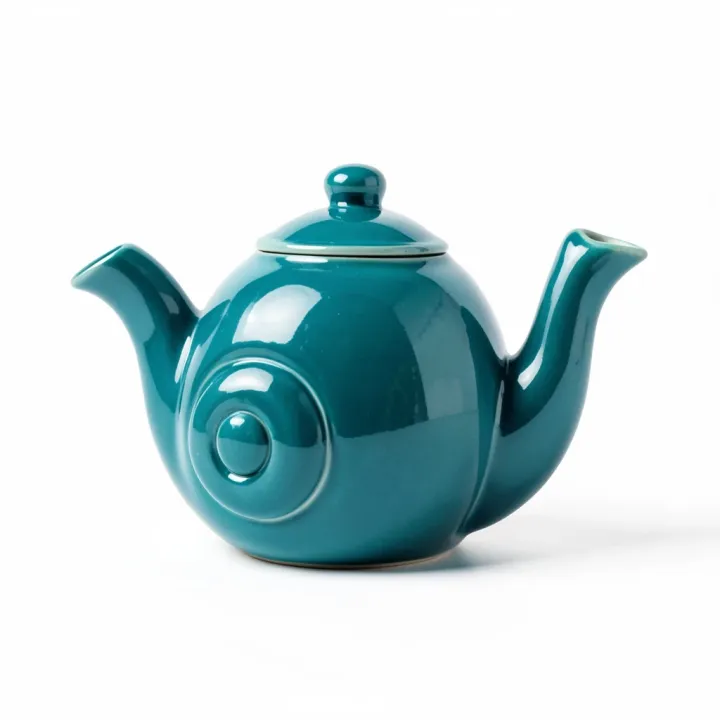
 GLBPBR
A cute clay-style robot gardener holding a watering can, full body, plain background
Good at
Props and products
Clean silhouettes from a product shot or concept image.
Faithful detail
Dense meshes that follow the input image closely, with PBR materials.
From text
Describe an object; PhotoGenius draws a concept image first, then meshes it.
Prompt tips for Hunyuan3D 3.1
- Use a single object on a plain background; remove the background first if needed.
- Front three-quarter views give the model the most to work with.
- Set Detail to Low (40,000 faces) for games and the web; High keeps 500,000 faces for close-ups and printing.
Settings and limits
- Made by
- Tencent
- Input
- One image, or a text prompt
- Output
- Textured mesh as GLB
- Materials
- PBR included
- Typical time
- About 4 minutes
| Setting | Credits |
|---|---|
| From an image | 27 |
| From text (includes the concept image) | 28 |
Credits come with a plan, and failed runs are refunded. See plans
Hunyuan3D 3.1 questions
What is Hunyuan3D 3.1?
Hunyuan3D 3.1 turns a single image, or a text prompt, into a textured 3D mesh you can download as GLB. PhotoGenius runs the Pro version with PBR materials, so models sit correctly under real lighting in a game engine or viewer.
What file format do I get?
A GLB file, which opens in Blender, Godot, Unreal, three.js and most 3D viewers (Unity needs its glTFast package). Convert it to STL, 3MF, OBJ or USDZ with the free 3D converter.
Can I make a 3D model from text?
Yes. Text to 3D renders a concept image with FLUX.2 Klein, then meshes it with Hunyuan3D 3.1 or Rodin. The concept image is included in the price.
Can I use Hunyuan3D 3.1 online without installing it?
Yes. It runs in the browser in PhotoGenius: upload an image or type a prompt, and download the GLB. No GPU or local setup.
How much does Hunyuan3D 3.1 cost on PhotoGenius?
Hunyuan3D 3.1 costs from 27 credits (from an image) to 28 credits (from text (includes the concept image)) per model. Plans start at $10 a month for 100 credits ($8 a month billed yearly), and the exact cost of every generation shows on the Generate button before you run it. Failed generations are refunded automatically.
Can I try Hunyuan3D 3.1 for free?
Generating with Hunyuan3D 3.1 uses credits from a plan. To try PhotoGenius without paying, the free image generator makes 5 images with FLUX.2 Klein and needs no account.
Can I use Hunyuan3D 3.1 results commercially?
Commercial use is included on the Pro and Business plans. See the Terms of Service for the details of the license.