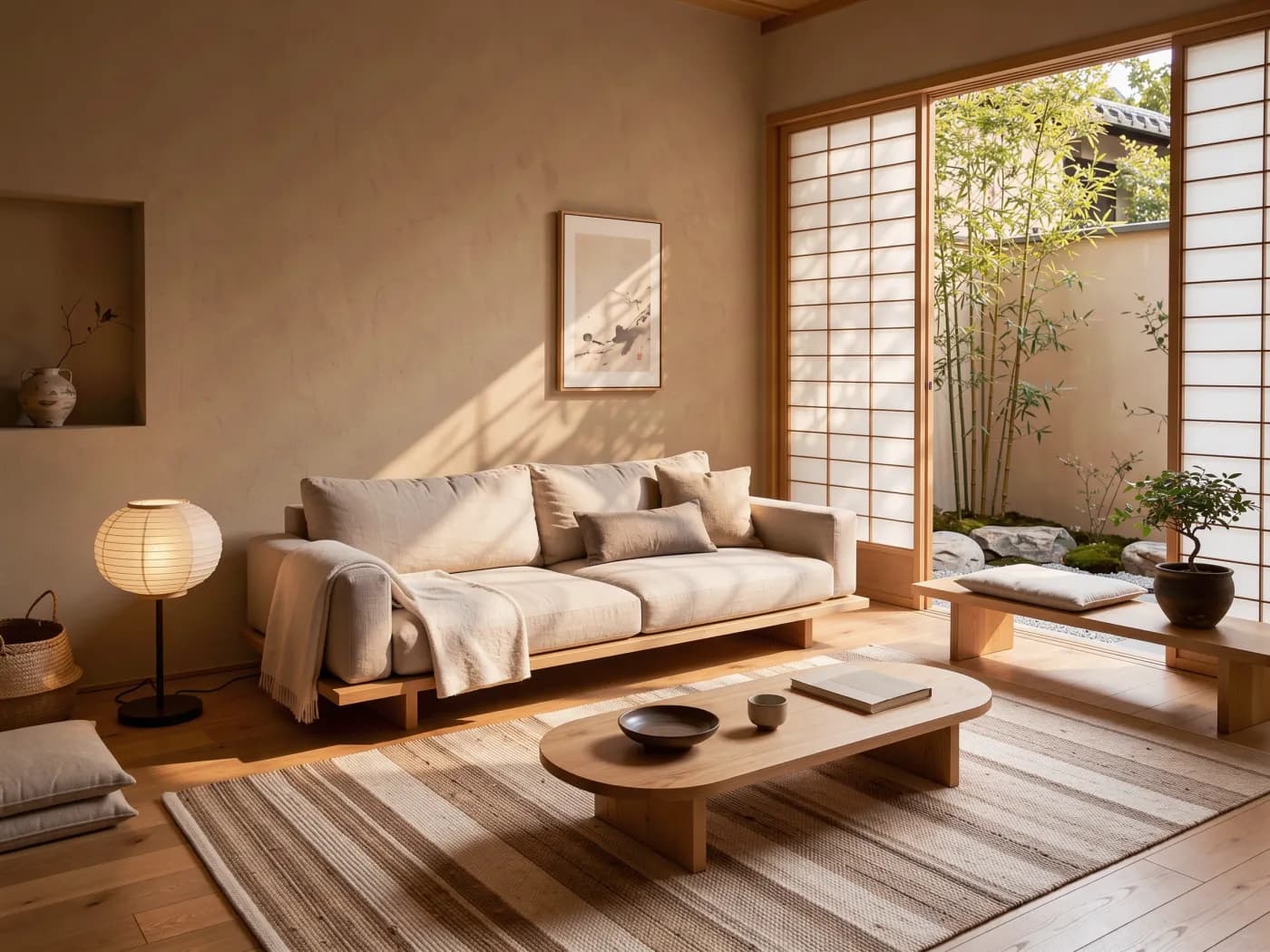
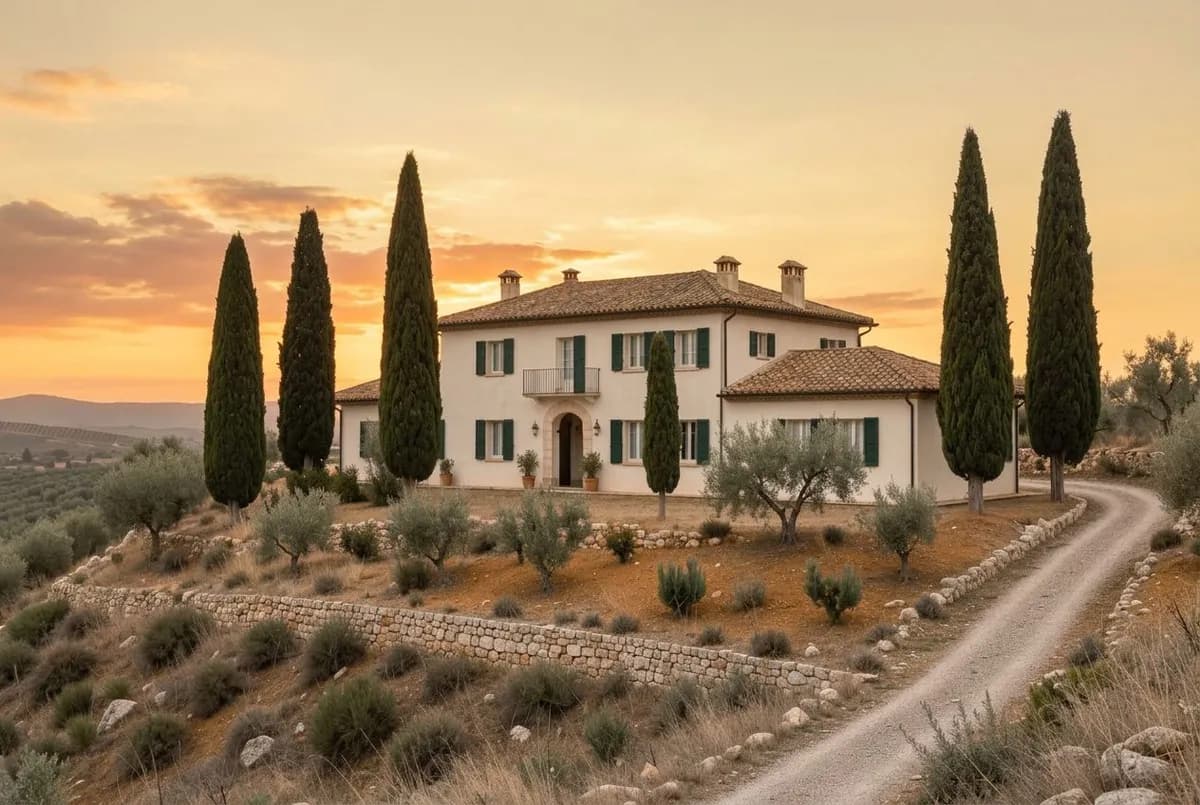
Turn any image into a video
Use a photo, a product shot or any frame you made as the first frame of a clip.
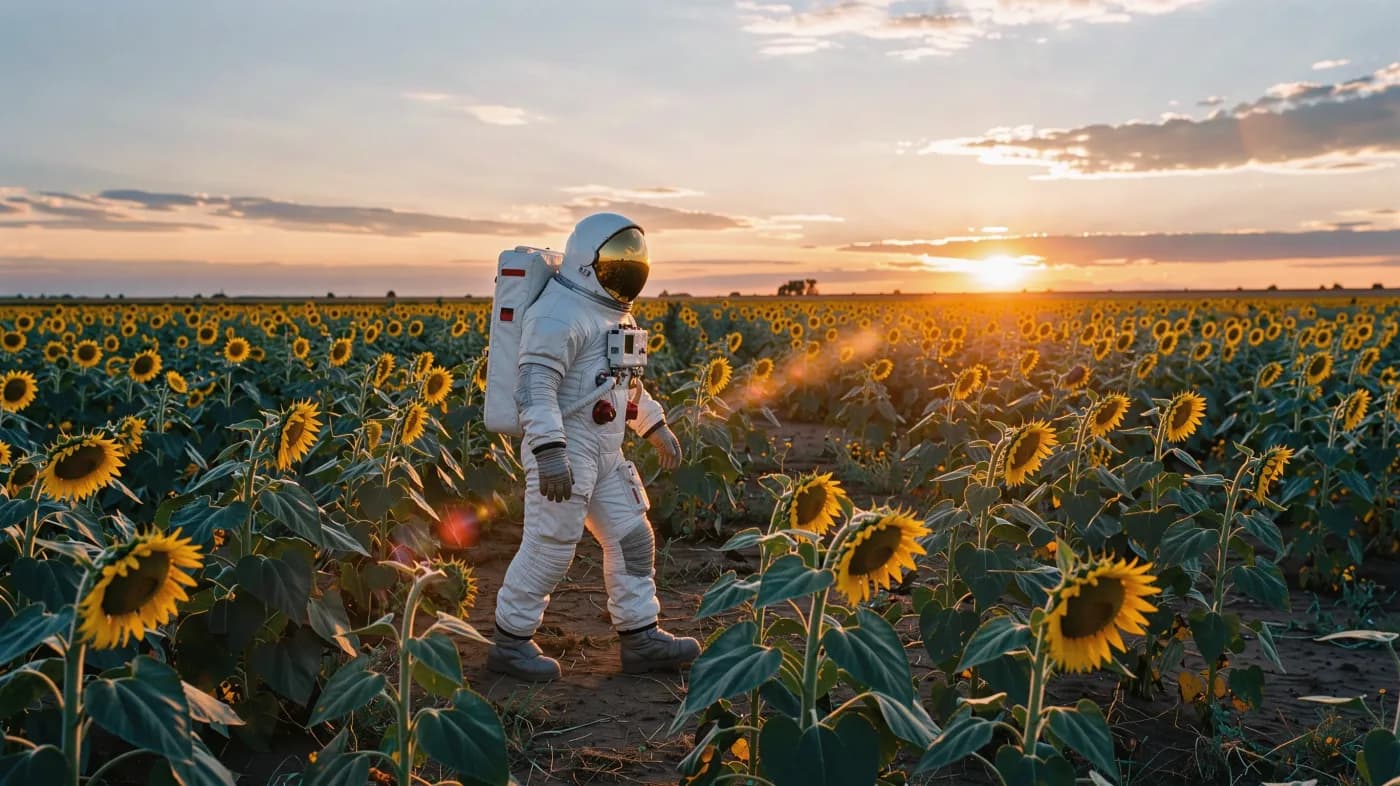 Video
Video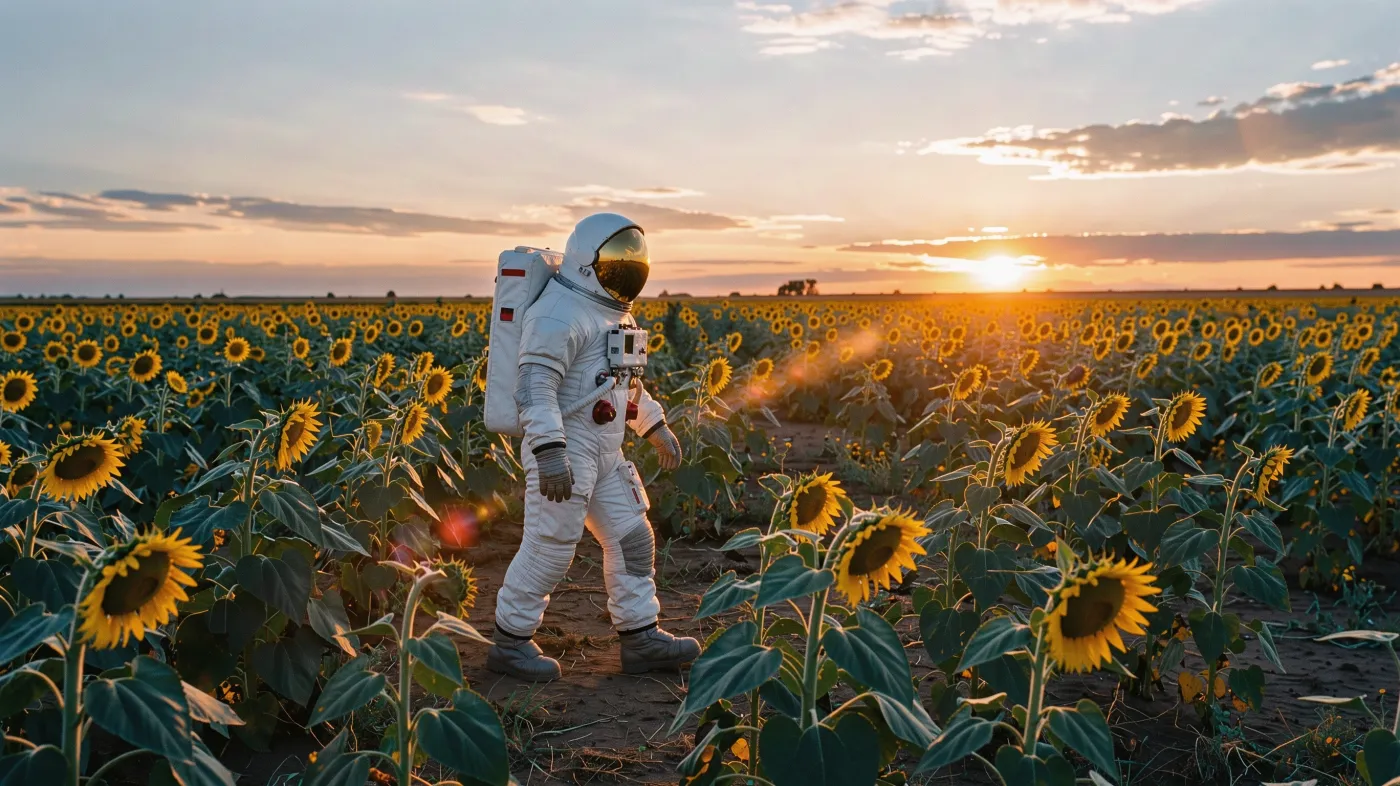 Start
StartThe astronaut keeps walking toward the sun, sunflowers sway in the wind, slow push in
Made in PhotoGenius
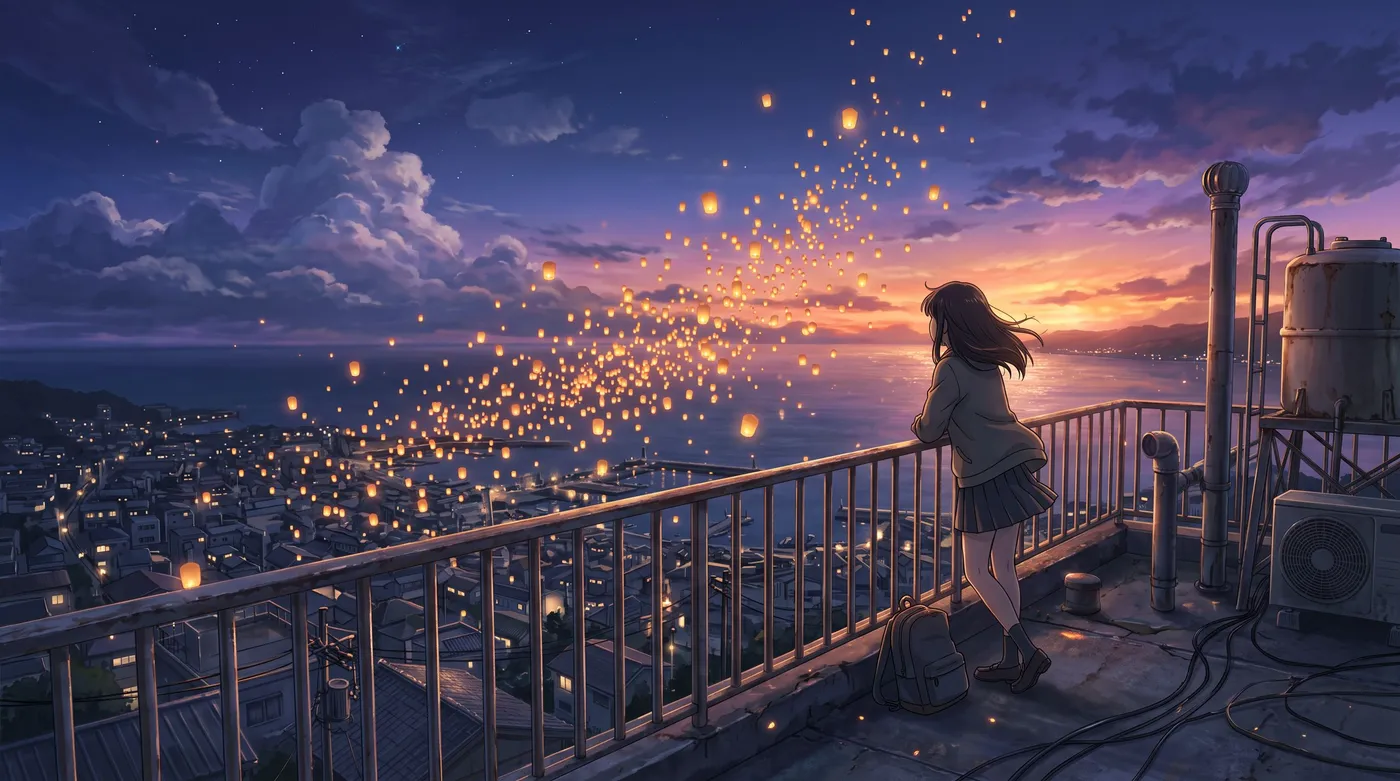
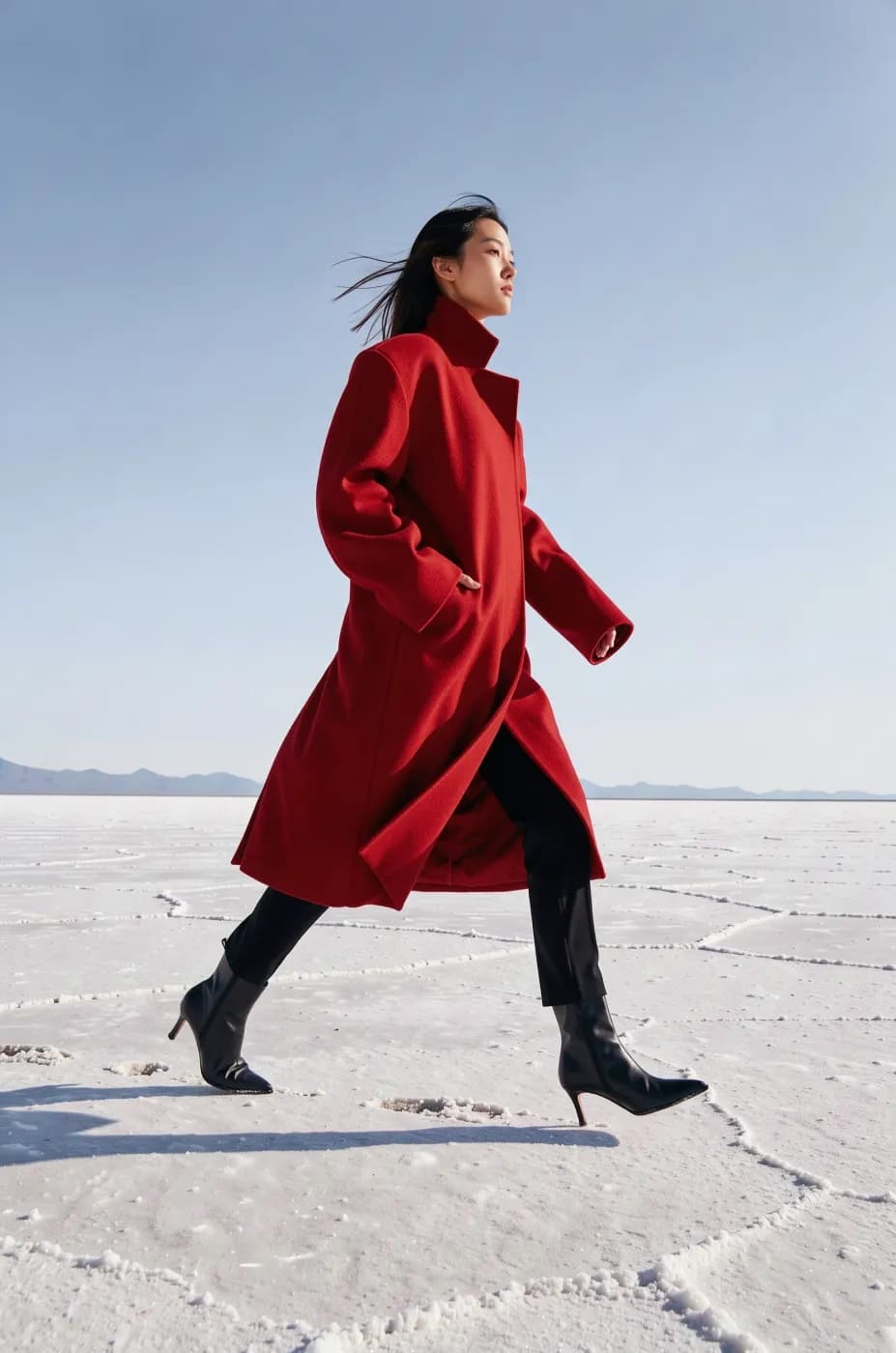
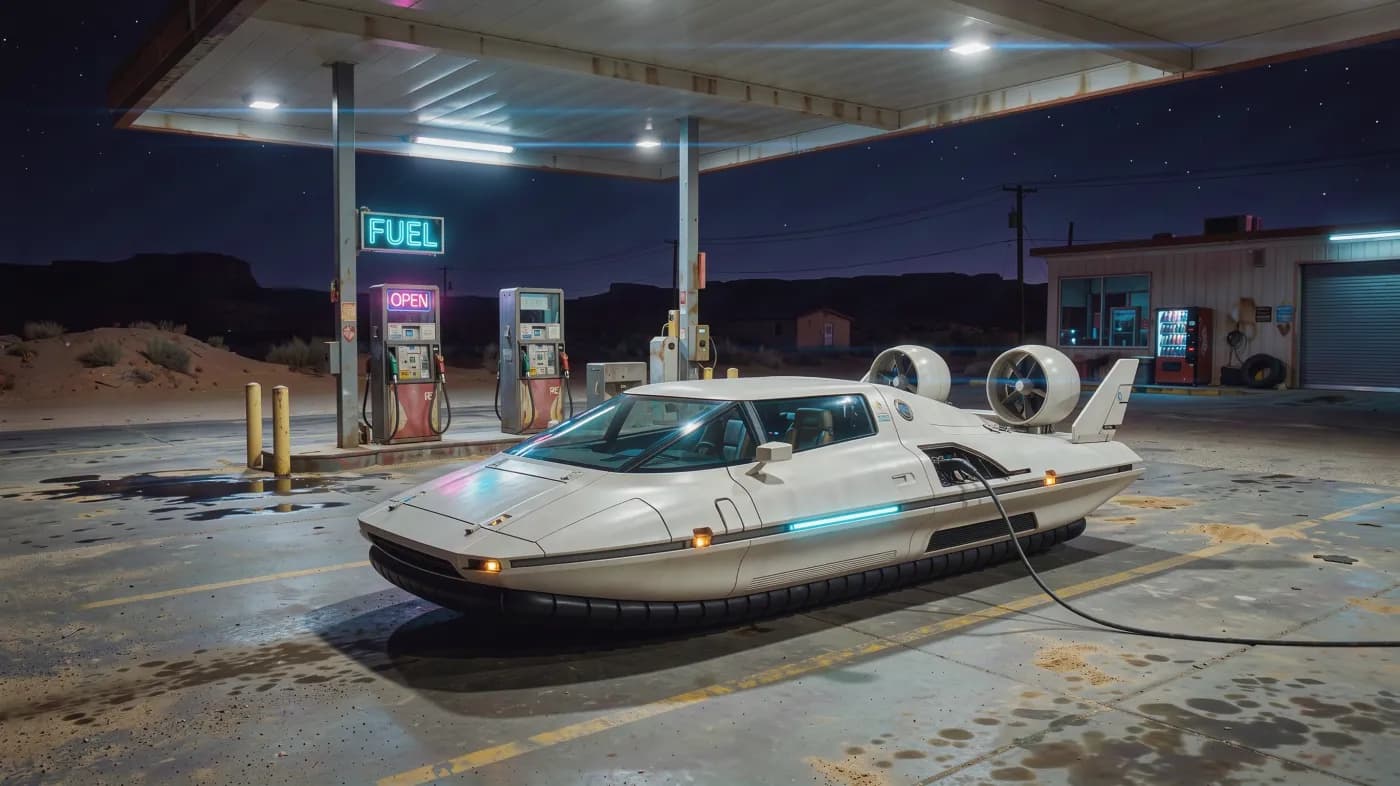
How it works
Add the start frame
Upload an image, or press Animate on any frame in Image Studio to open it here.
Describe the motion
Say what moves and how the camera moves. Add an end frame to control where the shot lands.
Render and keep going
Download the clip, or use its last frame to start the next shot.
More about Video Studio
Use a photo, a product shot or any frame you made as the first frame of a clip. Describe the motion and the camera, choose a model, and get a video that starts exactly where your image does.
What you get
- Every model takes a start frame
- Veo 3.1 Fast, Veo 3.1, Kling 3.0, Seedance 2.5, Sora 2, Veo 3.1 Lite and Wan 3.0.
- End frames
- Veo 3.1 Fast, Veo 3.1, Kling 3.0, Seedance 2.5 and Veo 3.1 Lite can interpolate between a first and a last frame.
- One click from Image Studio
- Animate is on every image you make, so there's no download and re-upload.
- Sound included
- Native audio on Veo 3.1 Fast, Veo 3.1, Kling 3.0, Seedance 2.5, Sora 2 and Veo 3.1 Lite.
Models
| Model | Best at | From |
|---|---|---|
| Veo 3.1 FastGoogleVeo 3.1 quality with faster turnaround and a lower price, with audio. | Veo 3.1 quality with faster turnaround and a lower price, with audio. | 16per clip |
| Veo 3.1BestGoogleGoogle's flagship video model, with the highest fidelity and native audio. | Google's flagship video model, with the highest fidelity and native audio. | 32per clip |
| Kling 3.0KuaishouCinematic motion up to 15 seconds, with optional native audio. | Cinematic motion up to 15 seconds, with optional native audio. | 34per clip |
| Seedance 2.5NewByteDanceByteDance's newest video model, with synced dialogue, sound and long shots. | ByteDance's newest video model, with synced dialogue, sound and long shots. | 21per clip |
| Sora 2OpenAIOpenAI's video model, with synced audio in every clip. | OpenAI's video model, with synced audio in every clip. | 16per clip |
| Veo 3.1 LiteBudgetGoogleThe budget Veo, with native audio built in. Great for drafts and social clips. | The budget Veo, with native audio built in. Great for drafts and social clips. | 8per clip |
| Wan 3.0BudgetAlibabaLow-cost cinematic video up to 1080p, without audio. | Low-cost cinematic video up to 1080p, without audio. | 5per clip |
One-click apps for the same job
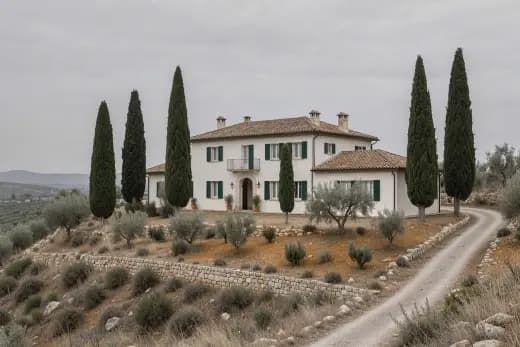
Animate photo
32 creditsBring a still photo to life with a cinematic camera move
Transitions
32 creditsMake a video that moves from one image to another
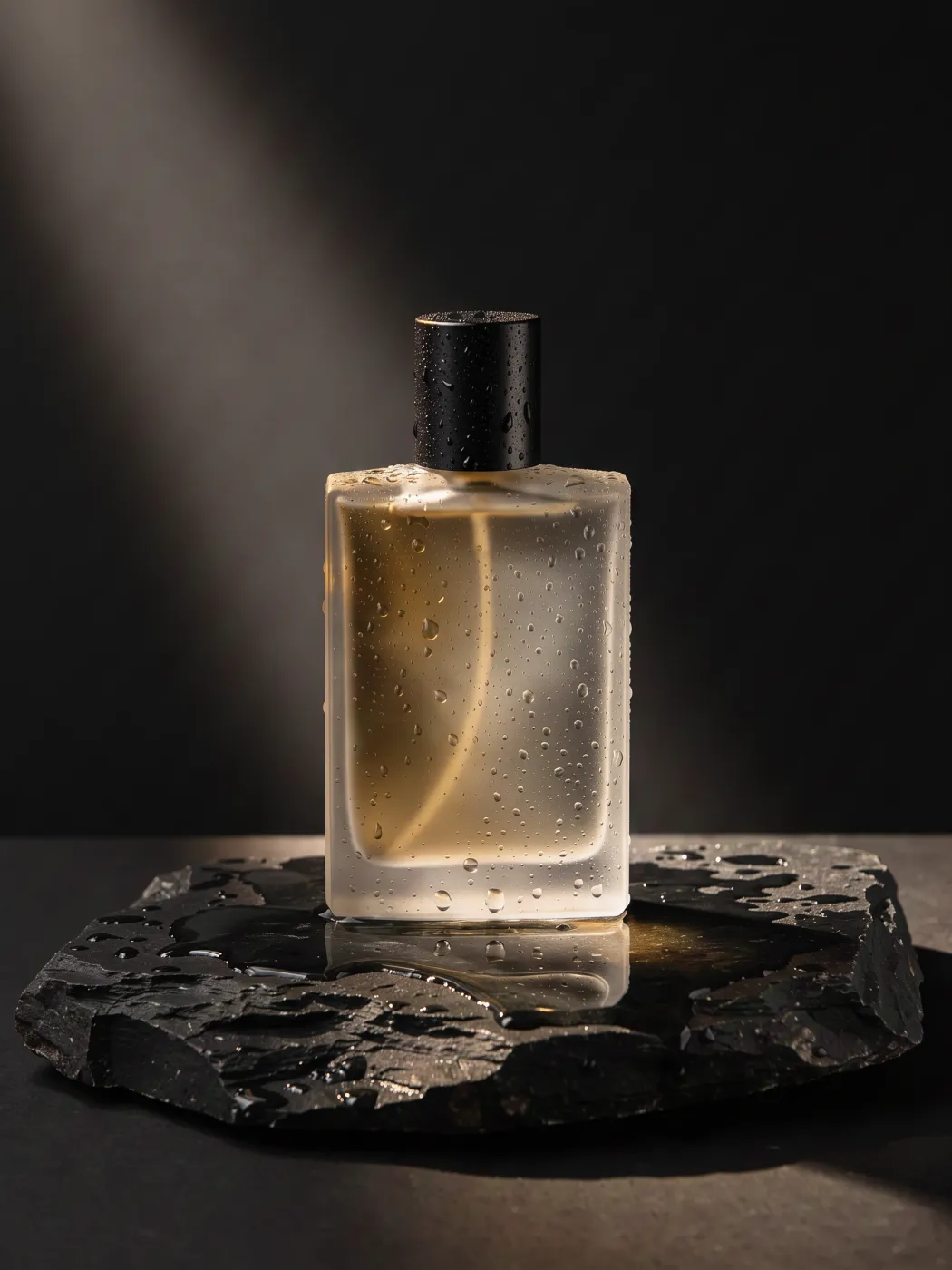
360° product spin
32 creditsTurn one product photo into a smooth turntable video

Shot list
8 creditsTurn one frame into a 4 or 9 shot sequence for a scene
Questions
How do I turn a picture into a video with AI?
Open Video Studio, attach the picture as the start frame, describe the motion ("slow push in, hair moving in the wind"), choose a model and generate.
Can I control the last frame too?
Yes, with Veo 3.1 Fast, Veo 3.1, Kling 3.0, Seedance 2.5 and Veo 3.1 Lite. Attach an end frame and the clip will move from your first image to your second.
Can I animate photos of people?
Yes, within our content policy. Deceptive deepfakes and non-consensual imagery of real people are blocked.
Is there a free version?
The free image generator makes 5 images with FLUX.2 Klein without an account. Everything else uses credits from a plan. Plans start at $10 a month for 100 credits ($8 a month billed yearly), and the exact cost of every generation shows on the Generate button before you run it. Failed generations are refunded automatically.
Can I use the results commercially?
Commercial use is included on the Pro and Business plans. See the Terms of Service for the details of the license.