Turn one photo into a 3D model
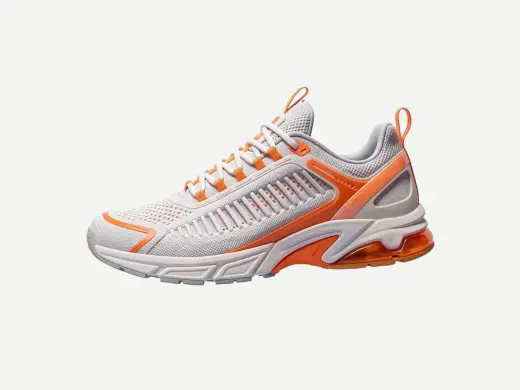
Upload a product shot, a character render or a sketch of an object.
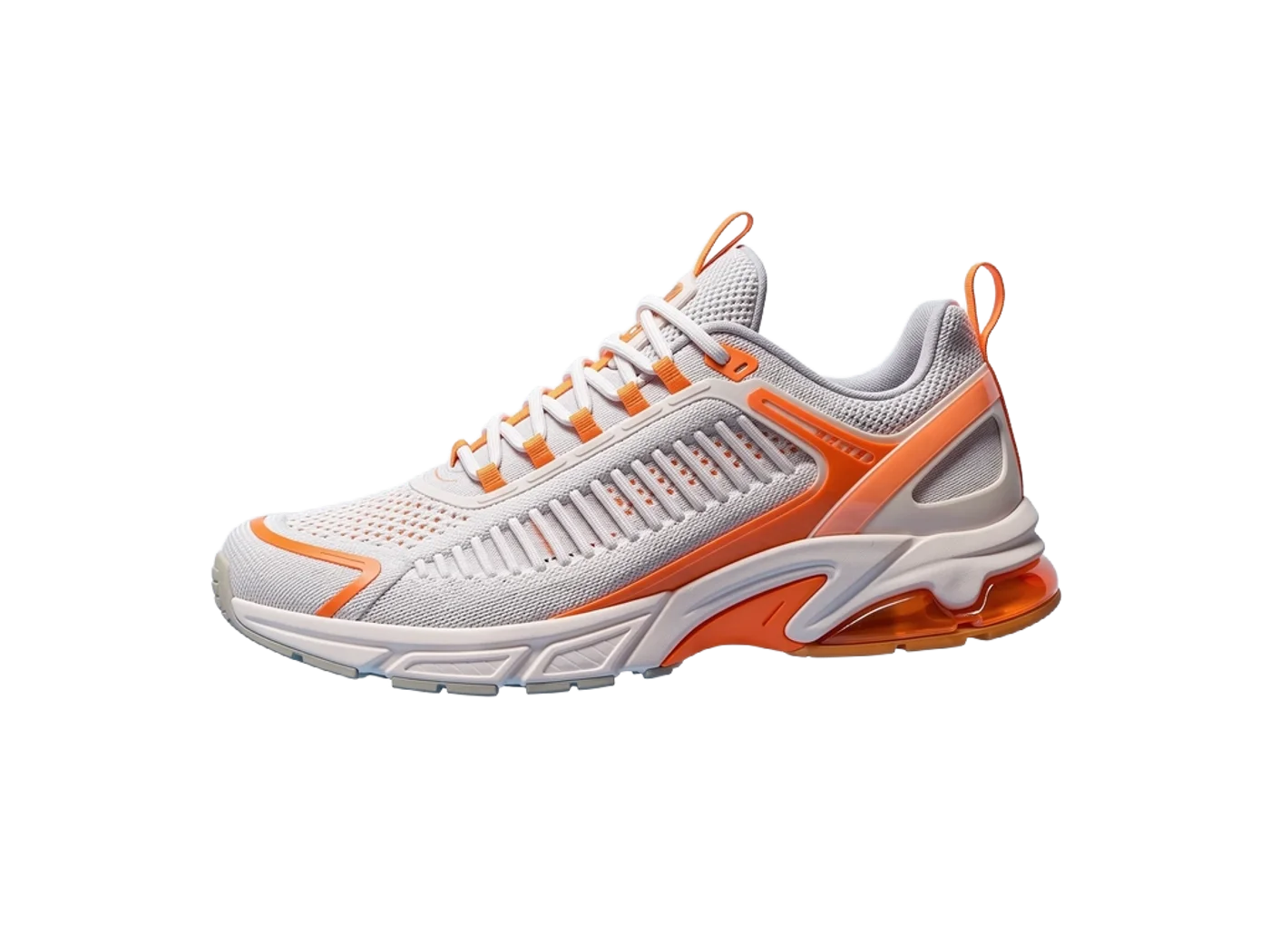 Drag to turn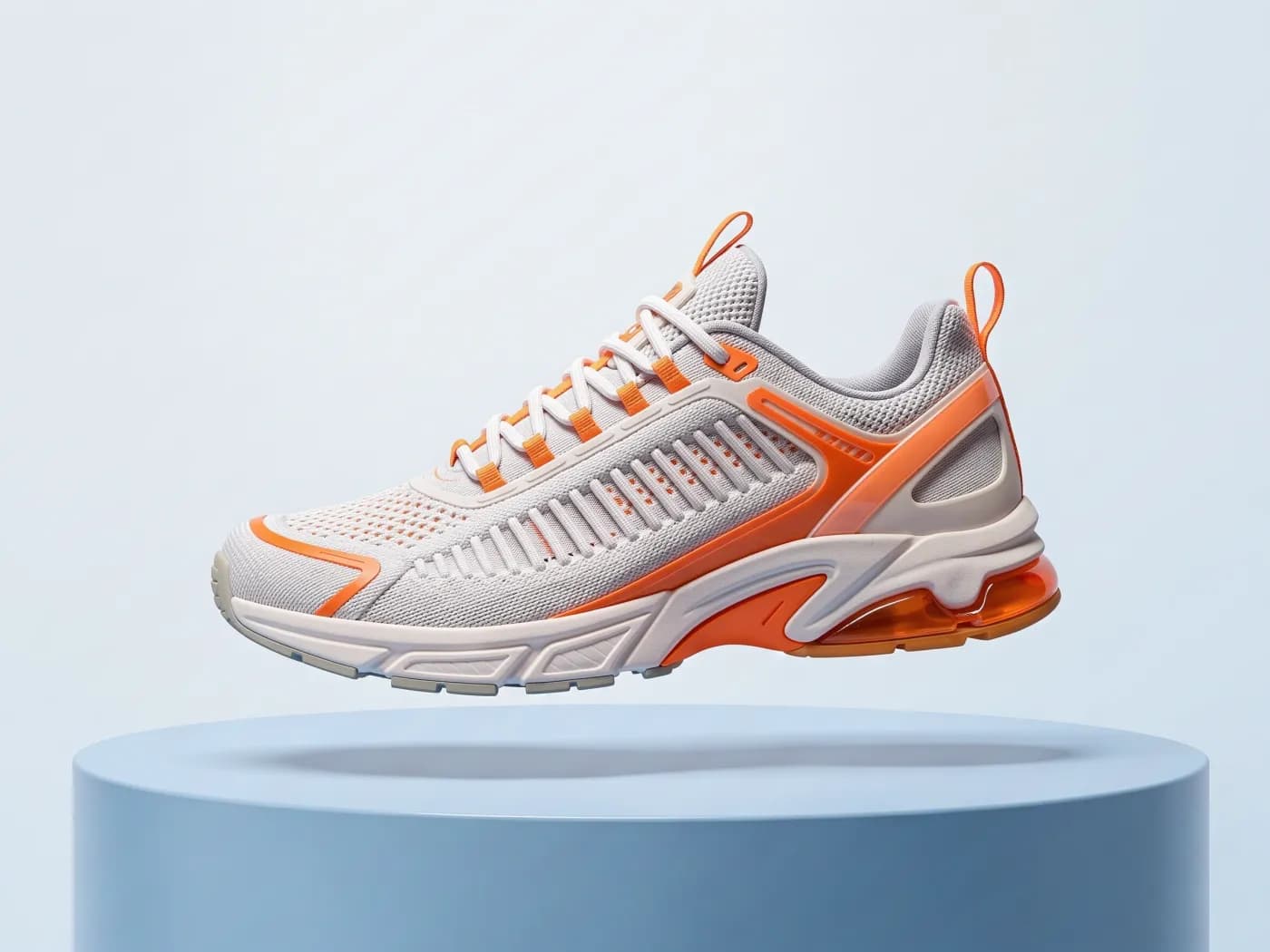
Make a 3D model from this photo with Rodin Gen-2, with PBR materials
How it works
Add a clean photo
One object, well lit, on a plain background. Remove the background first if it's busy.
Choose the 3D model
Rodin Gen-2.5 for crisp quad meshes, Tripo H3.1 for the closest match to the photo, Rodin Gen-2.5 Fast for cheap drafts, or TRELLIS.2 and Hunyuan3D 3.1.
Preview and download
Turn the model in the browser and download the GLB.
More about Image to 3D
Upload a product shot, a character render or a sketch of an object. Rodin Gen-2.5, Rodin Gen-2.5 Fast, Tripo H3.1, TRELLIS.2, Rodin Gen-2 or Hunyuan3D 3.1 reconstructs it as a textured mesh with materials, ready to download as GLB.
What you get
- Make 3D from any image
- Every image in PhotoGenius has a Make 3D action, so generated products go straight to a mesh.
- Textured GLB
- Geometry and textures in one file.
- PBR materials
- Roughness and metalness maps for real lighting.
- Clean inputs in one click
- Remove the background for 1 credit before meshing.
Models
| Model | Best at | From |
|---|---|---|
| Rodin Gen-2.5Hyper3DHyper3D's latest Rodin: crisp hard-surface geometry, quad meshes and PBR materials. | Hyper3D's latest Rodin: crisp hard-surface geometry, quad meshes and PBR materials. | 16per model |
| Rodin Gen-2.5 FastHyper3DRodin Gen-2.5's fast tier: light quad meshes with PBR, for a fraction of the price. | Rodin Gen-2.5's fast tier: light quad meshes with PBR, for a fraction of the price. | 4per model |
| Tripo H3.1TripoTripo's latest model: the closest match to your image, with sharp PBR textures. | Tripo's latest model: the closest match to your image, with sharp PBR textures. | 12per model |
| TRELLIS.2MicrosoftMicrosoft's open TRELLIS.2: faithful shapes with clean, remeshed topology. | Microsoft's open TRELLIS.2: faithful shapes with clean, remeshed topology. | 12per model |
| Rodin Gen-2Hyper3DHyper3D's production-ready quad meshes with PBR materials. | Hyper3D's production-ready quad meshes with PBR materials. | 16per model |
| Hunyuan3D 3.1TencentTencent's Pro image-to-3D model: precise, faithful geometry with PBR materials. | Tencent's Pro image-to-3D model: precise, faithful geometry with PBR materials. | 27per model |
One-click apps for the same job
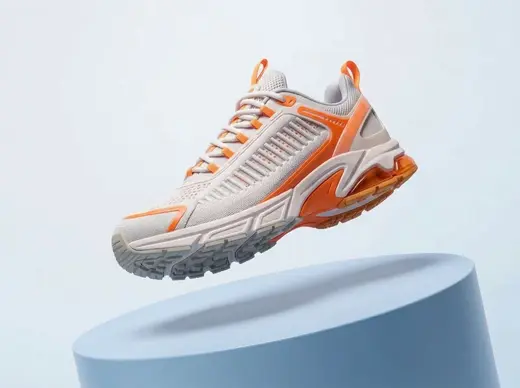
New angles
8 creditsSee the same subject from four new camera angles
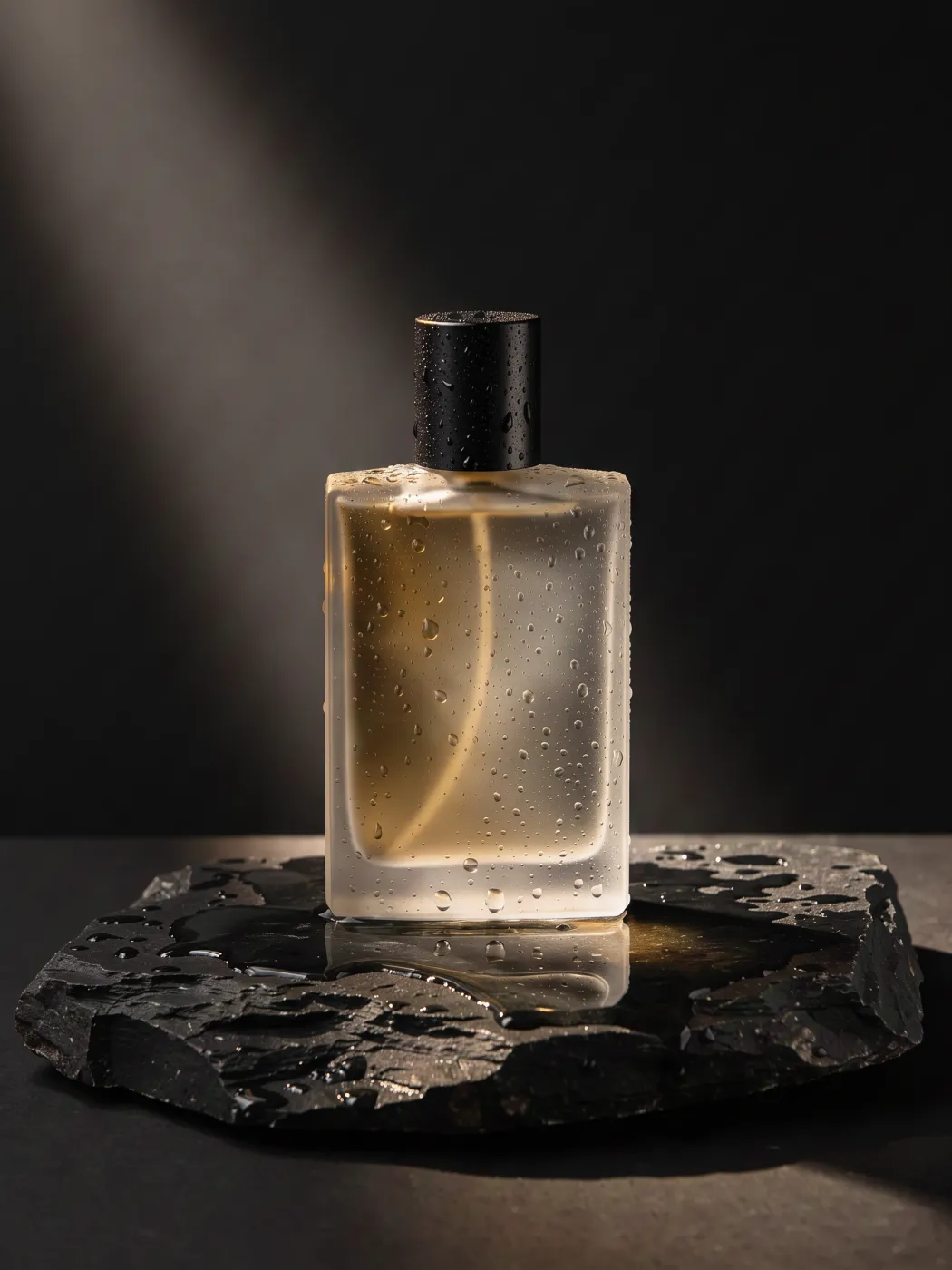
360° product spin
32 creditsTurn one product photo into a smooth turntable video
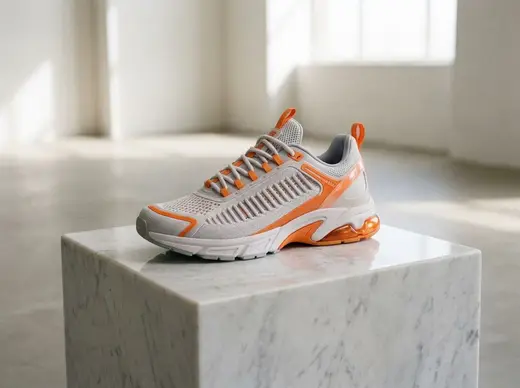
Product photoshoot
3 creditsPut your product in a styled studio or outdoor scene


Die-cut sticker
3 creditsTurn a photo into a transparent sticker with a white border
Questions
What photo works best for image to 3D?
A single object in a three-quarter view, sharp and evenly lit, on a plain background. Busy scenes and several objects give weaker meshes.
Can I make a 3D model of a person?
Characters and figurines work. Photos of real people must follow our content policy.
Do I get the back of the object?
The model infers unseen sides from one image, so the back is a best guess. Front three-quarter views give it the most to work with.
Can I turn a photo into an STL for 3D printing?
Yes. Make the model here, download the GLB, and convert it to STL or 3MF with the free 3D converter, which also scales it to the height you want in millimetres.
Can I use the results commercially?
Commercial use is included on the Pro and Business plans. See the Terms of Service for the details of the license.