AI 3D model generator
AI 3D models for Roblox
Generate crates, weapons, furniture and set dressing for your experience, with colour, normal and roughness maps. This guide covers what Roblox Studio accepts and the one step AI meshes need before import.
 Loading model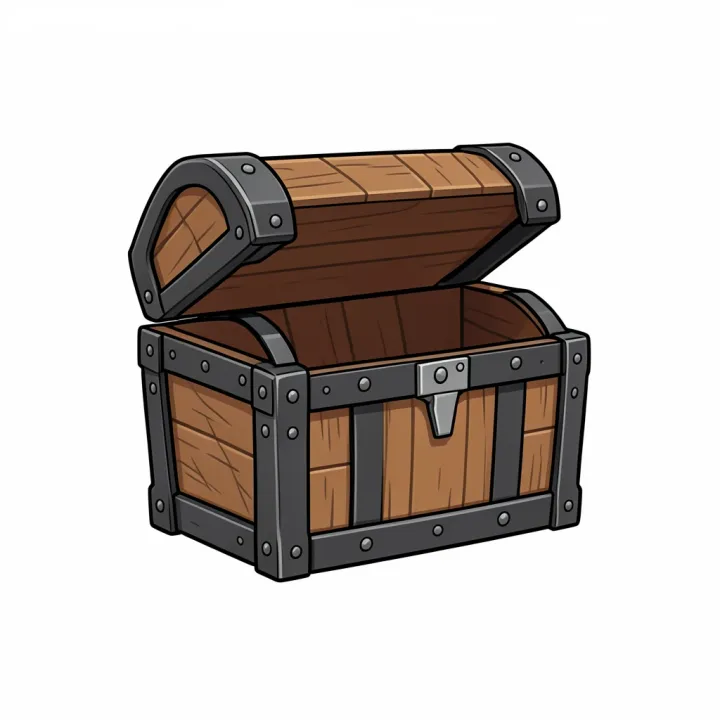
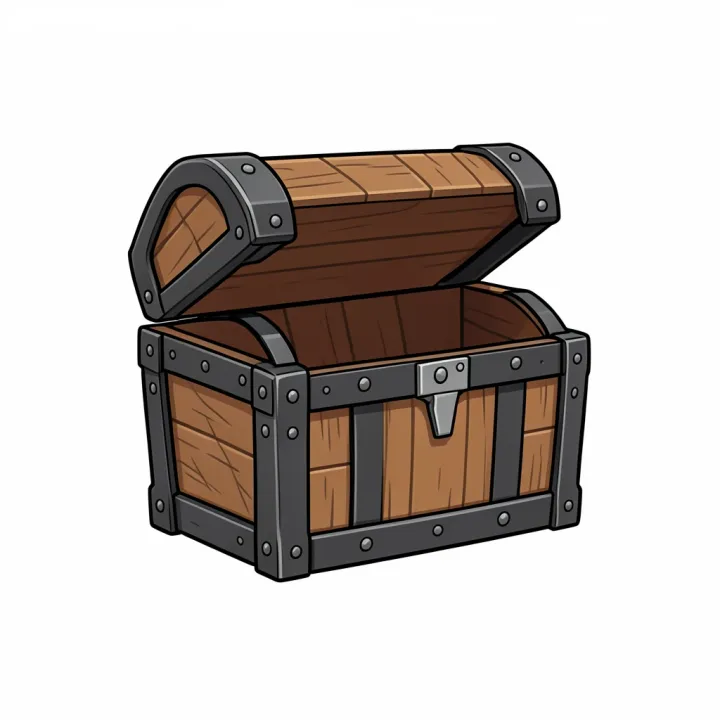
Treasure chest
From a FLUX.2 Klein concept image, meshed with Rodin Gen-2.5.
Optimised for the web; the file you download from the studio is full size.
Which format to use: .gltf, .fbx or .obj
- Formats
- The 3D Importer imports .fbx, .gltf and .obj. FBX and glTF carry basic and PBR textures; OBJ is for basic single meshes.
- Triangles
- Individual meshes can't exceed 20,000 triangles.
- Geometry
- Meshes must be watertight, without exposed holes or backfaces.
- PBR
- SurfaceAppearance takes colour, normal (OpenGL format), roughness, metalness and emissive maps, one material and one UV set per mesh.
- Our output
- At Detail Medium, Rodin meshes measure about 30,000 to 40,000 triangles. At Detail Low our test chest came out at 19,215 triangles with Rodin Gen-2.5 and 17,719 with Gen-2, with 2048 × 2048 PBR maps.
- UGC accessories
- Marketplace accessories have stricter rules: a single mesh of 4,000 triangles or fewer, plus ID verification and upload fees. This guide is about props in your own experience.
From prompt to finished file
Make the prop at Detail Low
Describe one object on a plain background, or mesh a concept you drew in Image Studio, with Detail set to Low.
Check the count, convert to .gltf
Drop the GLB into the free converter: it shows the triangle count and writes a .gltf with the PBR textures embedded. Over 20,000? Decimate it in Blender first.
Import into Studio
Open the 3D Importer, choose the file, check the preview and scale, and insert it into your place.
Prompts to start from
- A stylised wooden treasure chest with iron bands, chunky cartoon proportions, plain white backgroundOpen in Text to 3D
- A toon-style sci-fi blaster prop, bold simple shapes, plain white backgroundOpen in Text to 3D
- A low-detail cartoon market stall with an awning, plain white backgroundOpen in Text to 3D
Tips for better results
Design for the camera distance
Props seen from across a map need far fewer triangles; decimate those further in Blender.
Keep it one object
Single objects import as one MeshPart with one SurfaceAppearance, which is what Roblox expects.
Match the style
Ask for blocky, low-detail or toon styles in the prompt so the prop fits your experience.
Where AI models fall short
- Detail Low lands close to Roblox's 20,000-triangle limit, not far under it; a busy object can go over and then needs a decimate pass in Blender.
- Models are static; characters need rigging before they can animate in Roblox.
- Marketplace accessories need far lower triangle counts and specific materials; treat AI meshes as a starting point there.
Questions
Which file should I import into Roblox Studio?
FBX or glTF if you want PBR textures, OBJ for a plain mesh. Roblox's 3D Importer lists all three. Our converter writes .gltf and .obj from the GLB; Blender exports .fbx.
Why won't my model import?
Most often it's over 20,000 triangles per mesh. Generate it at Detail Low, or decimate it in Blender. Holes and inverted faces can also fail Roblox's watertight check.
Can I sell AI models as UGC items?
Accessories must meet Roblox's UGC specs (single mesh, 4,000 triangles or fewer) and marketplace policies, including ID verification and fees. Check the commercial terms of your PhotoGenius plan too.
Can the model have PBR materials in Roblox?
Yes, through SurfaceAppearance: colour, normal, roughness and metalness maps. Our models come with all of these.
Related guides and converters
- AI game asset generatorProps from concept art or a prop list, with PBR for any engine.
- AI 3D models for UnityTextured assets for Unity through glTFast, with PBR materials.
- AI 3D models for BlenderTextured base meshes to sculpt, retopologise and rig in Blender.
- Convert GLB to glTFFree, in your browser
- Convert GLB to OBJFree, in your browser
- Convert FBX to GLBFree, in your browser
Sources
AI 3D models for Roblox
From 4 credits per model. The price shows before you run it, and failed runs are refunded.