Edit any photo by describing the change
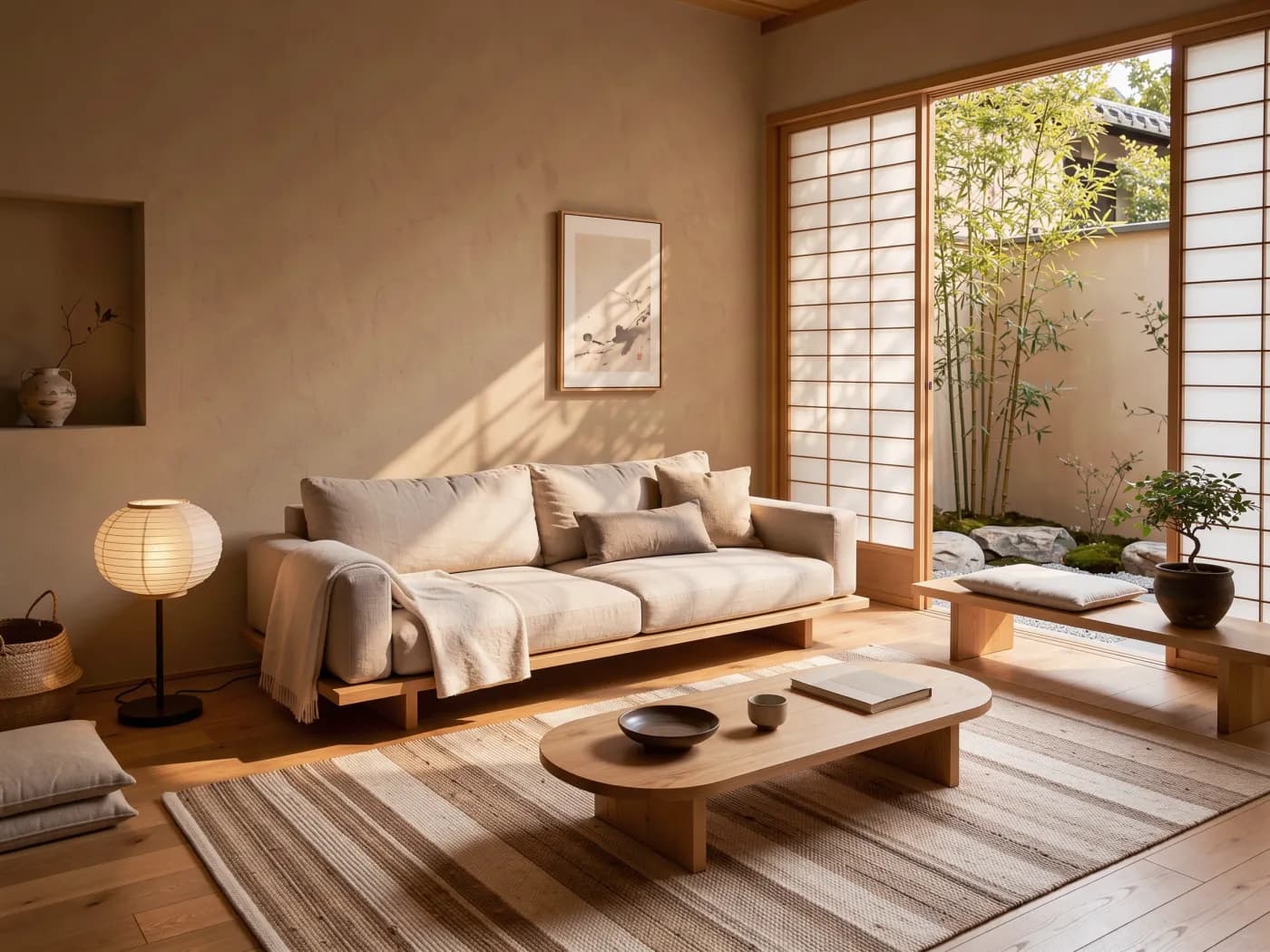
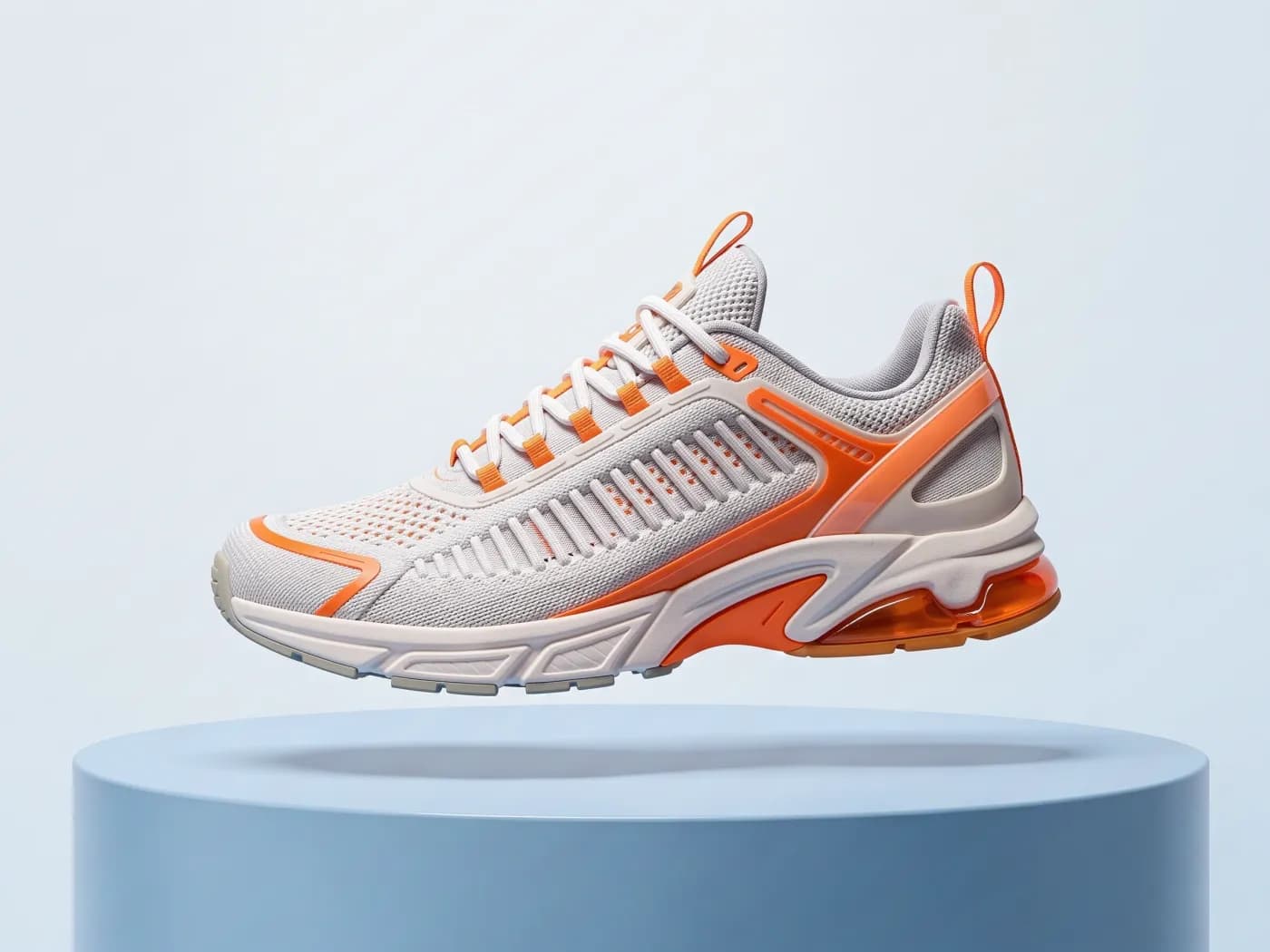
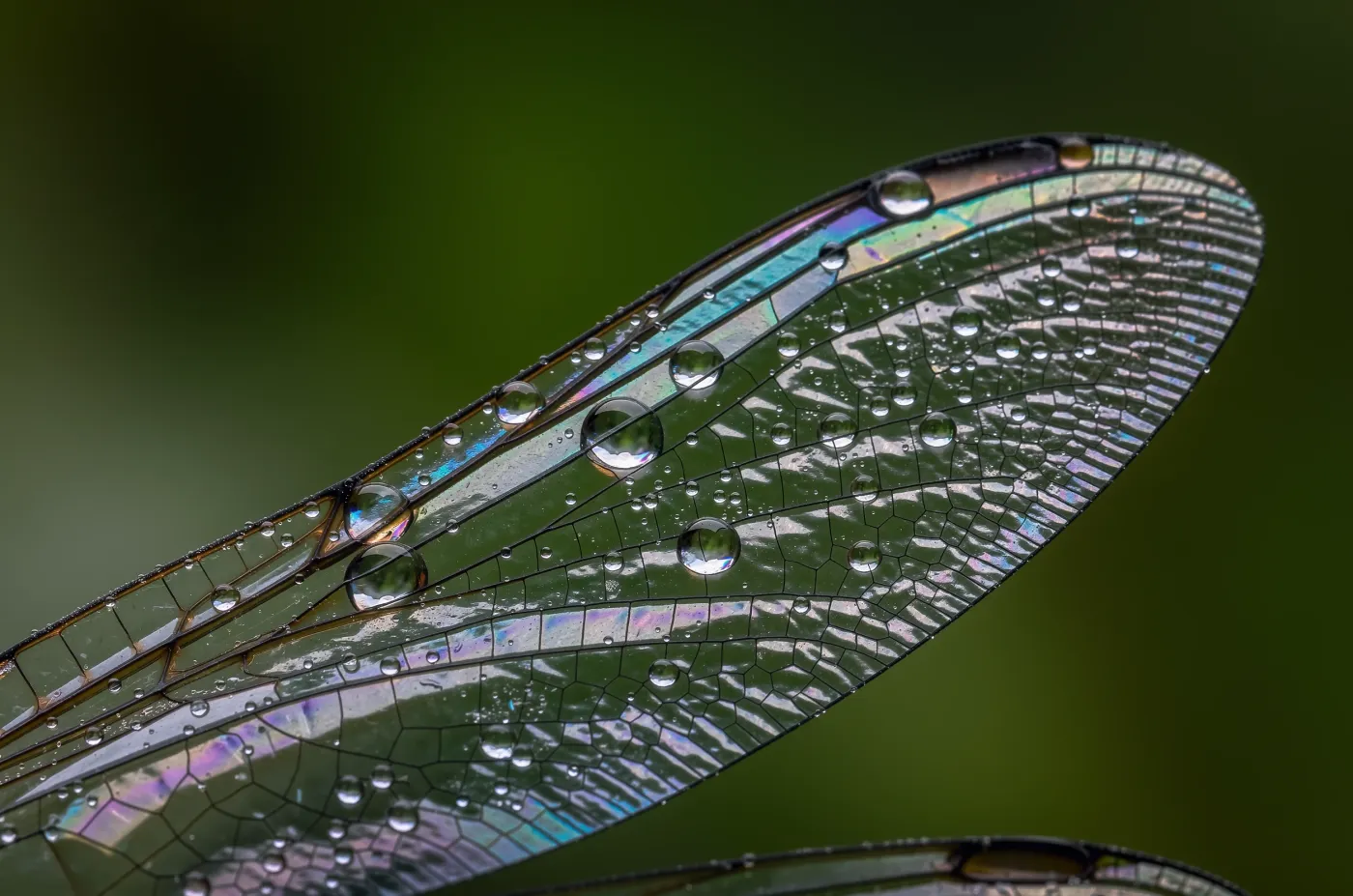
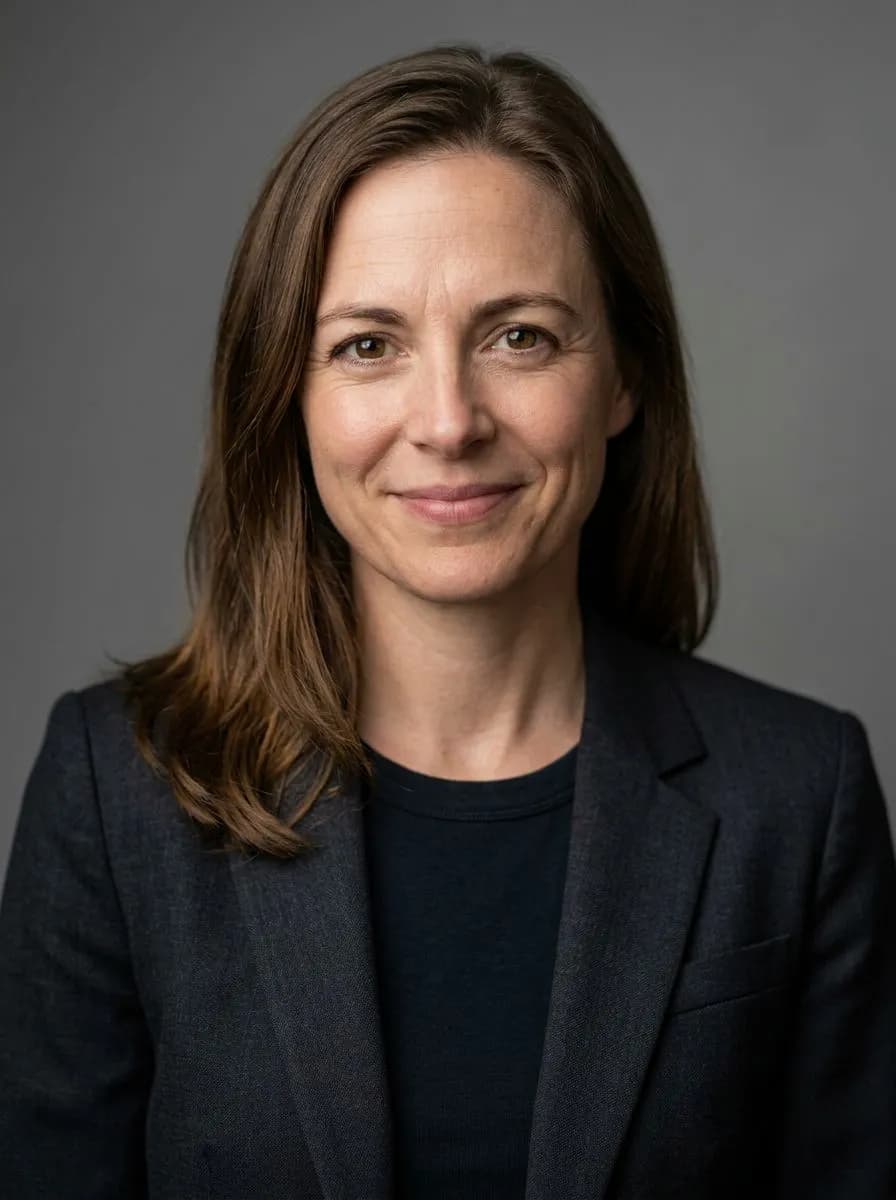
Upload a photo, or pick an image you made, and say what should be different.
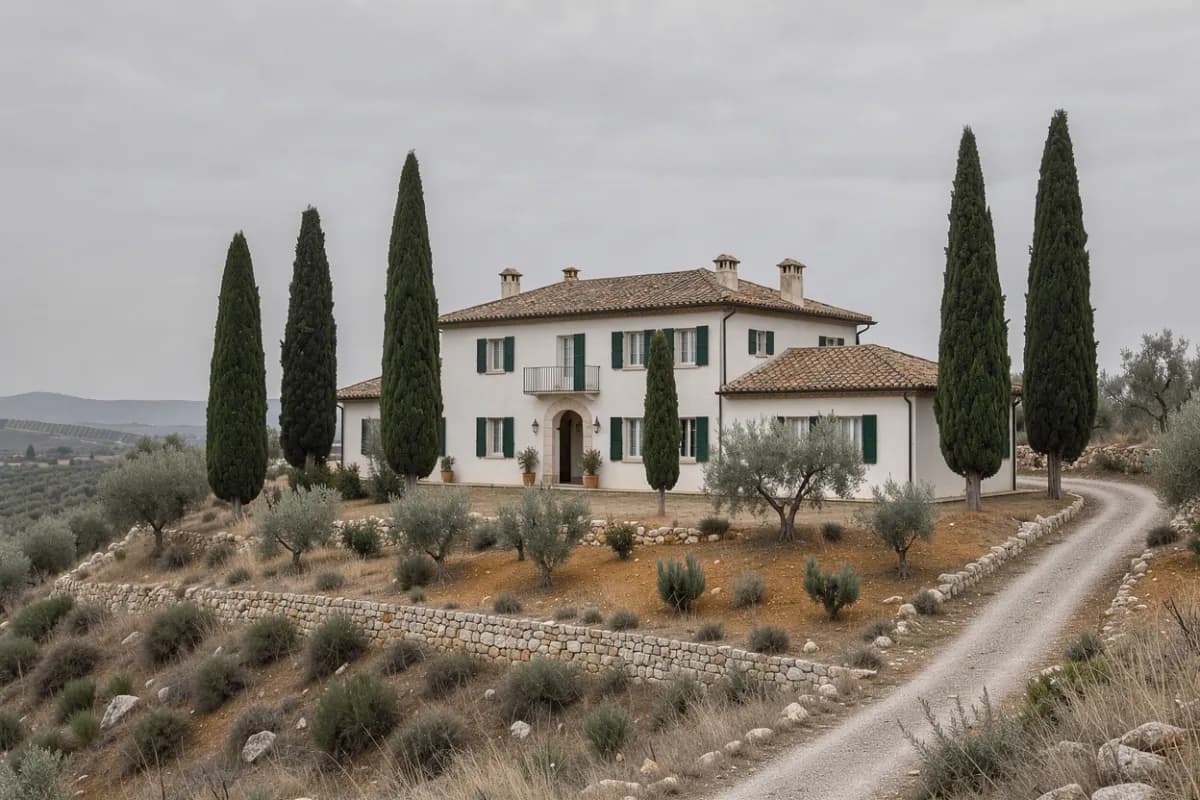 Original
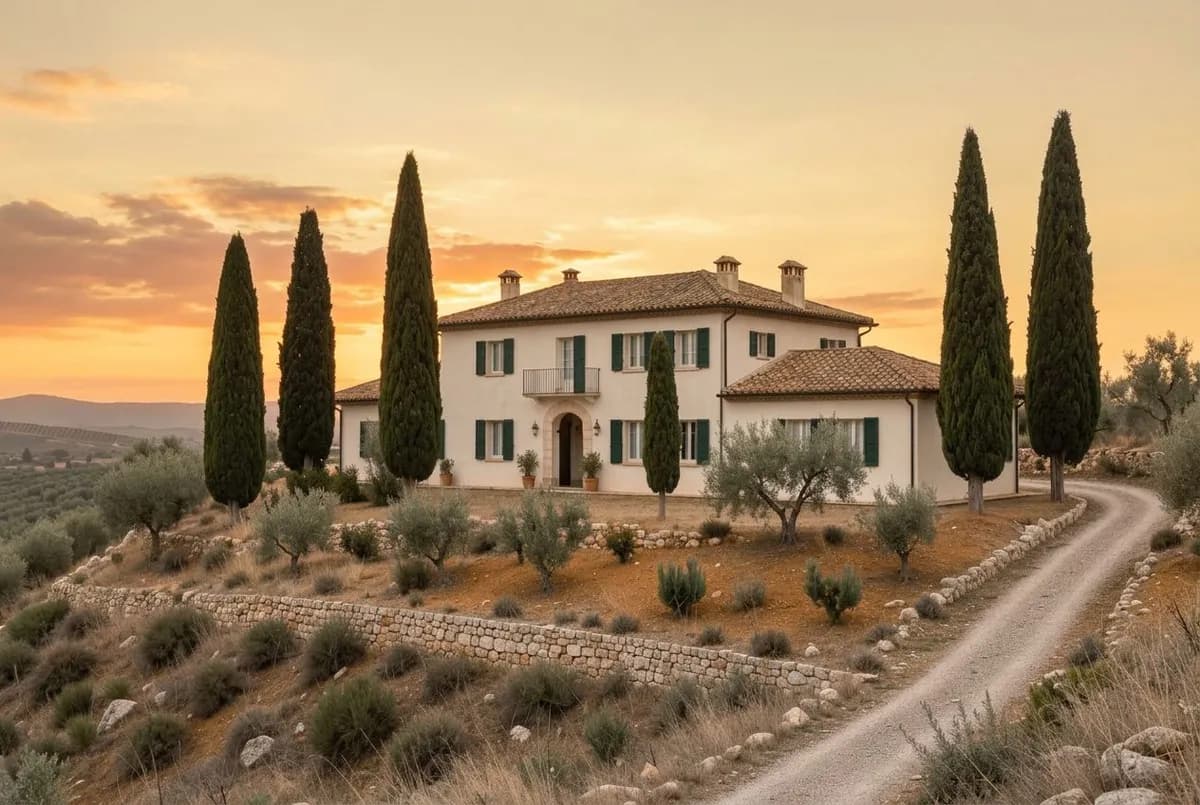 Edited
How it works
Add the photo
Drop or paste an image, or open anything from your history in Image Studio.
Describe or paint the change
Write the edit in plain words, or paint a mask over the part to replace and describe what goes there.
Compare and continue
The edit arrives as a new image next to the original. Edit again, upscale or animate it.
More about Image Studio
Upload a photo, or pick an image you made, and say what should be different. The model keeps the rest of the picture. For a precise local fix, paint over the area and describe what goes there.
What you get
- Edits in plain language
- "Swap the background for a beach at dusk", "make the jacket red wool", "remove the people in the back".
- Mask edits
- Paint exactly where the change goes. Mask edits run on FLUX Fill Pro.
- Several references
- Combine up to 8 images: put a product into a scene, or dress a character in a specific outfit.
- Non-destructive
- Every edit is a new image with a note of what it came from, so the original is never lost.
- Background and size
- Remove the background or upscale 2× or 4× from the same image.
- Choose the editor
- Nano Banana 2.1 for quick edits, Nano Banana Pro or GPT Image 2.5 for careful ones.
Models
| Model | Best at | From |
|---|---|---|
| Nano Banana 2.1GoogleGoogle's fast all-rounder for images with legible text and conversational edits. | Google's fast all-rounder for images with legible text and conversational edits. | 2per image |
| Nano Banana ProBestGoogleGoogle's most capable image model, for typography, infographics and precise edits. | Google's most capable image model, for typography, infographics and precise edits. | 6per image |
| GPT Image 2.5OpenAIOpenAI's image model, strongest at following detailed instructions and precise edits. | OpenAI's image model, strongest at following detailed instructions and precise edits. | 2per image |
| FLUX 3NewBlack Forest LabsBlack Forest Labs' newest model, for photoreal detail with up to 8 references. | Black Forest Labs' newest model, for photoreal detail with up to 8 references. | 1per image |
| Seedream 5 ProByteDanceByteDance's flagship image model, for crisp 2K images and reference-based edits. | ByteDance's flagship image model, for crisp 2K images and reference-based edits. | 2per image |
One-click apps for the same job
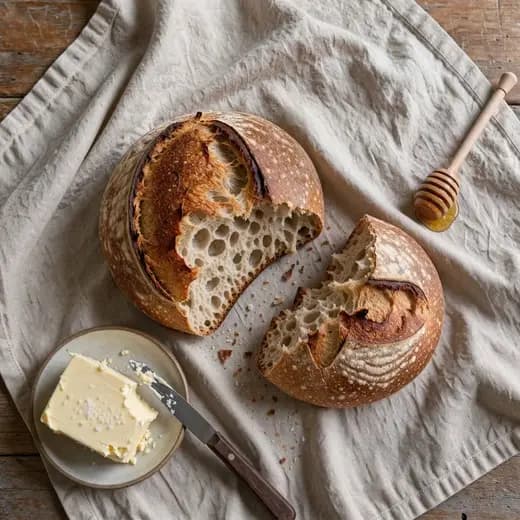
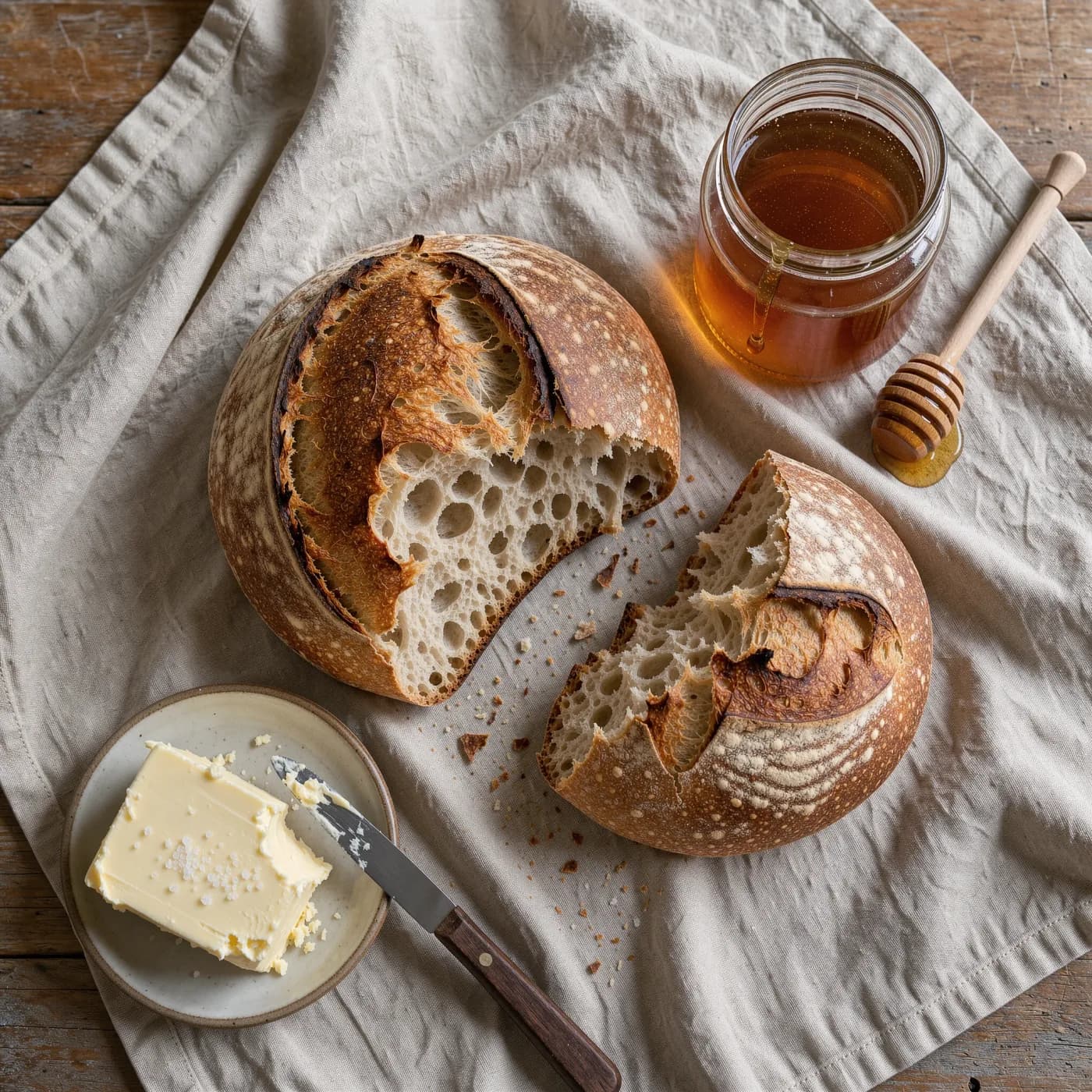
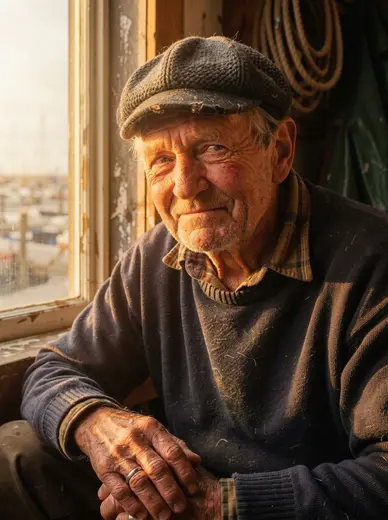
Remove object
3 creditsDescribe what to remove and it disappears cleanly
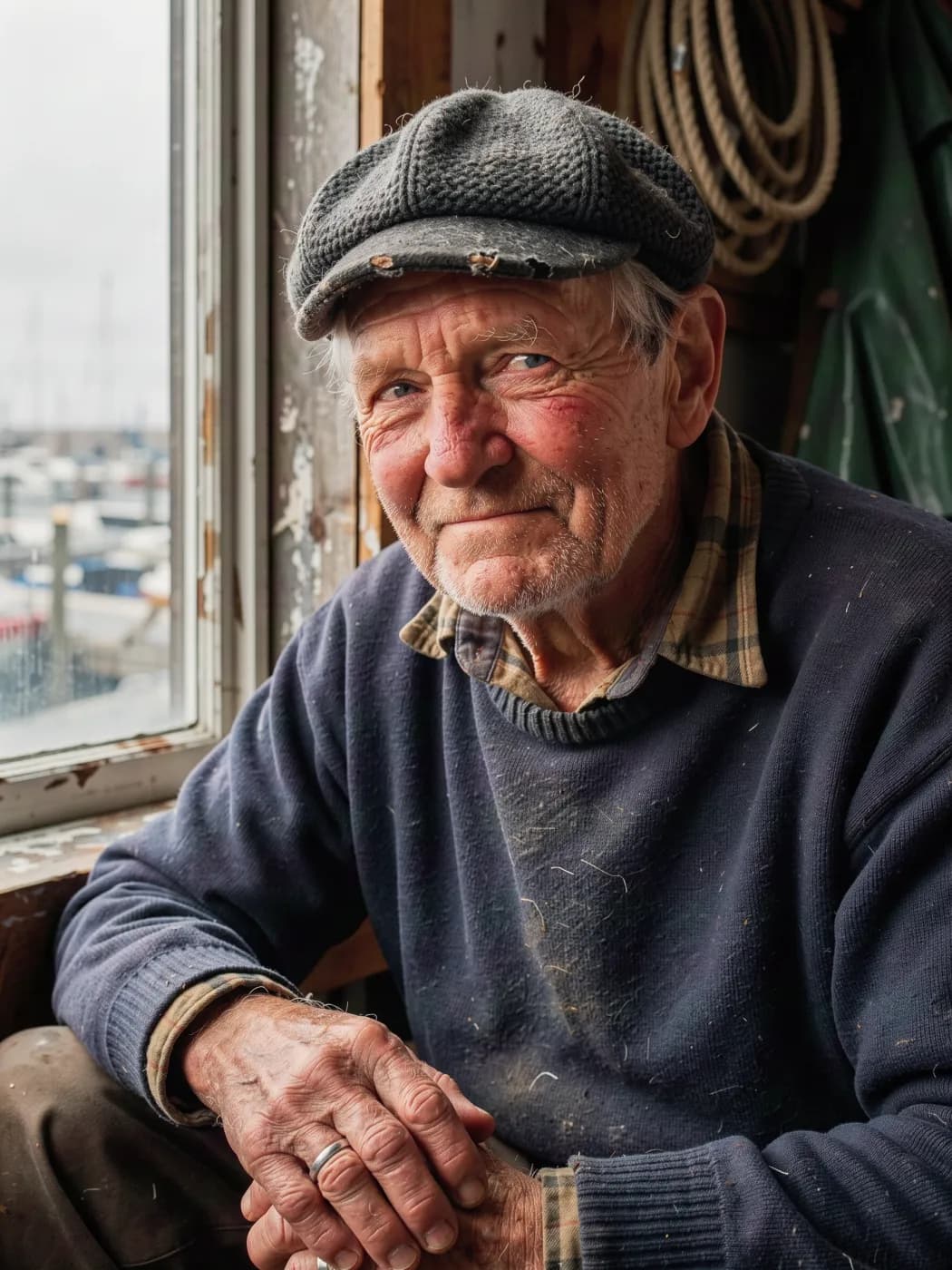
Relight
3 creditsChange the lighting of a photo without changing anything else

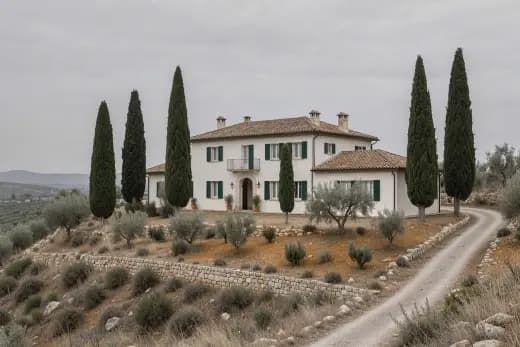
Sky replacement
3 creditsSwap a dull sky for sunset, storm, stars or aurora
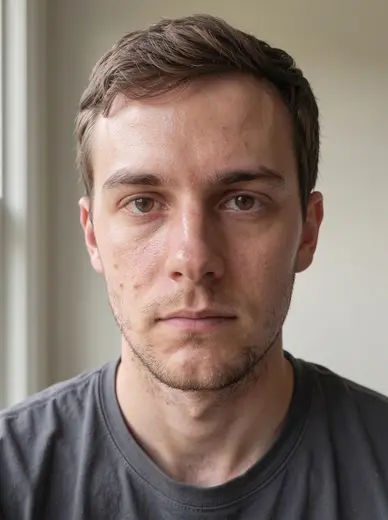
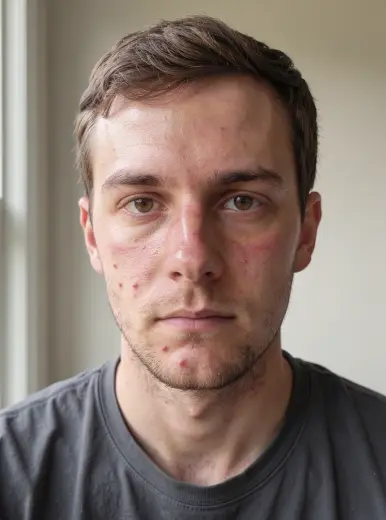
Natural skin retouch
3 creditsEven out skin tone and blemishes while keeping real texture
Questions
Can AI edit a photo without changing my face?
Say what to keep in the prompt ("keep the face, pose and lighting") and use Nano Banana Pro or GPT Image 2.5 for the most faithful results. Edits of real people must follow our content policy.
What is a mask edit?
You paint over the area you want to replace and describe what should be there. Only the painted area changes.
Which file types can I upload?
Common image formats such as JPG, PNG and WebP.
Is there a free version?
The free image generator makes 5 images with FLUX.2 Klein without an account. Everything else uses credits from a plan. Plans start at $10 a month for 100 credits ($8 a month billed yearly), and the exact cost of every generation shows on the Generate button before you run it. Failed generations are refunded automatically.
Can I use the results commercially?
Commercial use is included on the Pro and Business plans. See the Terms of Service for the details of the license.