By Google
Nano Banana 2.1 image generator
Google's fast all-rounder for images with legible text and conversational edits.
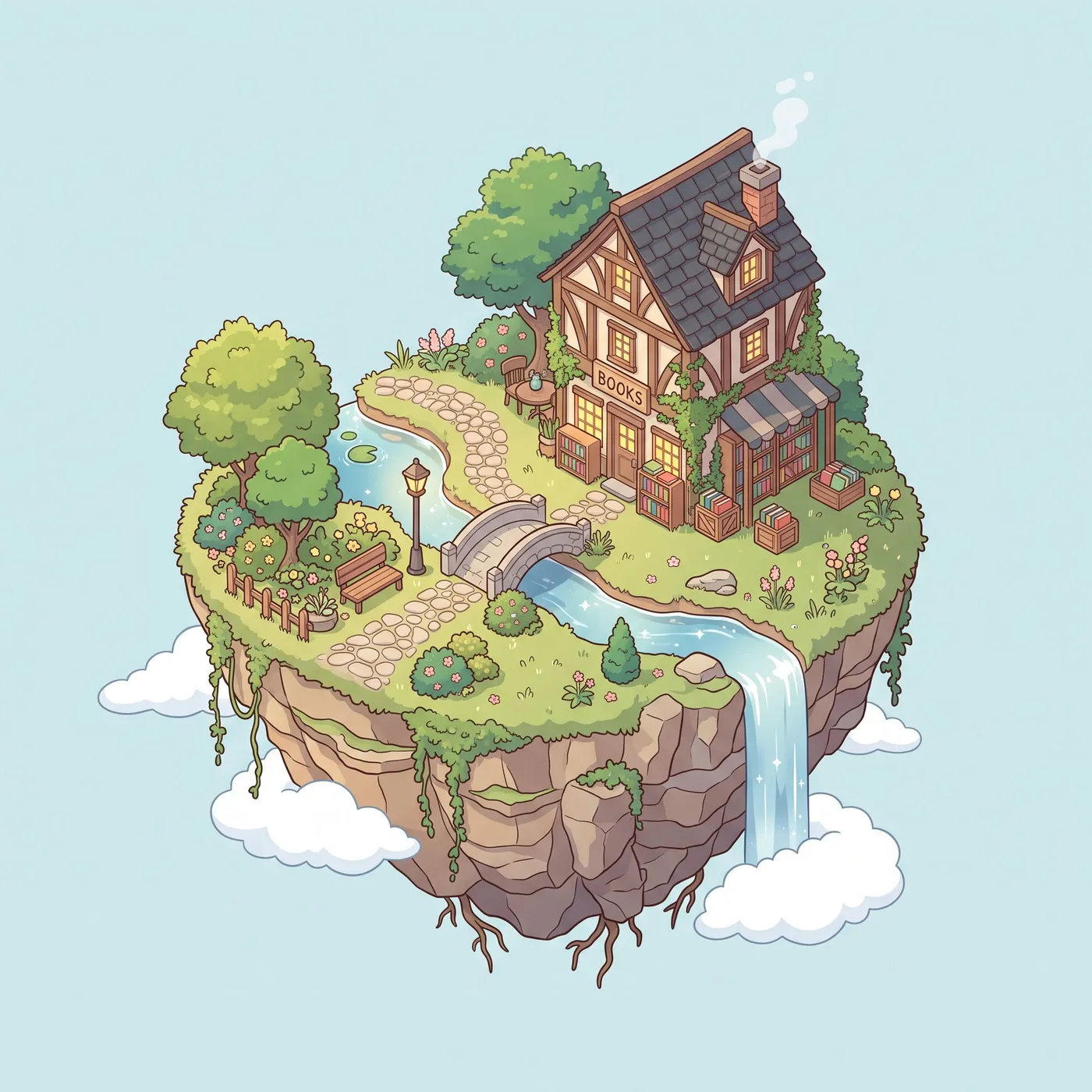 Nano Banana 2.1
Isometric illustration of a tiny floating island with a cozy bookshop, a waterfall and a winding path, clean vector style, soft colors
Made with Nano Banana 2.1

Good at
Everyday image generation
Fast results at 1K, with 2K and 4K when you need print or hero sizes.
Edits in plain language
Attach a photo and say what to change: swap the background, relight the scene, change the outfit.
Combining references
Up to 8 images in one request, for putting a product in a scene or keeping a character consistent.
Short text in images
Posters, labels and signs with a few words spelled correctly more often than older models.
Prompt tips for Nano Banana 2.1
- Say what to keep as well as what to change when editing ("keep the face and pose, change the jacket to red wool").
- Put the exact words you want in quotes, and keep them short.
- Number your references in the prompt ("the bottle from image 1 on the table from image 2").
Settings and limits
- Made by
- Output
- Images at 1K, 2K and 4K
- Aspect ratios
- 1:1, 16:9, 9:16, 4:3, 3:4, 3:2, 2:3, 21:9
- Reference images
- Up to 8, for edits and consistency
- Images per request
- 1 to 4
- Typical time
- About 12 seconds per image
| Setting | Credits |
|---|---|
| 1K | 2 |
| 2K | 3 |
| 4K | 5 |
Credits come with a plan, and failed runs are refunded. See plans
Apps built on Nano Banana 2.1
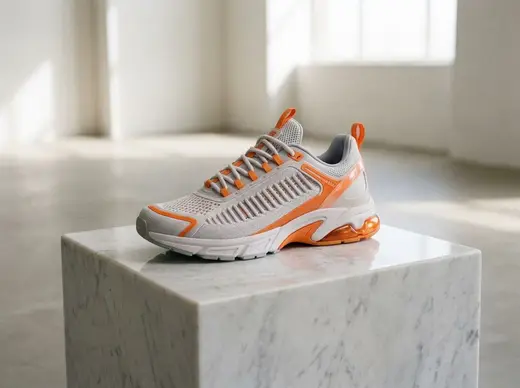
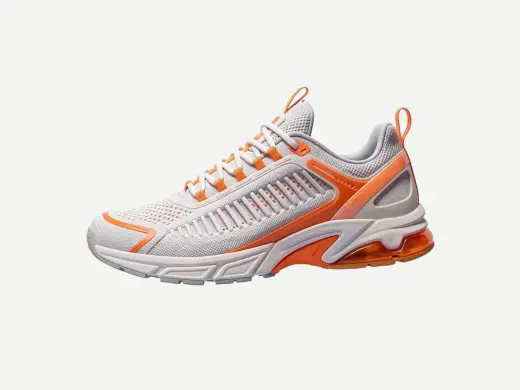
Product photoshoot
3 creditsPut your product in a styled studio or outdoor scene

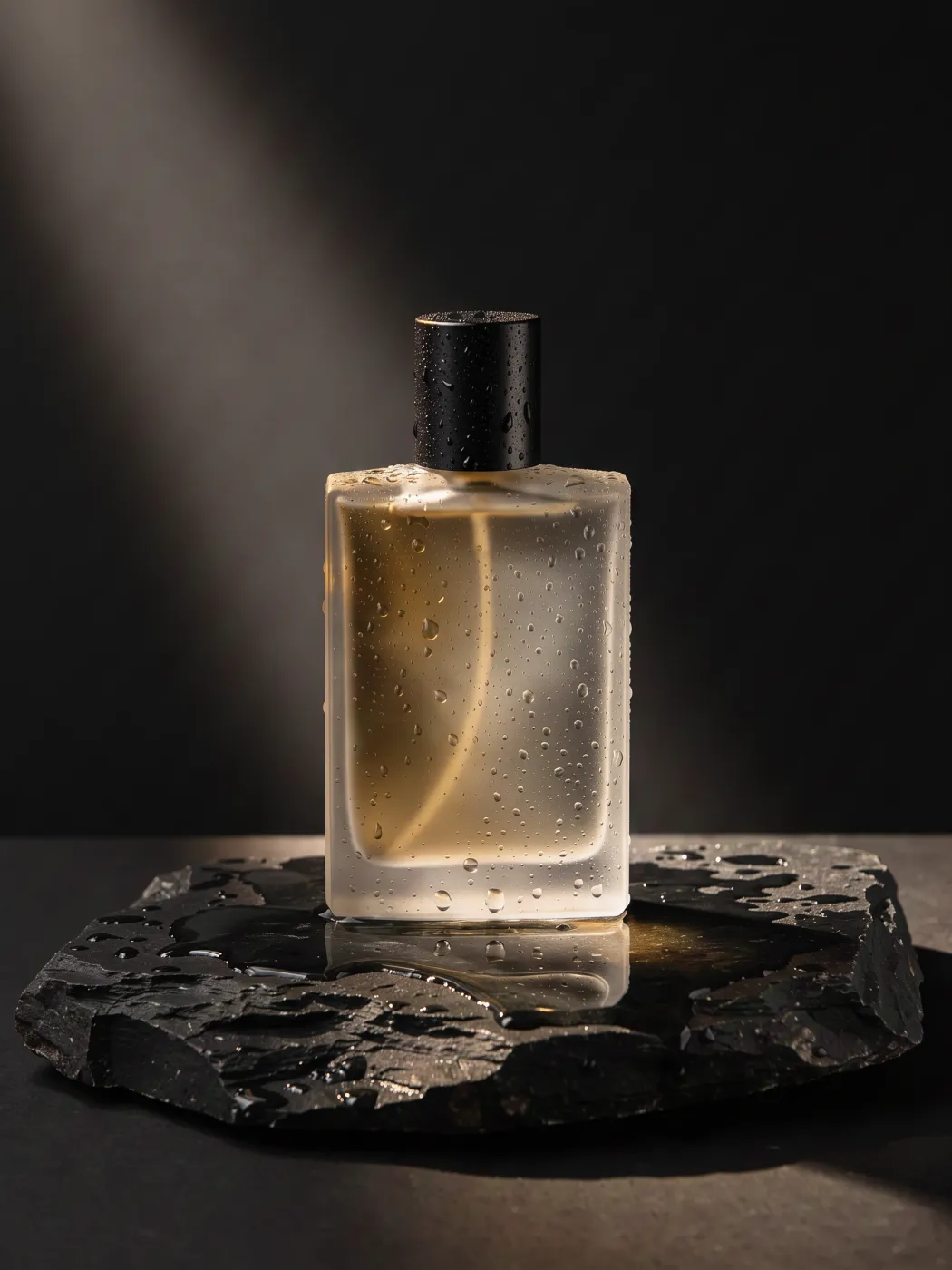
Lifestyle scene
3 creditsShow your product in use, on a counter, a desk or in hand
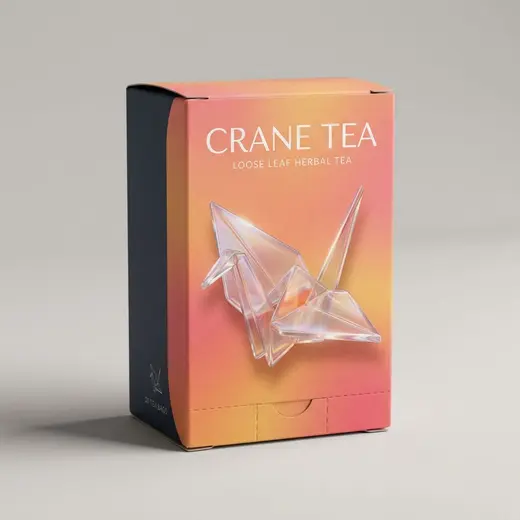
Packaging mockup
3 creditsWrap your logo or label art onto a box, pouch, bottle or can
Billboard mockup
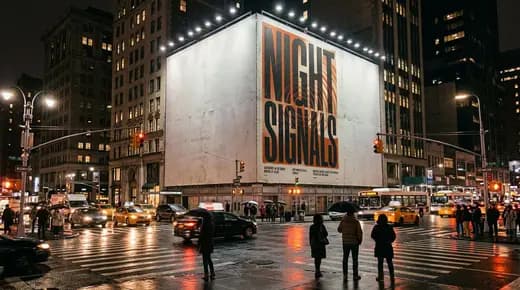
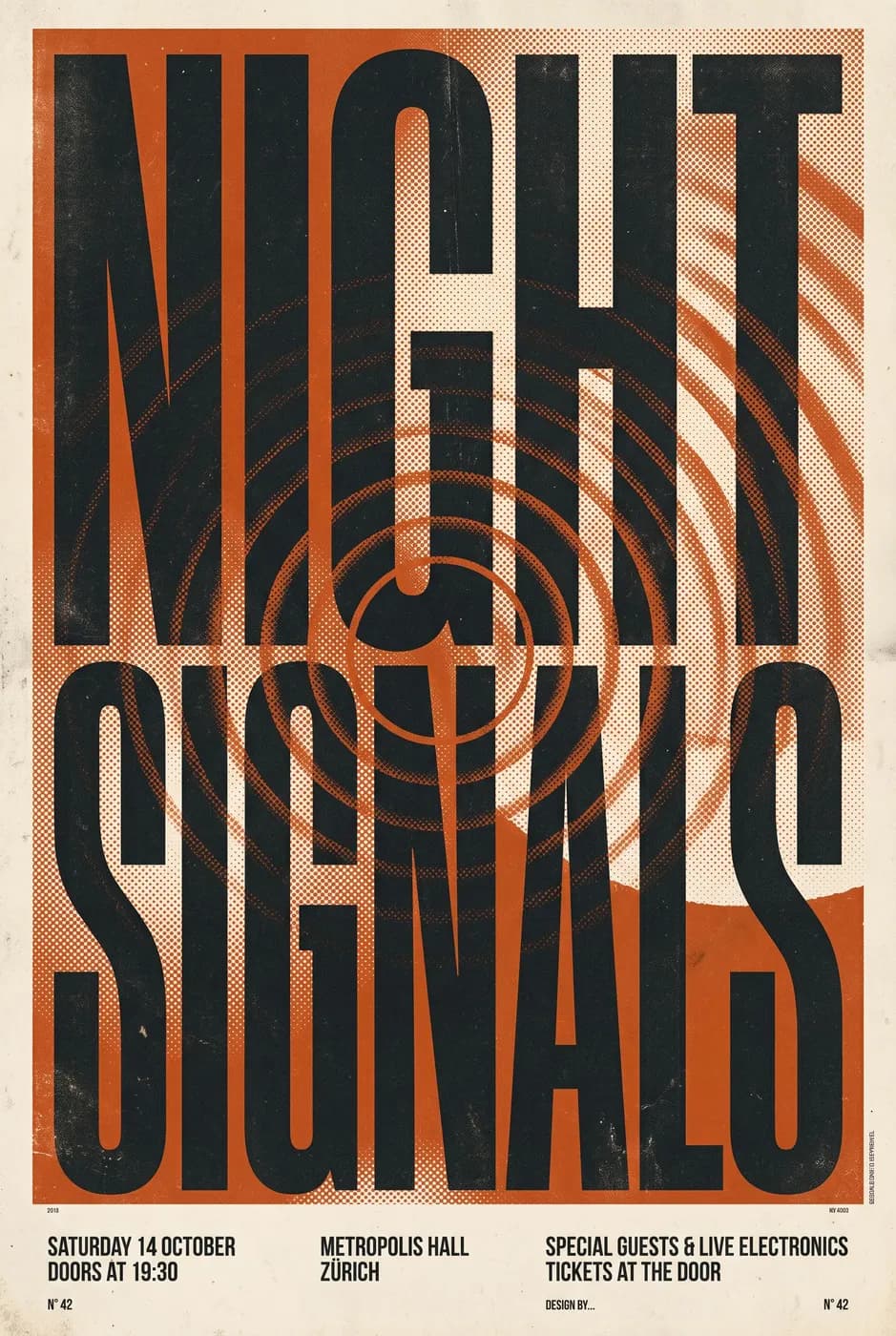
3 creditsSee your ad on a billboard, bus shelter or subway wall
Nano Banana 2.1 questions
What is Nano Banana 2.1?
Nano Banana 2.1 is the default image model in PhotoGenius. It is quick, handles short text in an image well, and is strong at edits: give it a photo and describe the change, or fuse up to 8 reference images into one scene.
Is Nano Banana 2.1 good for editing photos?
Yes. It is one of its strengths. Attach the photo in Image Studio, describe the change, and it returns an edited version that keeps the rest of the image. For precise local changes you can also paint a mask.
How many reference images can I use with Nano Banana 2.1?
Up to 8 per request in PhotoGenius.
Nano Banana 2.1 or Nano Banana Pro?
Start with Nano Banana 2.1 for speed and cost. Switch to Nano Banana Pro for dense typography, infographics or edits where every detail has to hold.
How much does Nano Banana 2.1 cost on PhotoGenius?
Nano Banana 2.1 costs from 2 credits (1k) to 5 credits (4k) per image. Plans start at $10 a month for 100 credits ($8 a month billed yearly), and the exact cost of every generation shows on the Generate button before you run it. Failed generations are refunded automatically.
Can I try Nano Banana 2.1 for free?
Generating with Nano Banana 2.1 uses credits from a plan. To try PhotoGenius without paying, the free image generator makes 5 images with FLUX.2 Klein and needs no account.
Can I use Nano Banana 2.1 results commercially?
Commercial use is included on the Pro and Business plans. See the Terms of Service for the details of the license.