By Hyper3D
Rodin Gen-2.5 Fast 3D model generator
Rodin Gen-2.5's fast tier: light quad meshes with PBR, for a fraction of the price.
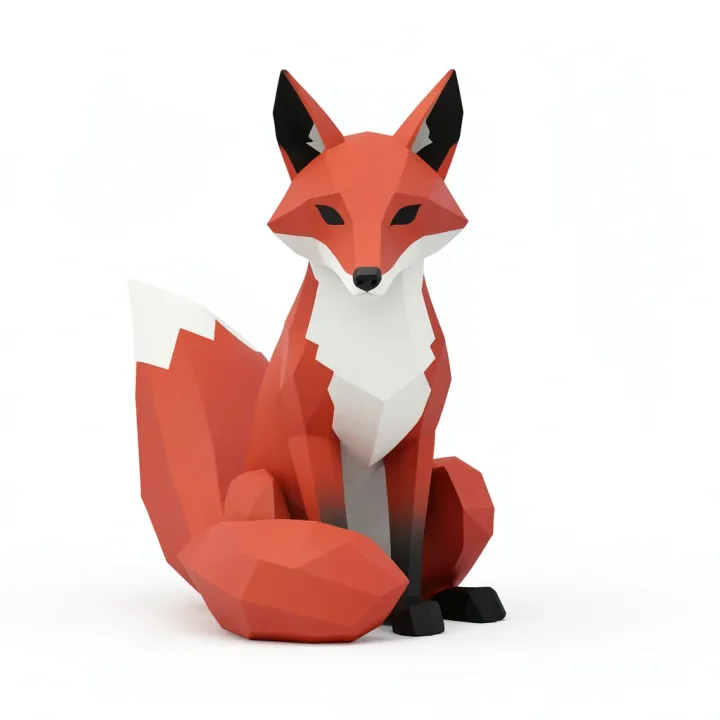
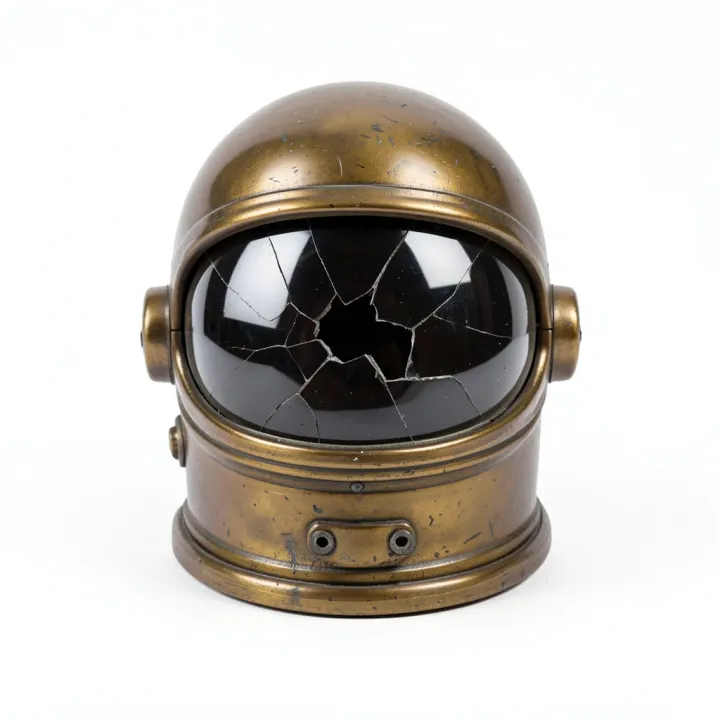

 GLBPBR
A stylised wooden treasure chest with iron bands, chunky proportions, plain white background
Good at
Drafts and iterations
Try a concept in 3D for a few credits before running a heavier model.
Game props
Light quad meshes with PBR materials that drop into an engine as they are.
Web and AR
Small files that load quickly in a browser viewer or on a phone.
Prompt tips for Rodin Gen-2.5 Fast
- Use one object on a plain background, in a front three-quarter view.
- When a draft looks right, mesh the same image with Rodin Gen-2.5 for the final version.
Settings and limits
- Made by
- Hyper3D
- Input
- One image, or a text prompt
- Output
- Textured mesh as GLB
- Materials
- PBR included
- Typical time
- About 2 minutes
| Setting | Credits |
|---|---|
| From an image | 4 |
| From text (includes the concept image) | 5 |
Credits come with a plan, and failed runs are refunded. See plans
Rodin Gen-2.5 Fast questions
What is Rodin Gen-2.5 Fast?
Rodin Gen-2.5 Fast runs Hyper3D's Gen-2.5 at its lighter tiers, capped at about 20,000 faces. It's the quickest, cheapest way to get a textured model: good for drafts, game props and anything that has to load fast on the web.
How is Fast different from Rodin Gen-2.5?
Fast uses Gen-2.5's lighter tiers and caps meshes at about 20,000 faces, so it's quicker and costs a quarter as much. Rodin Gen-2.5 uses the High tier for the most detail.
Is the quality good enough to use?
For props, drafts and web viewers, usually yes: in our tests the shapes and textures held up well next to the full model. Close-ups and prints show the difference.
What file format do I get?
A GLB with PBR materials. Convert it free to STL, 3MF, OBJ, USDZ, PLY or glTF with the 3D converter.
How much does Rodin Gen-2.5 Fast cost on PhotoGenius?
Rodin Gen-2.5 Fast costs from 4 credits (from an image) to 5 credits (from text (includes the concept image)) per model. Plans start at $10 a month for 100 credits ($8 a month billed yearly), and the exact cost of every generation shows on the Generate button before you run it. Failed generations are refunded automatically.
Can I try Rodin Gen-2.5 Fast for free?
Generating with Rodin Gen-2.5 Fast uses credits from a plan. To try PhotoGenius without paying, the free image generator makes 5 images with FLUX.2 Klein and needs no account.
Can I use Rodin Gen-2.5 Fast results commercially?
Commercial use is included on the Pro and Business plans. See the Terms of Service for the details of the license.