Examples
This session
Your creations will appear here.
About Product photoshoot
Studio product photos from one shot
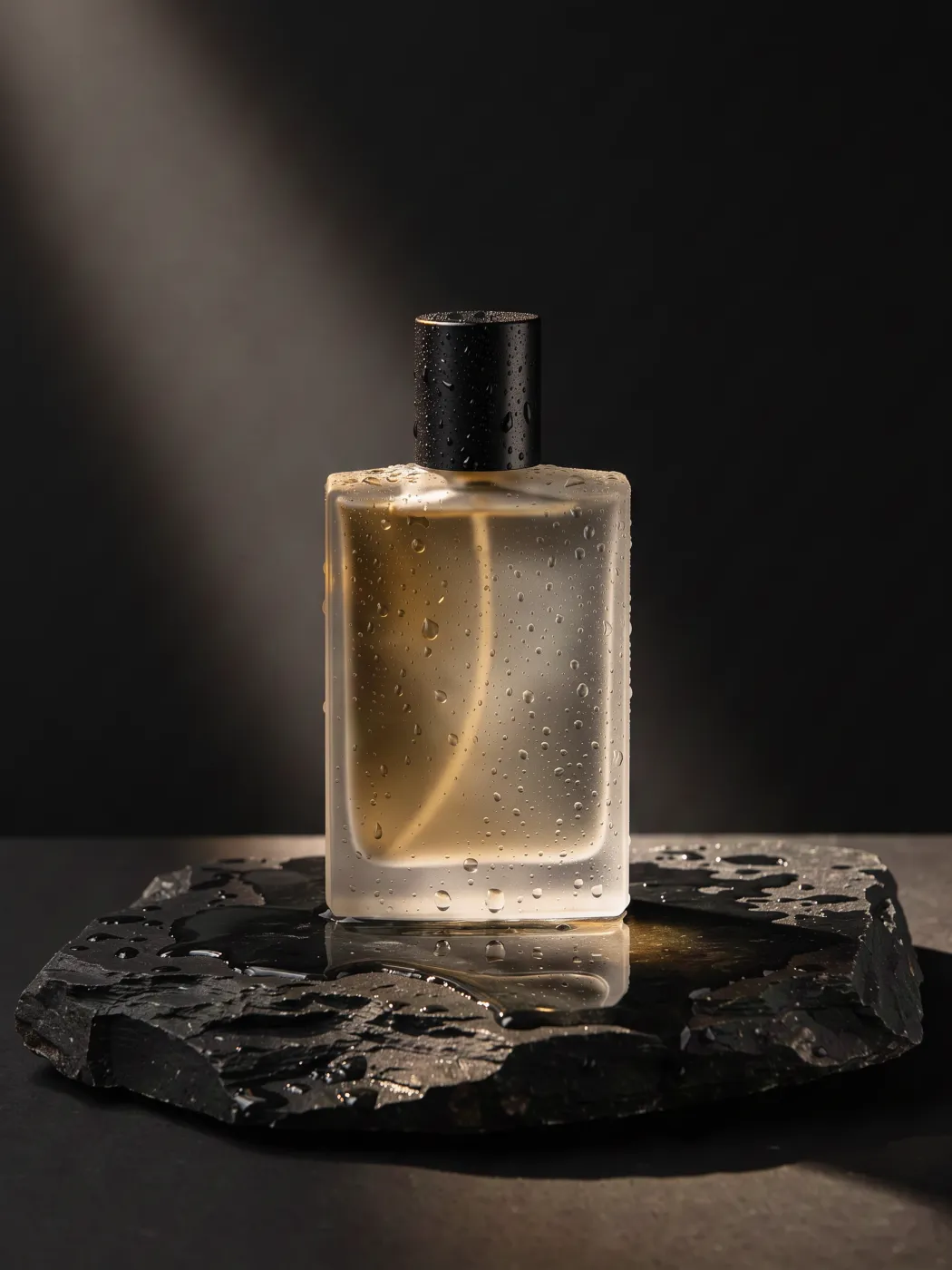
Upload one photo of your product and place it in a styled scene: a marble studio, hard sun with palm shadows, a misty forest floor, poolside, a pastel set or dark luxe glass. The recipe keeps the product's shape, colors, logo and printed text and adds matching contact shadows and reflections, so the shot reads as a real photograph. Each scene is a 2K image.
3 credits, about 18 seconds, made withNano Banana 2.1
Examples
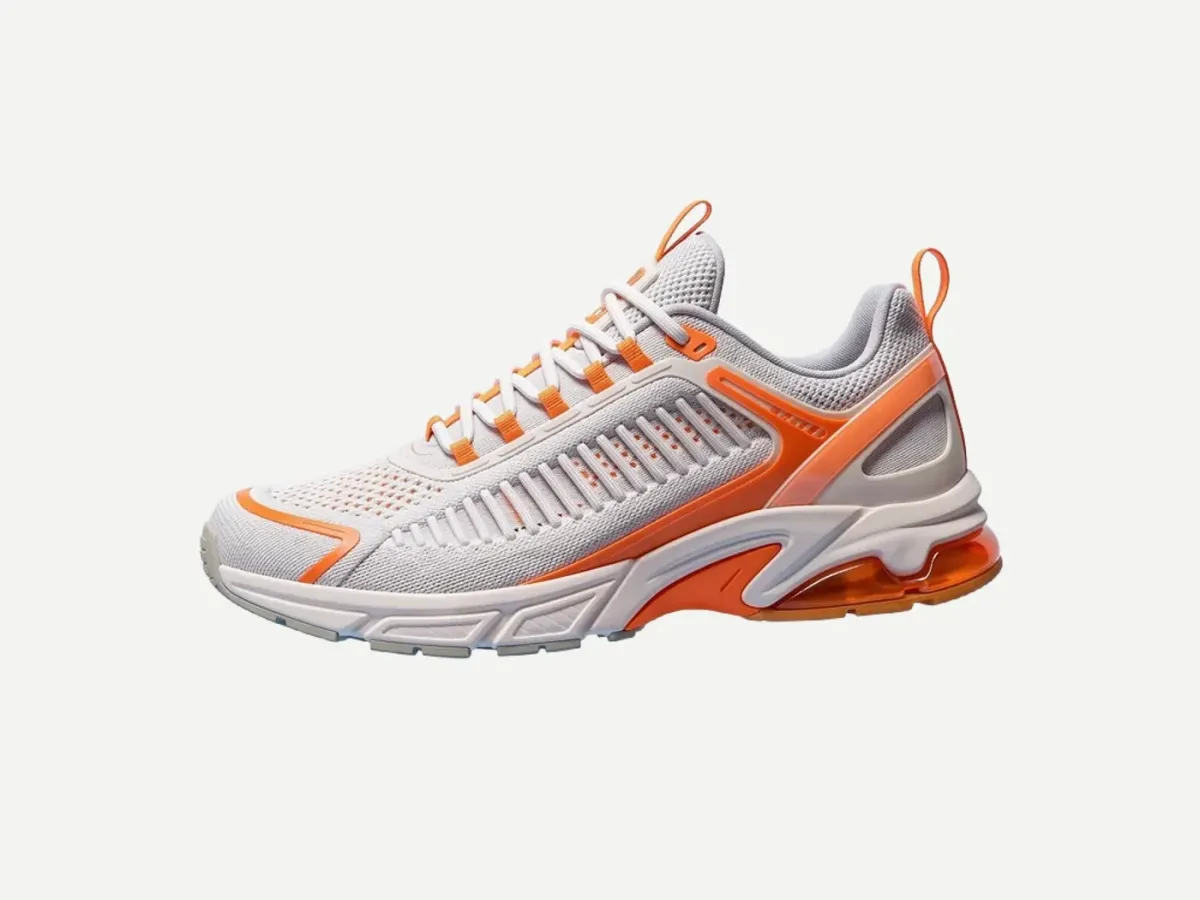
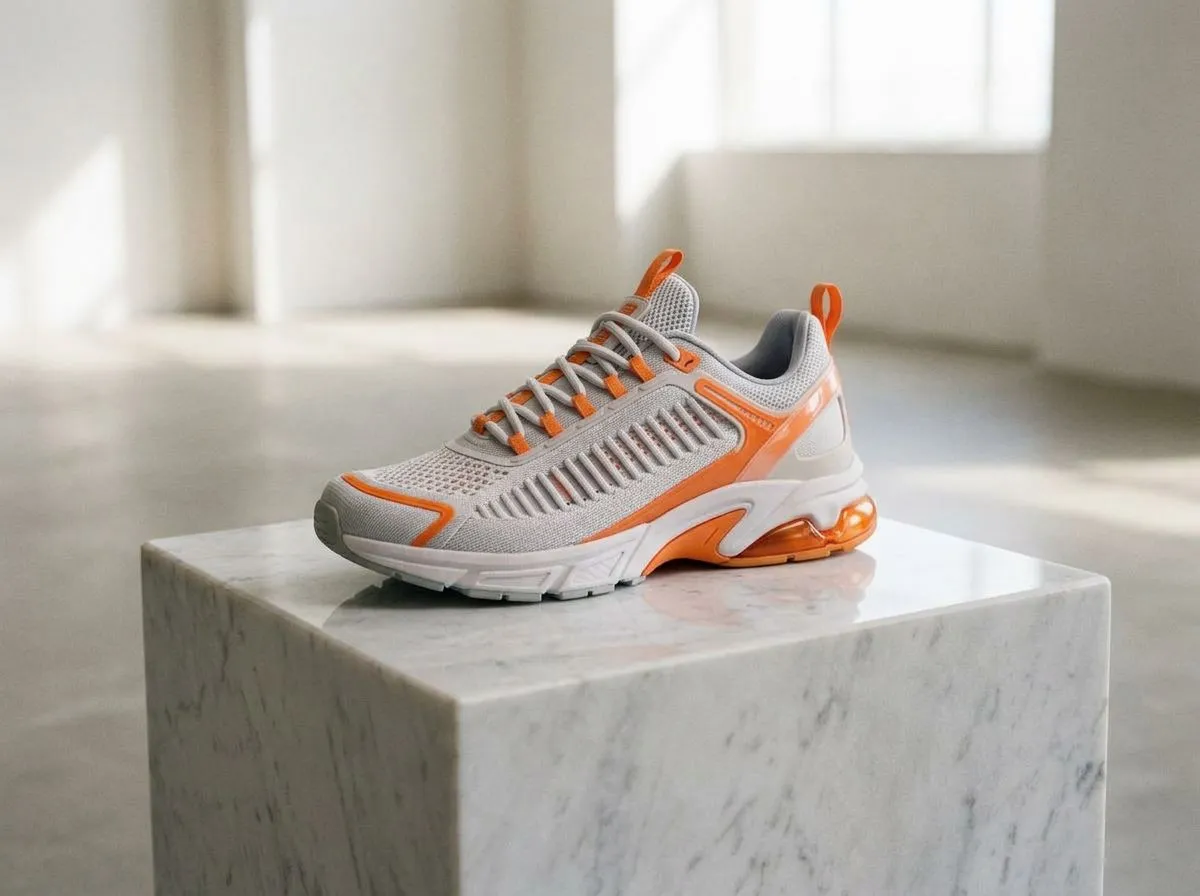
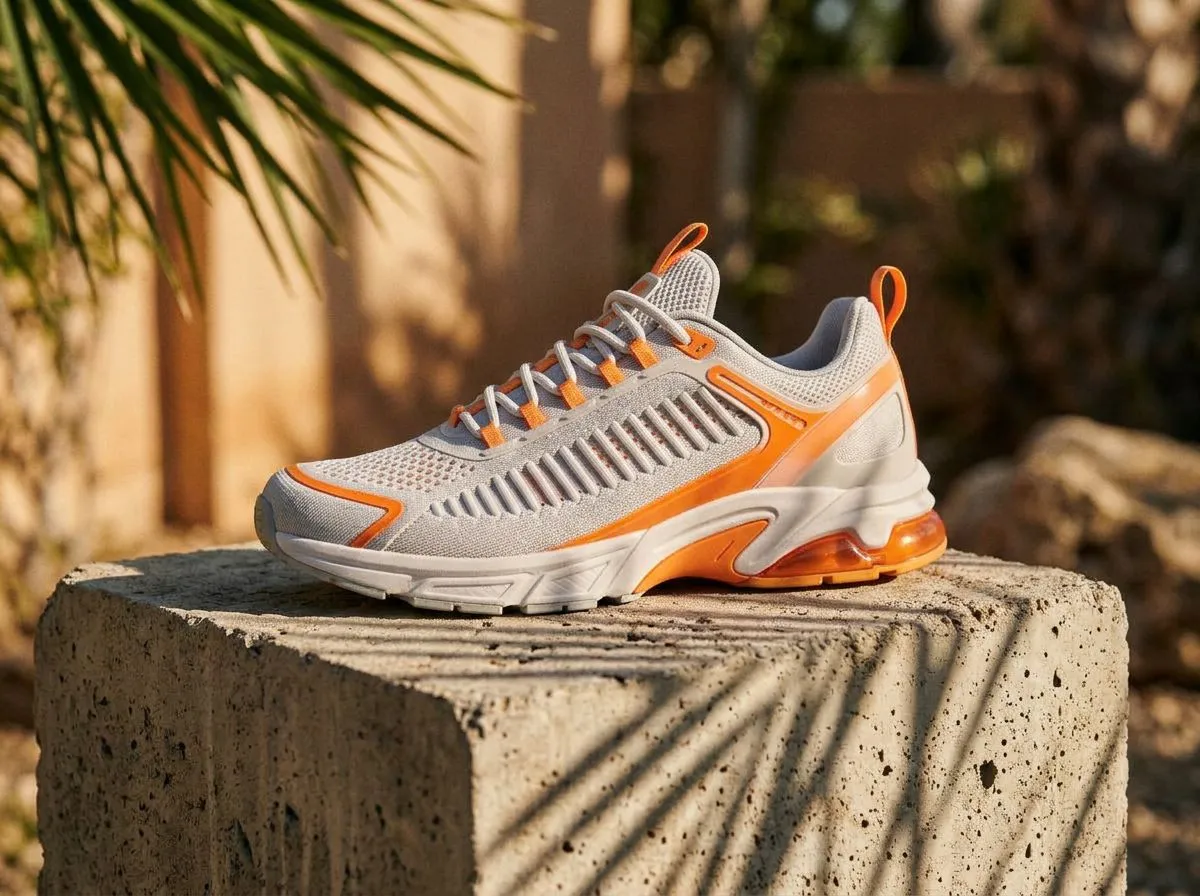
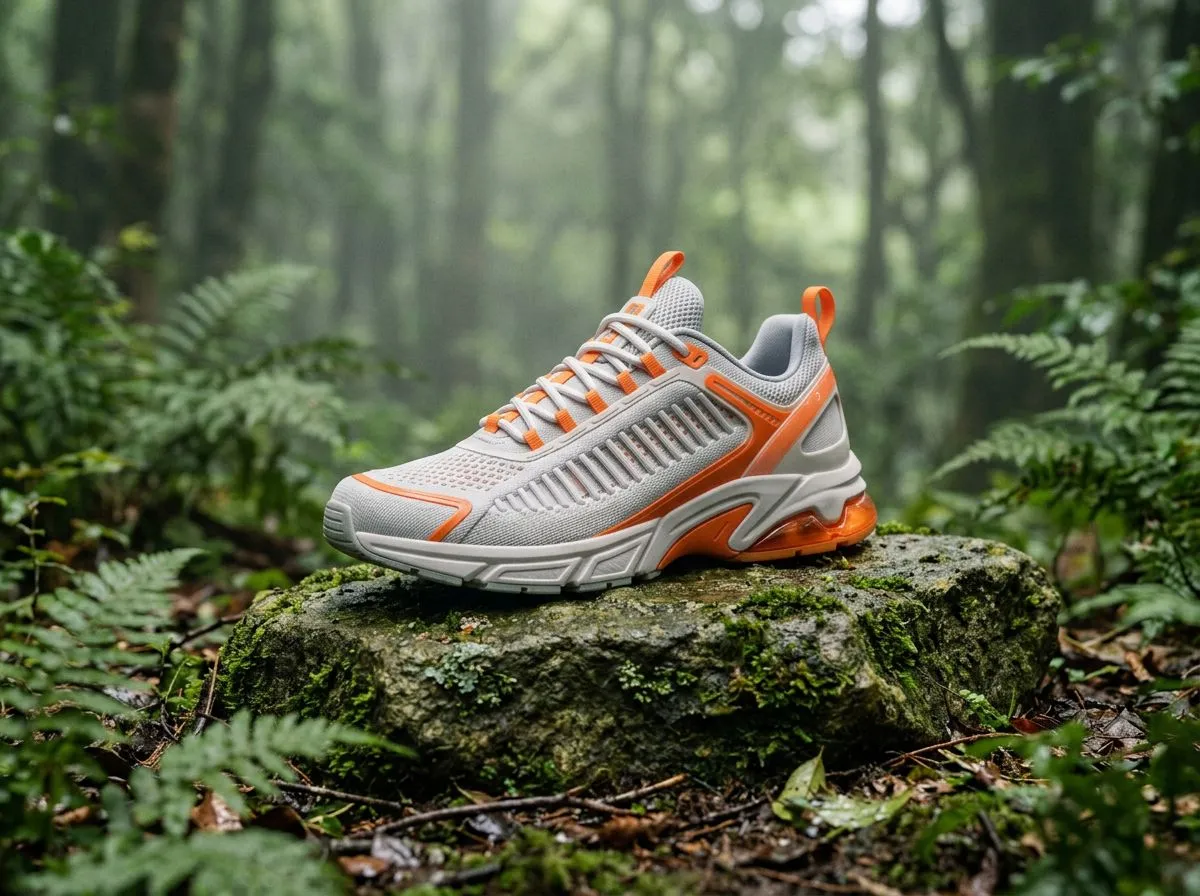
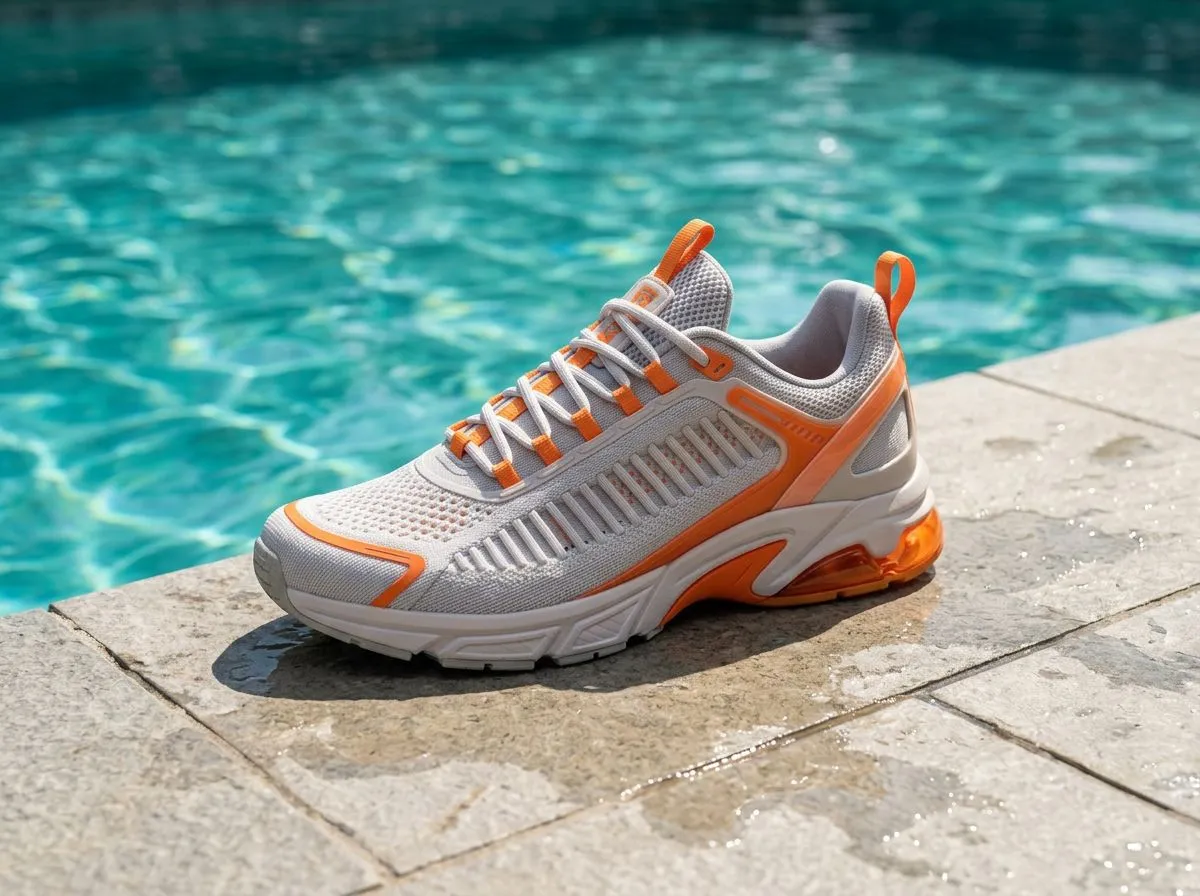
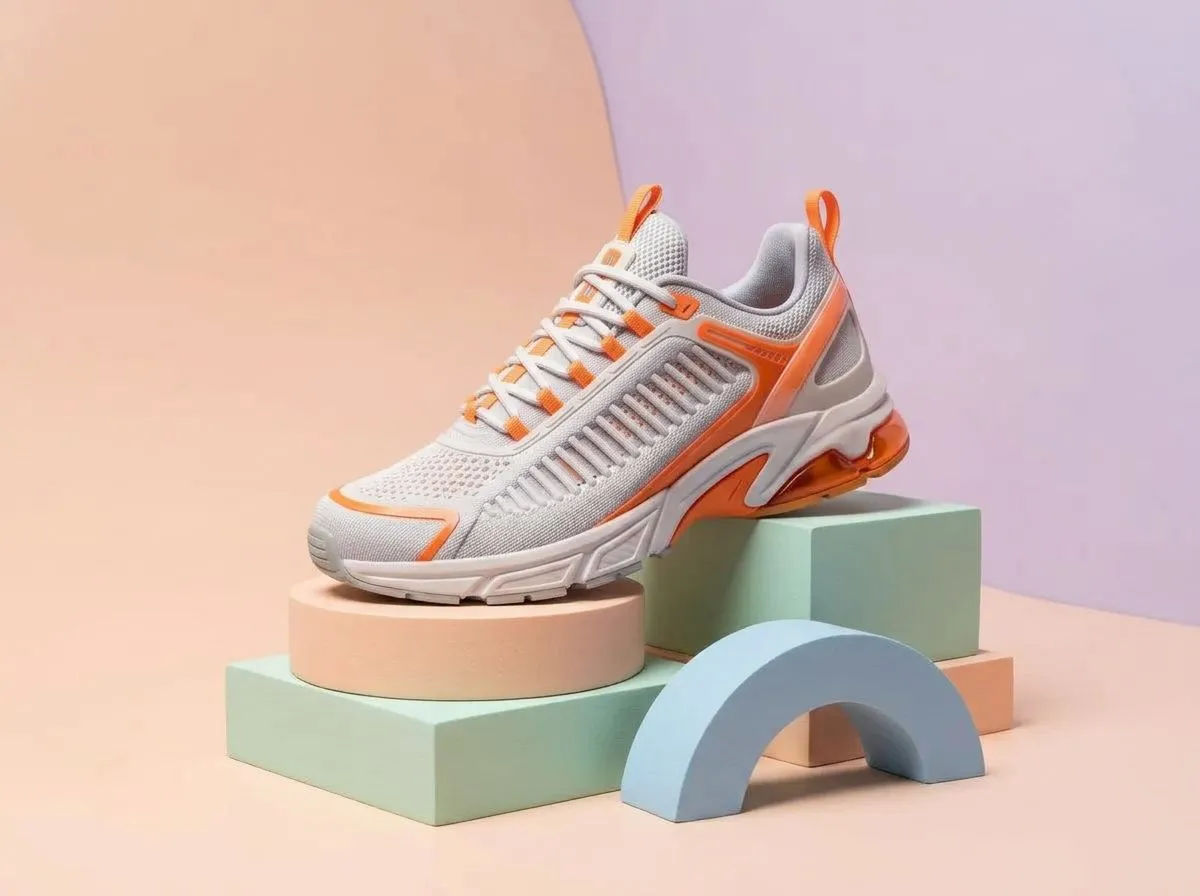
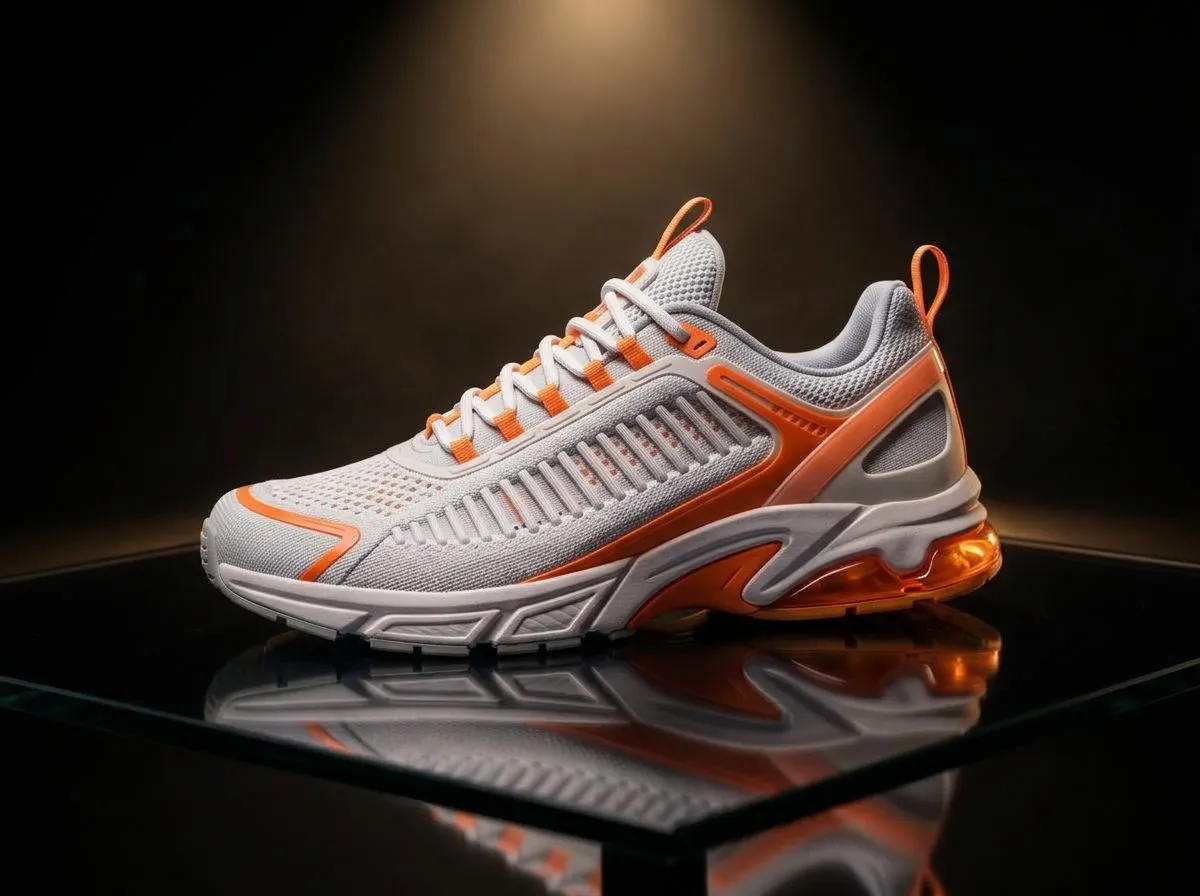
One sneaker photo, six scenes
Questions
Will my logo and label stay the same?
The prompt tells the model to keep the product's shape, colors, logos and printed text unchanged, and Nano Banana 2.1 is good at preserving detail. Very small text can still drift, so zoom in before you publish and run it again if a letter changed.
What kind of photo works best?
A sharp, evenly lit photo of one product with nothing overlapping it. A plain or white background gives the cleanest result, and a phone photo is fine.
How much does it cost?
3 credits per scene at 2K. If a generation fails, the credits are refunded automatically.
Can I make a full set for a product page?
Run it once per scene to build a consistent set. Every result can be upscaled in place, cut out to a transparent PNG, or turned into a turntable video with 360° product spin.
Related apps
All apps
 Original3Lifestyle sceneShow your product in use, on a counter, a desk or in hand Video32360° product spinTurn one product photo into a smooth turntable video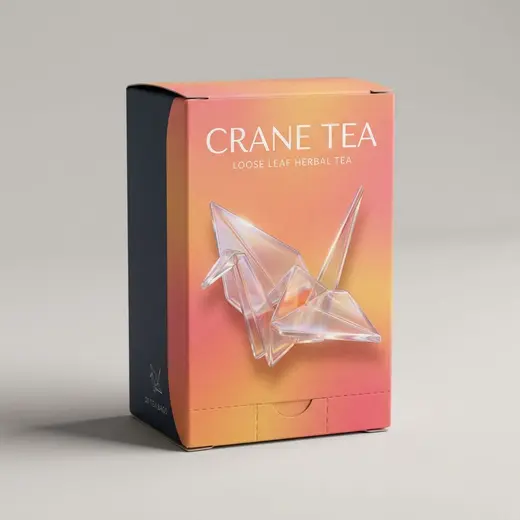
 Original3Packaging mockupWrap your logo or label art onto a box, pouch, bottle or can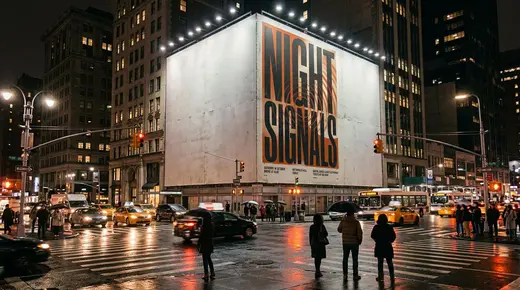
 Original3Billboard mockupSee your ad on a billboard, bus shelter or subway wall