Examples
This session
Your creations will appear here.
About New angles
Four new camera angles from one photo
From one photo, New angles renders the same subject and scene from a low angle, a high angle, a side profile and a close-up. Subject, materials, colors and lighting stay consistent, so the four frames look like one shoot, which helps for product pages, storyboards and reference sheets.
8 credits, about 12 seconds, made withNano Banana 2.1
Examples
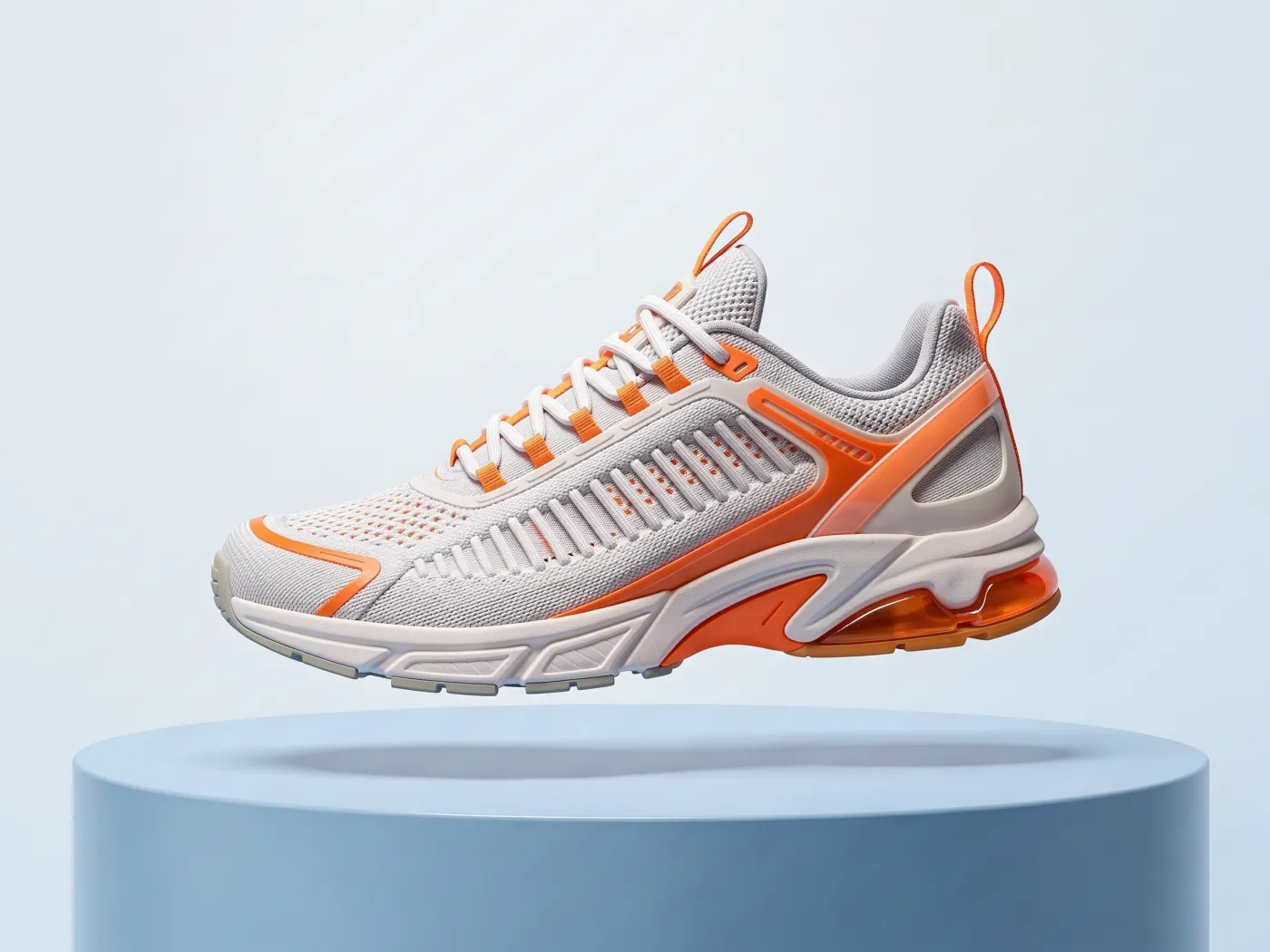

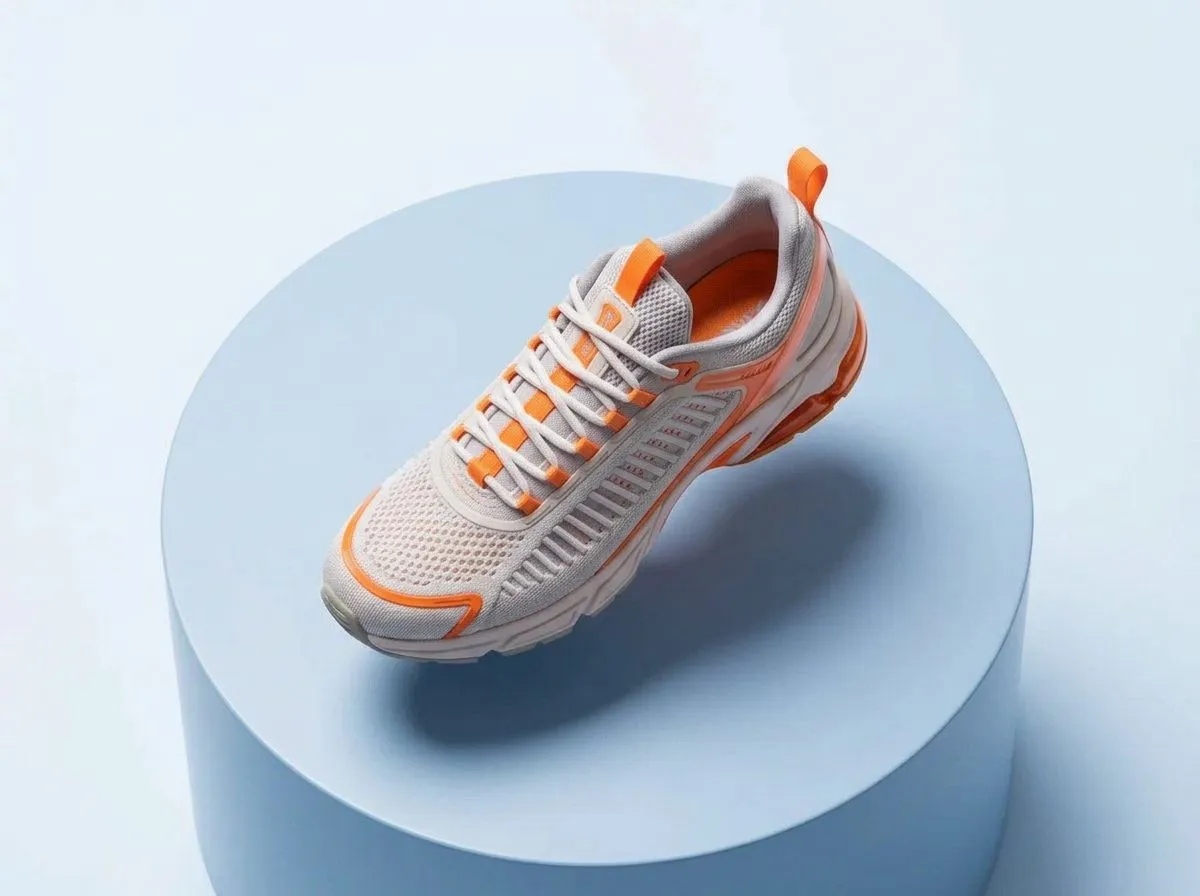
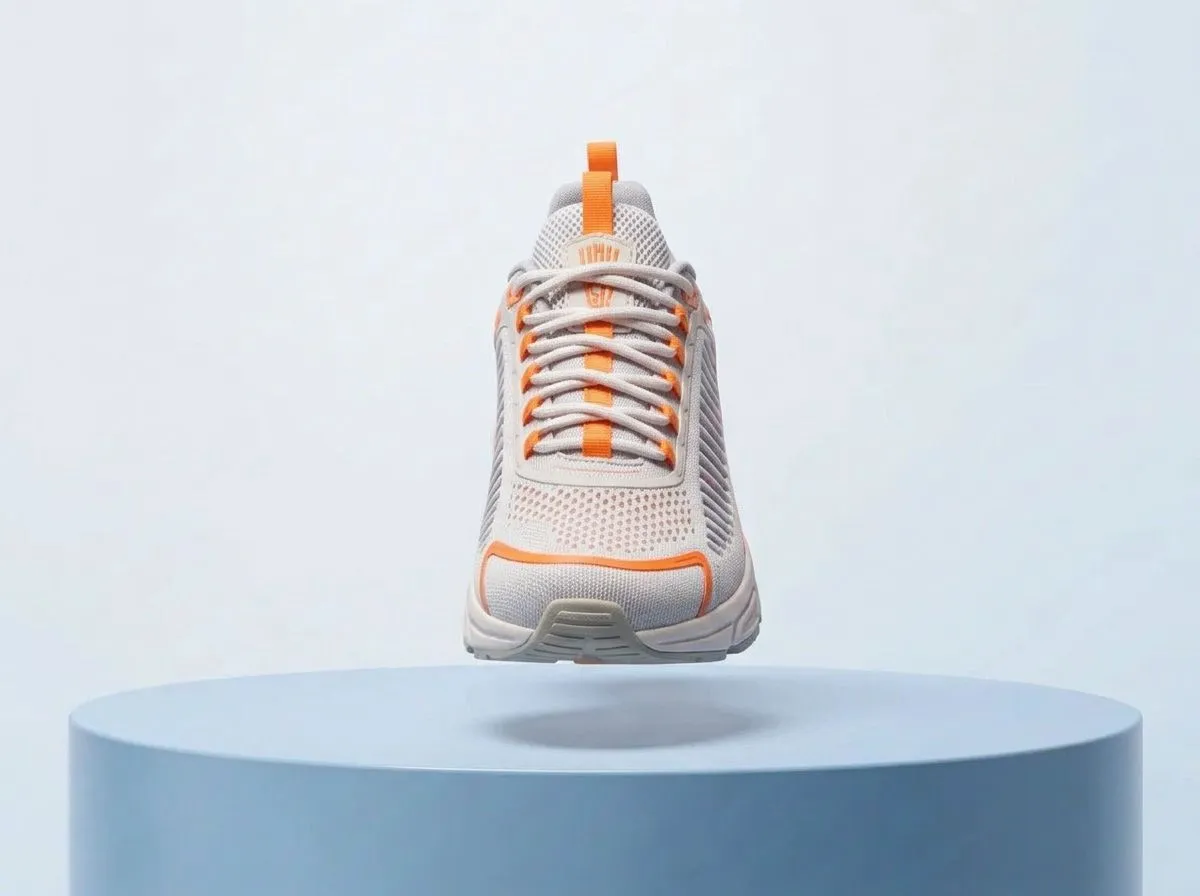

Four angles of one sneaker shot
Questions
Are the new angles accurate?
They are plausible reconstructions, not measurements. The model infers the sides it can't see, so for a product page check that details like stitching or ports match the real thing.
Can I choose different angles?
This app always makes the same four: low, high, side and close-up. For a specific viewpoint, open the photo in Image Studio and describe it.
How is this different from Shot list?
New angles moves the camera around the subject. Shot list builds coverage for a scene, from a wide establishing shot to a detail insert, the way a film crew would.
How much does it cost?
8 credits: four images at 2 credits each. Any image that fails is refunded.
Related apps
All apps
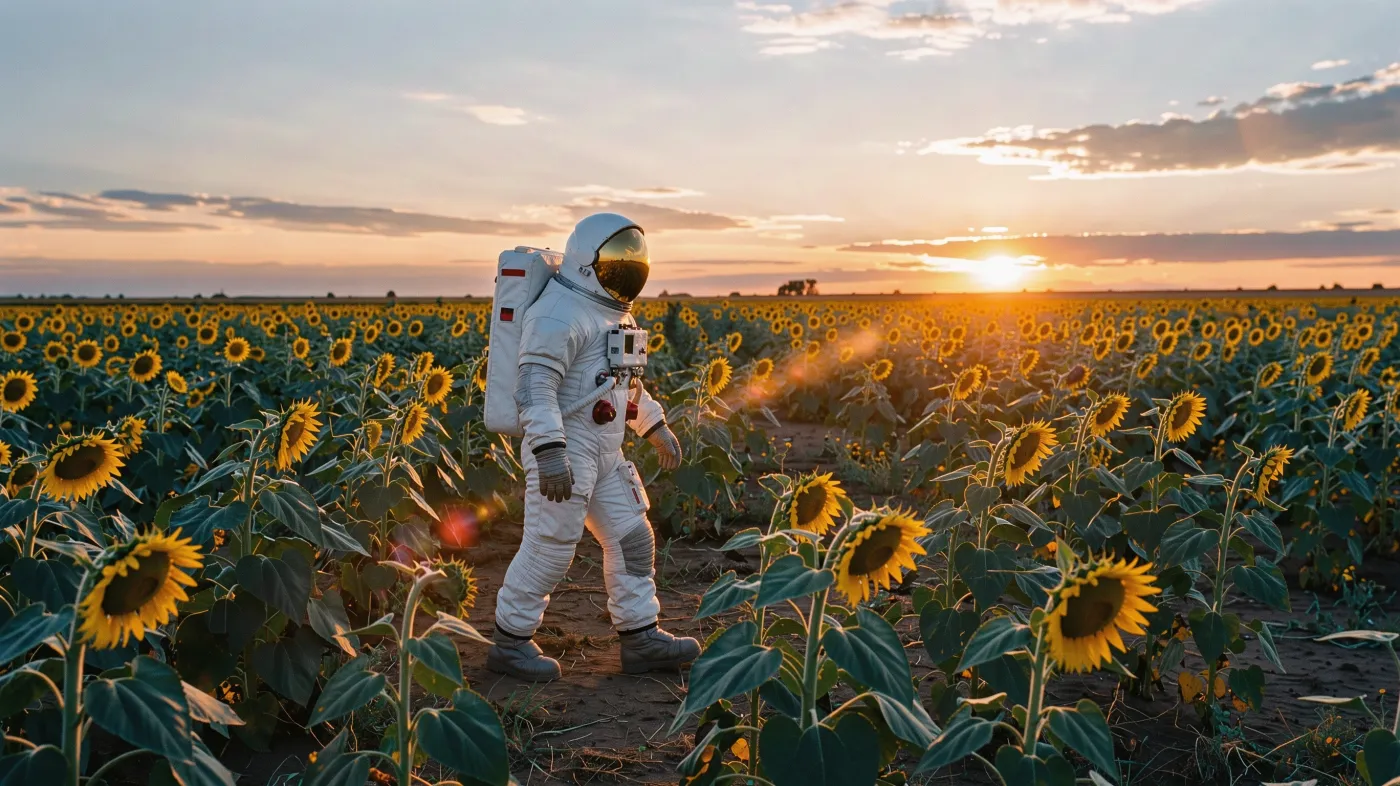 Original8Shot listTurn one frame into a 4 or 9 shot sequence for a scene
 Video32360° product spinTurn one product photo into a smooth turntable video
 Original3Expand imageExtend any photo to a new aspect ratio without cropping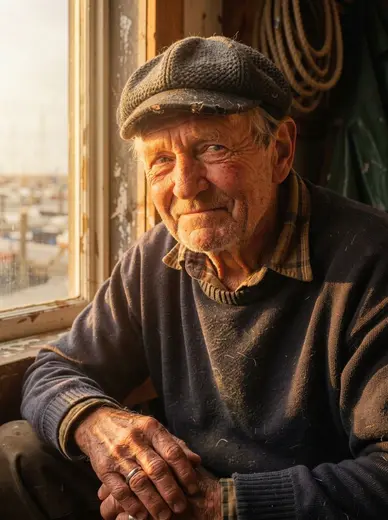
 Original3RelightChange the lighting of a photo without changing anything else