Examples
This session
Your creations will appear here.
About Die-cut sticker
Transparent PNG stickers from any photo
Die-cut sticker turns the main subject of your photo into a sticker with a thick white border that follows its outline, then removes the background so you get a transparent PNG. Choose an illustrated look with bold outlines and flat color, or keep it photographic. Use it in chats and posts, or as artwork for vinyl stickers.
3 credits, about 20 seconds, made withNano Banana 2.1Bria Remove Background
Examples

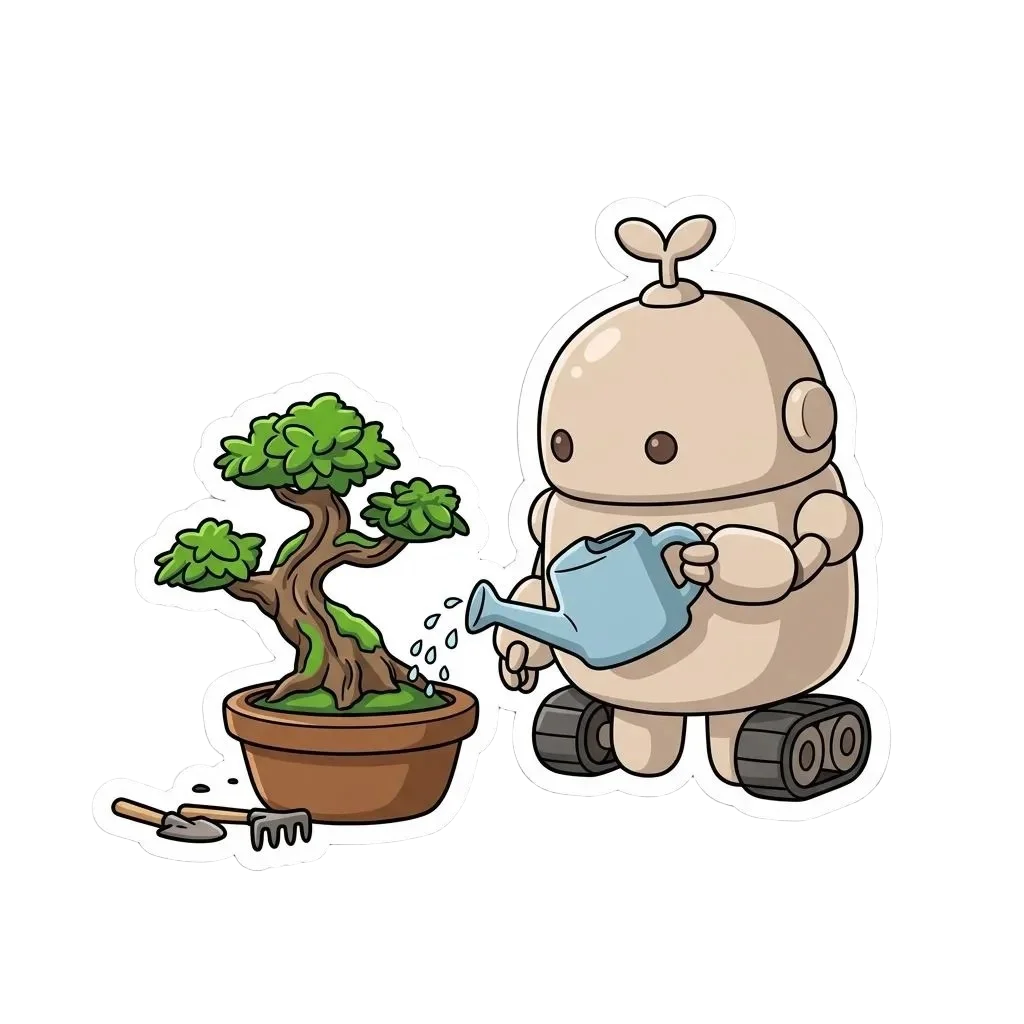
Illustrated, background removed
Questions
Is the background really transparent?
Yes. After the sticker is drawn, Bria Remove Background cuts it out, so the download is a PNG with transparency around the white border.
Can I print it?
Yes. The white border doubles as a cut line for die-cut vinyl. Upscale it 2× first for prints larger than a few inches.
Which look should I choose?
Illustrated reads better at small sizes in chats and on laptops. Photo keeps real detail for product or pet stickers.
How much does it cost?
3 credits: 2 for the sticker and 1 for the cut-out.
Related apps
All apps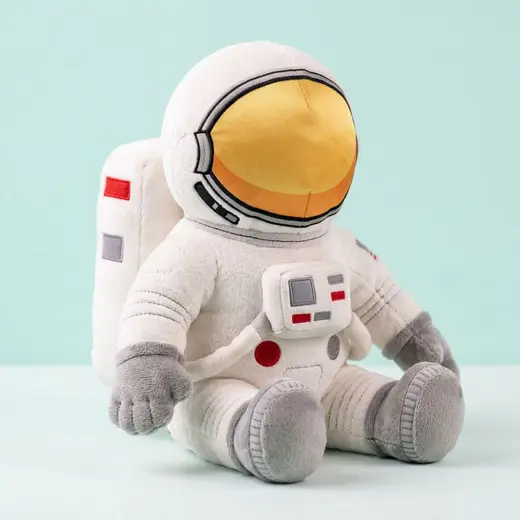
 Original2Plush toyTurn a pet, object or character into a cuddly plush toy
 Original2Meme makerCaption a photo in classic or modern meme style, or get a line
 Original2Pixel artRedraw a photo as 8-bit, 16-bit or isometric pixel art
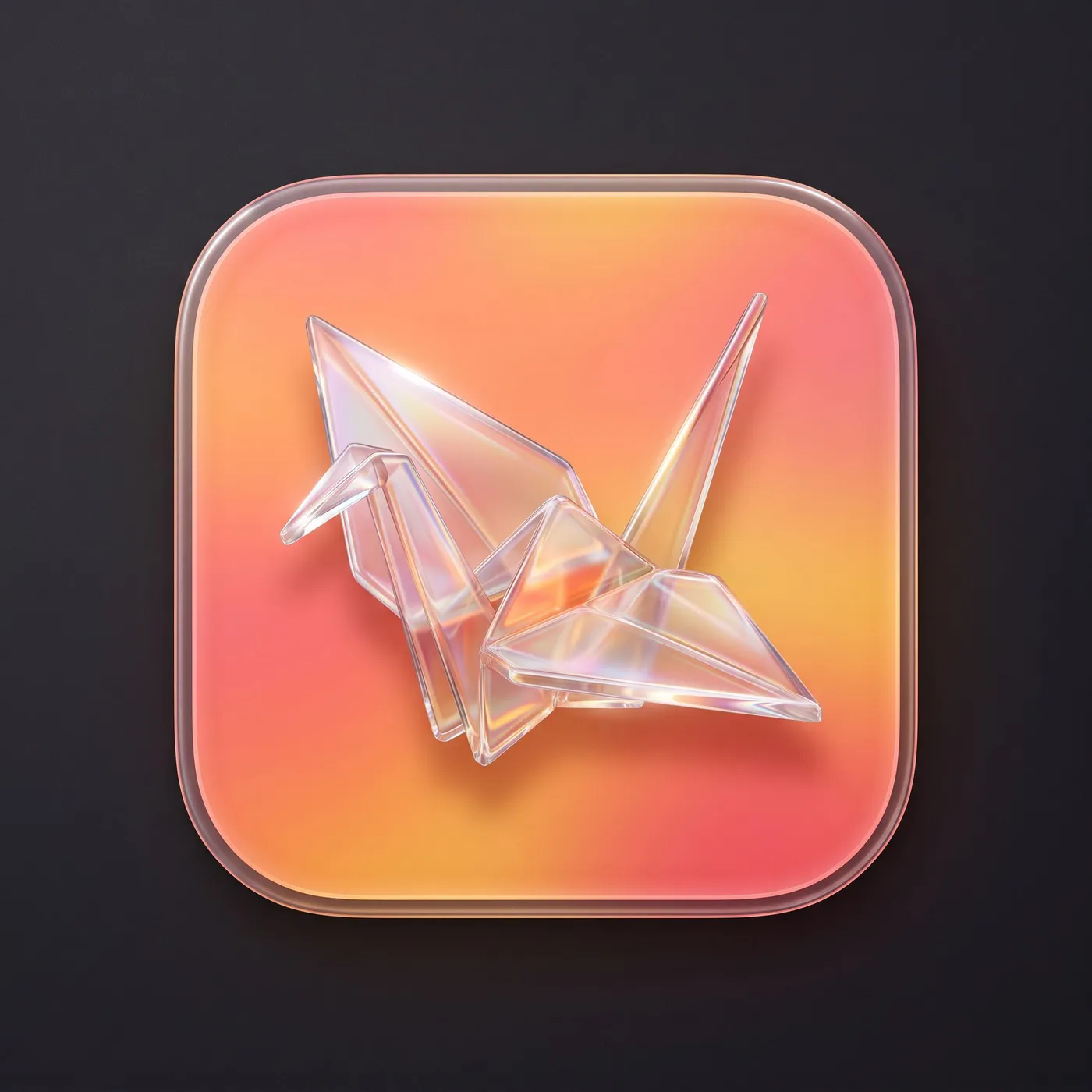 Original3Packaging mockupWrap your logo or label art onto a box, pouch, bottle or can