Examples
This session
Your creations will appear here.
About Transitions
Videos that move between two images
Give Transitions a start frame and an end frame and it renders an 8-second clip that travels between them: a seamless morph, a camera fly-through, a whip pan or a zoom through a detail. It uses first-and-last-frame video, so the clip begins and ends on your images. Use it for before-and-after reveals, day-to-night shifts and scene changes.
32 credits, a minute or two, made withVeo 3.1 Fast
Examples
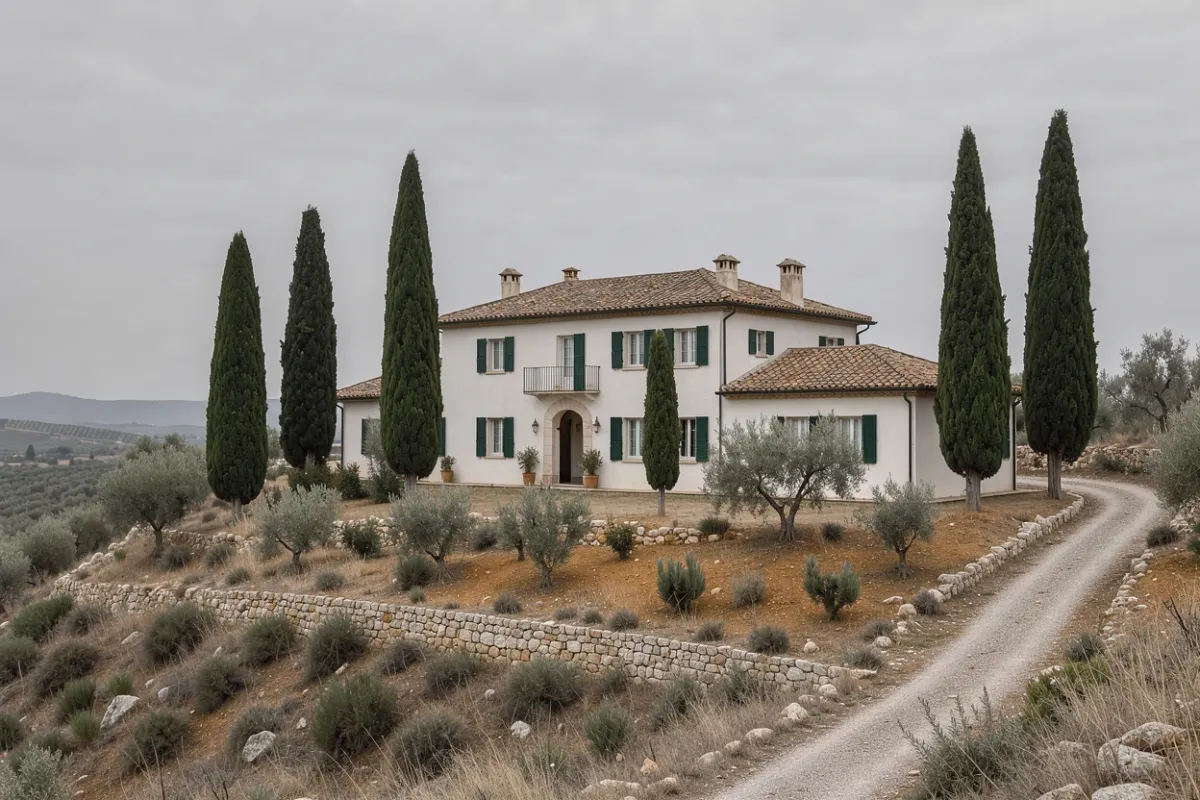

Start and end frames for a morph
Questions
Do both images need to be the same size?
No, but matching aspect ratios give the smoothest motion. The video follows the start frame: portrait makes 9:16, landscape 16:9.
What makes a good pair of frames?
Two frames that share something: the same place at different times, a product before and after, or a subject in two outfits. Unrelated images still work with Morph, but the in-between frames get abstract.
How long does it take?
Usually one to two minutes. The activity tray in the top bar keeps track while you do other things.
How much does it cost?
32 credits for an 8-second 1080p clip without sound, refunded if the render fails.