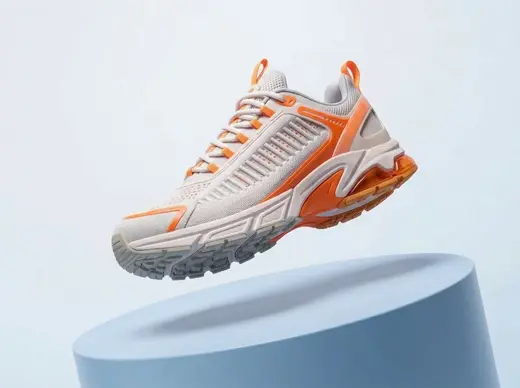
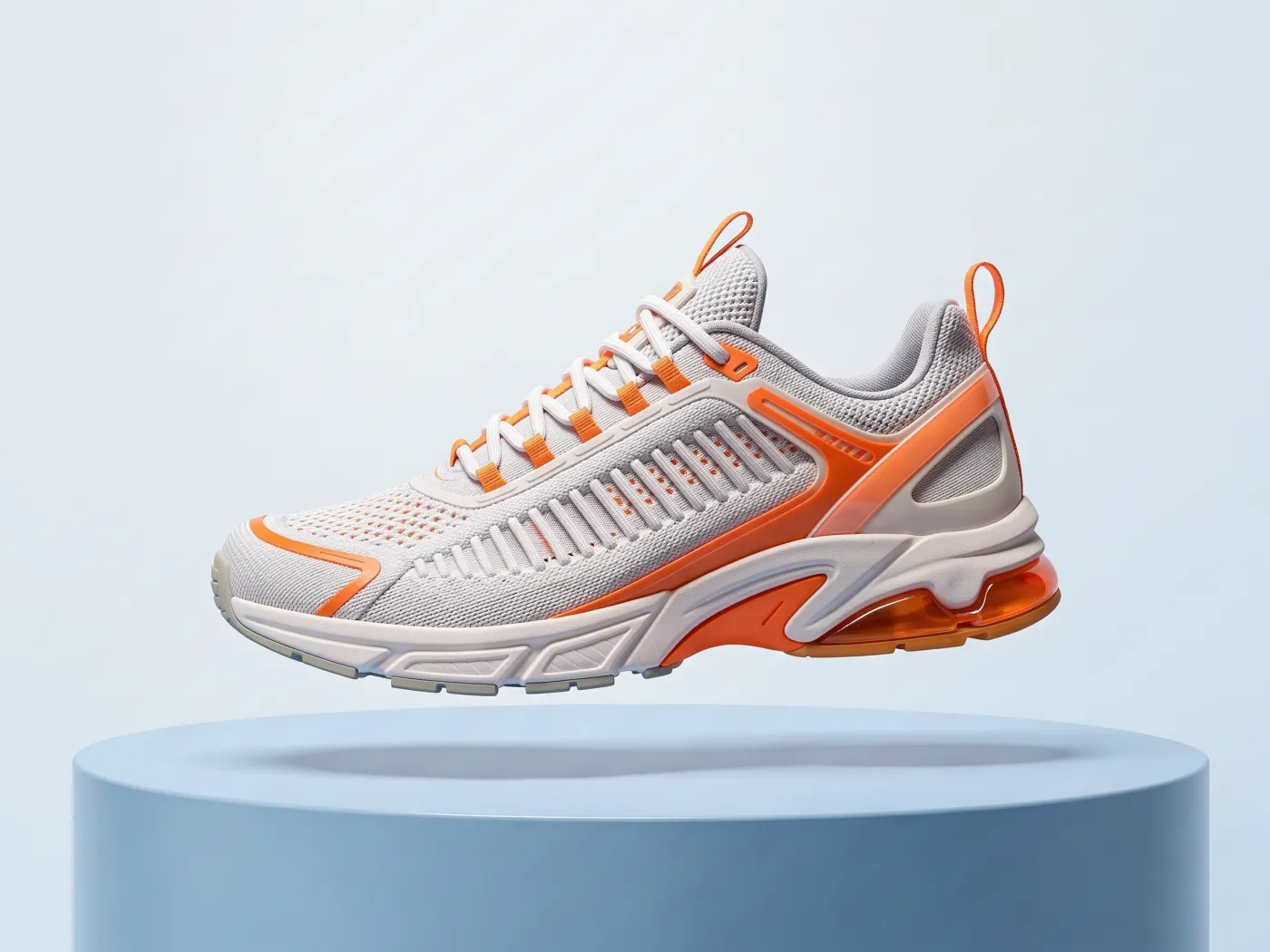
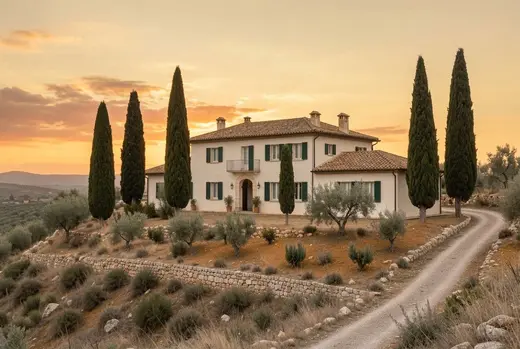
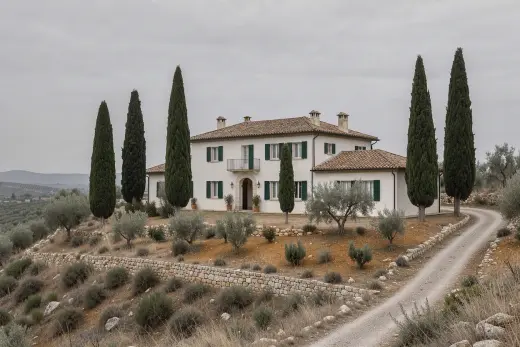
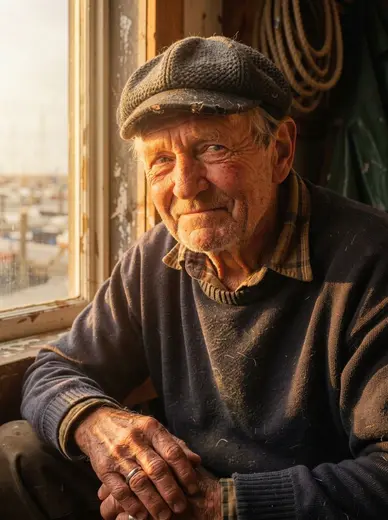
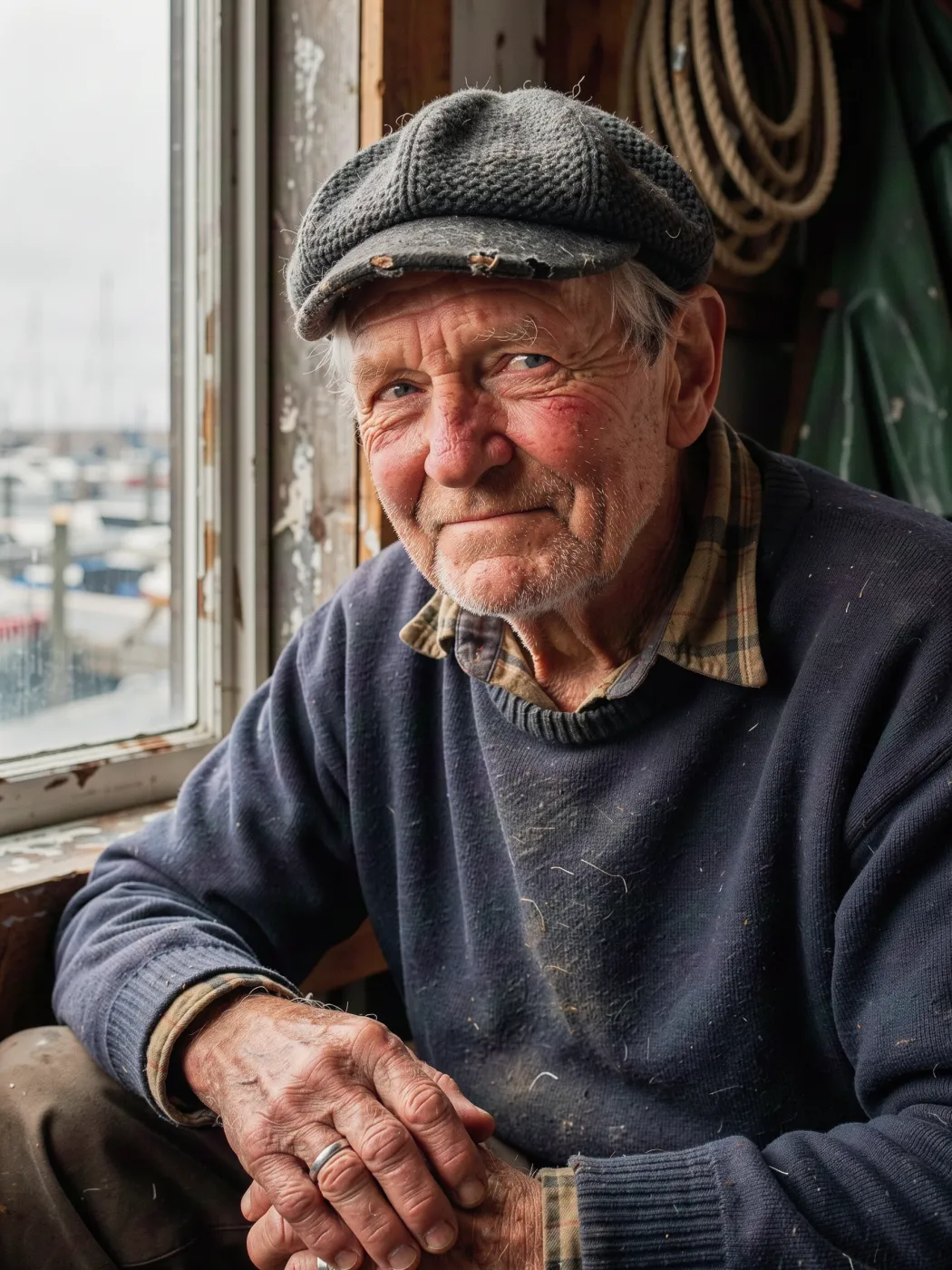
Examples
This session
Your creations will appear here.
About Shot list
A full shot sequence from one frame
Shot list treats your image as a film still and shoots the rest of the scene: a wide establishing shot, a medium, a close-up and a detail insert, plus over-the-shoulder, low hero, high, profile and extreme wide for a 9-shot set. Subject, wardrobe, setting and color grade stay consistent, so the frames cut together as a storyboard or a carousel.
8 credits, about 12 seconds, made withNano Banana 2.1
Examples
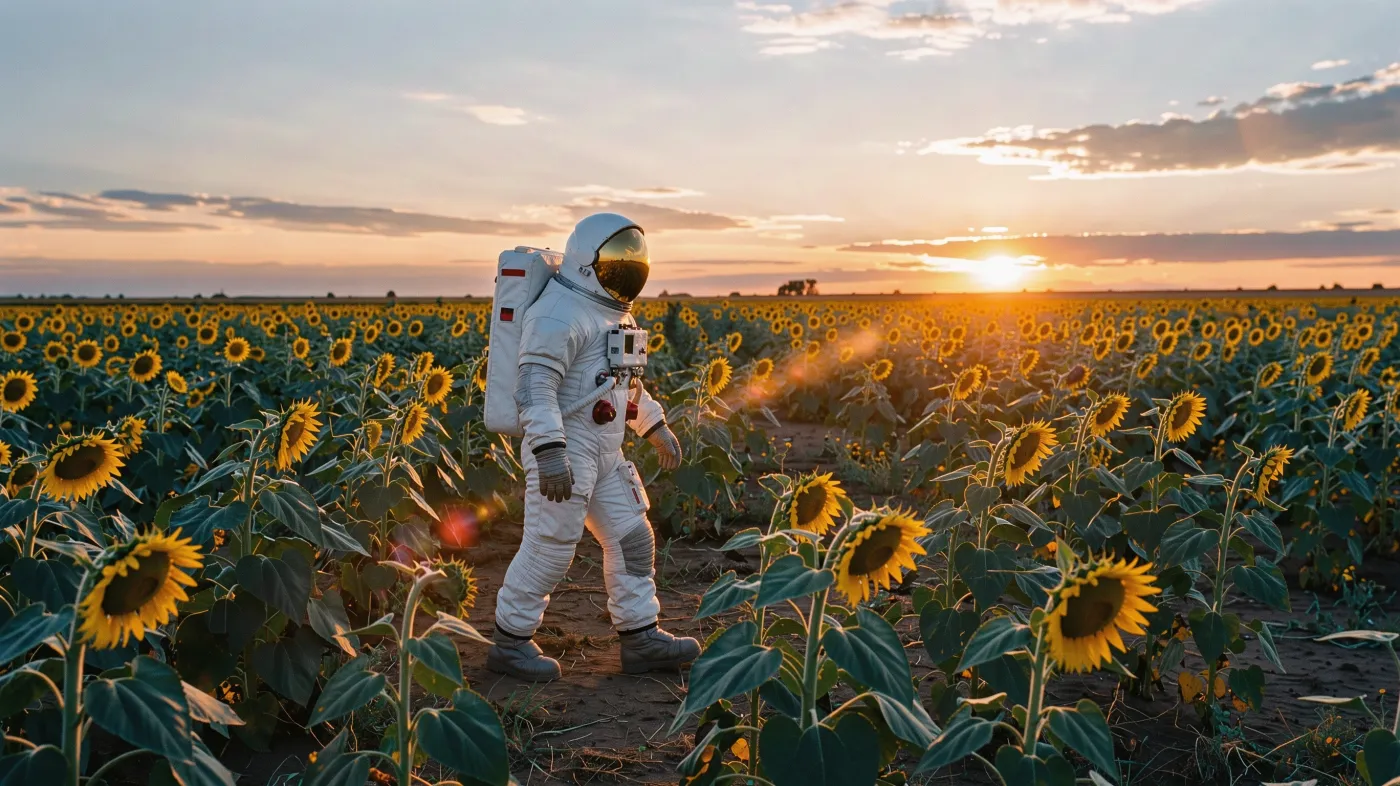
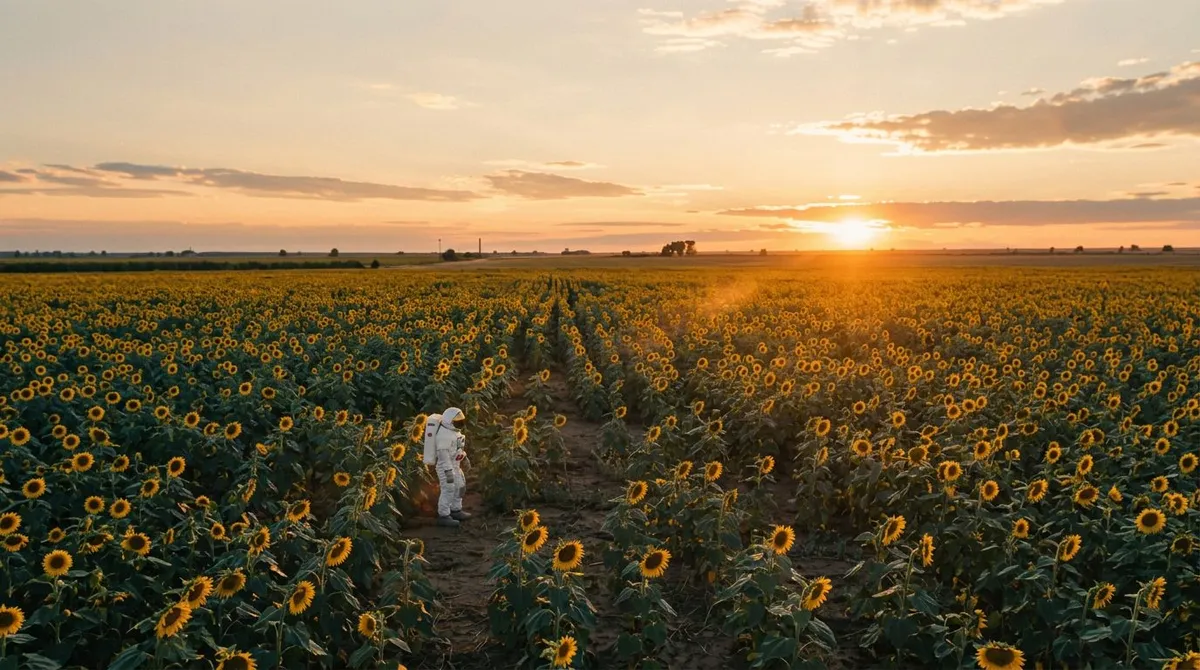
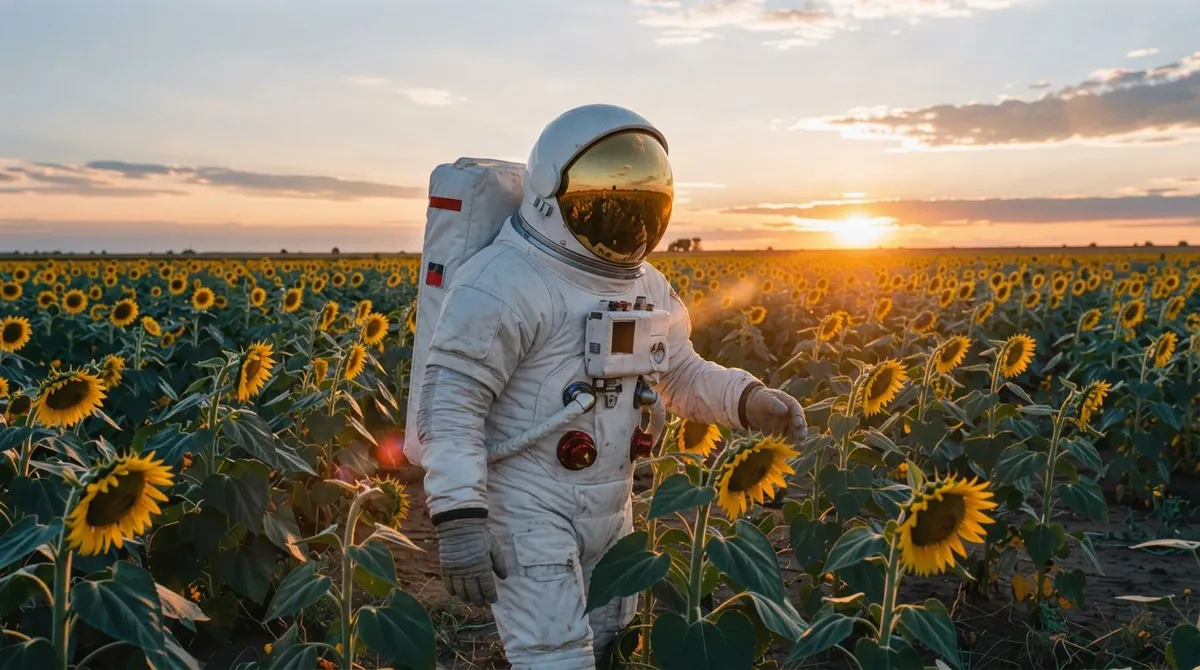
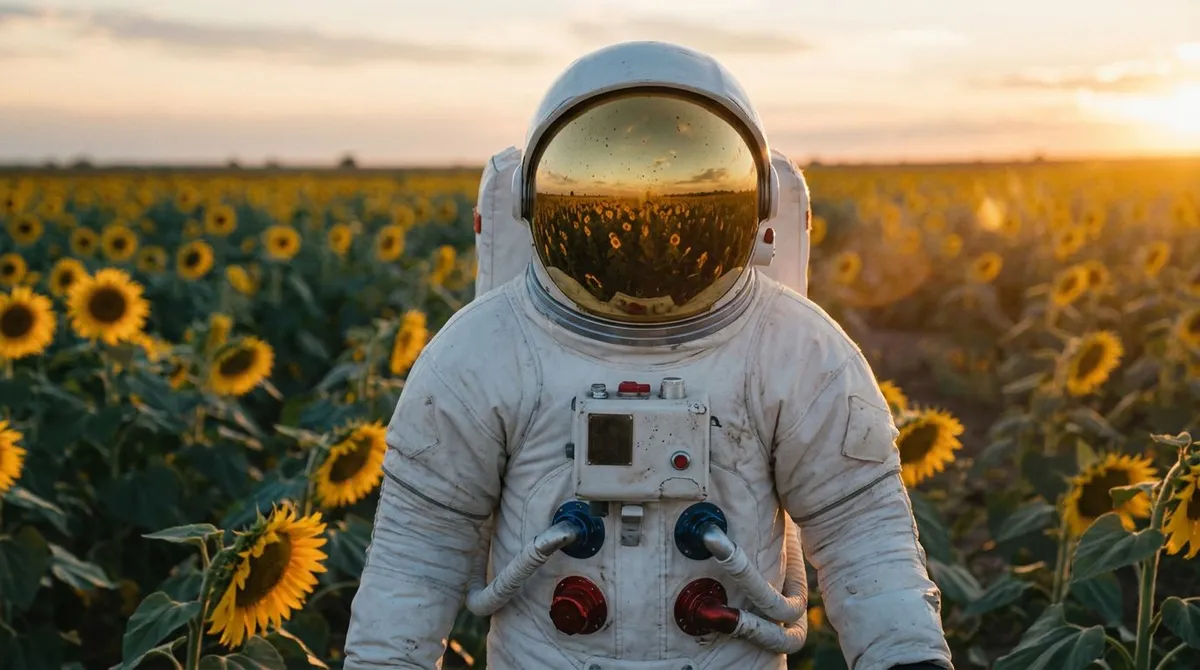
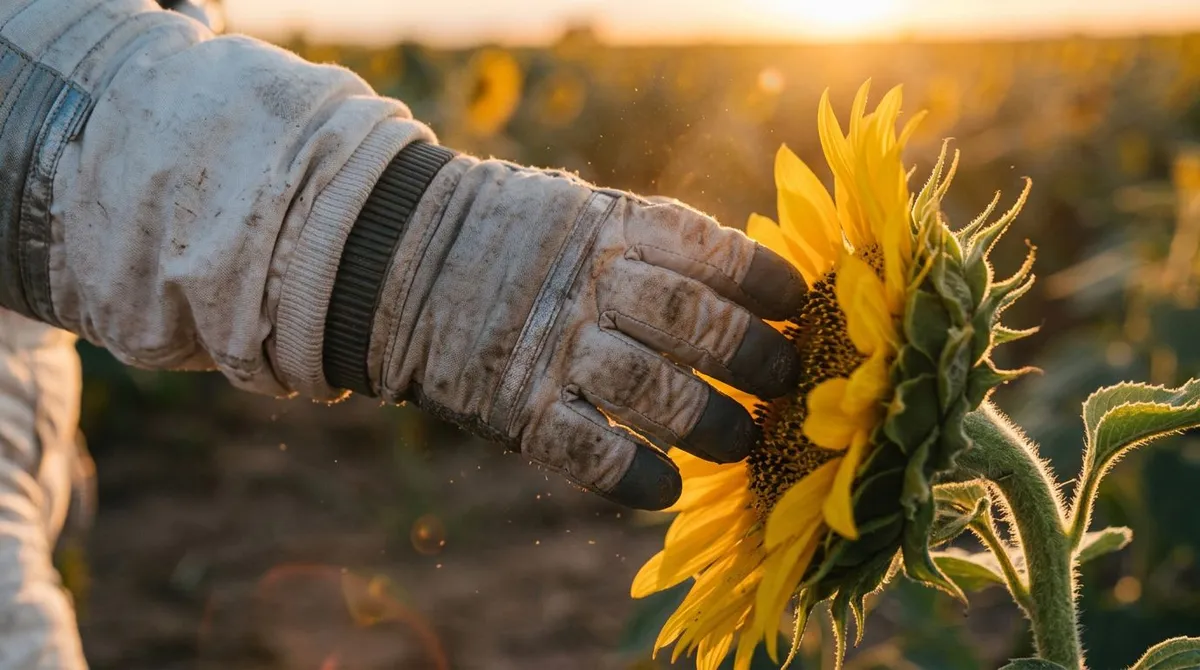
A 4-shot sequence from one still
Questions
Will the subject look the same in every shot?
Each shot is generated from your original frame with instructions to keep the subject, wardrobe, setting and lighting. Consistency is high for one main subject; crowds and small props can vary between shots.
4 or 9 shots?
4 covers the essentials: wide, medium, close-up and a detail. 9 adds over-the-shoulder, low and high angles, a profile and an extreme wide for a full storyboard.
Can I turn the shots into video?
Yes. Every frame has Animate, which opens it in Video Studio as the start frame.
How much does it cost?
2 credits per shot: 8 for 4 shots, 18 for 9.