Examples
This session
Your creations will appear here.
About Animate photo
Turn still photos into cinematic video
Animate photo turns a still into an 8-second clip with natural motion, like wind, water, light and breathing, plus a camera move of your choice: locked off, dolly in or out, orbit, pan, crane up or handheld. Describe what should move if you have something specific in mind. Faces, colors and composition stay true to your photo.
32 credits, a minute or two, made withVeo 3.1 Fast
Examples
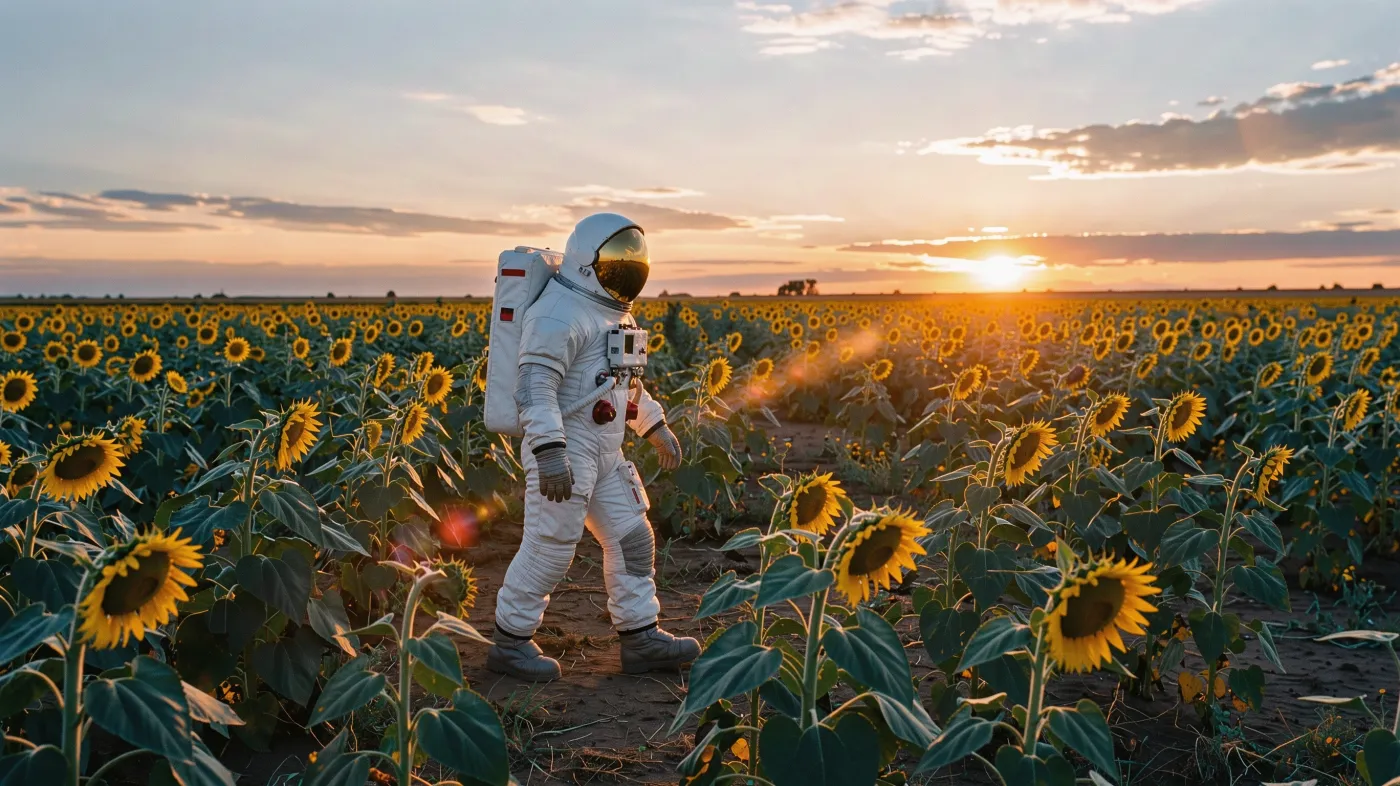
A slow dolly made from this photo
Questions
Which camera move should I choose?
Dolly in builds focus on a subject, dolly out reveals the setting, orbit shows depth, pan follows a wide scene, crane up adds scale and handheld feels documentary. Locked off keeps the frame still so only the scene moves.
Will faces change?
The prompt keeps faces and composition true to the photo. Fast motion and turning heads are where small changes show up, so slower moves hold likeness best.
Is there sound?
Clips are silent to keep the cost down. For native audio, use Animate on the photo to open it in Video Studio, where you can turn audio on.
How much does it cost?
32 credits for an 8-second 1080p clip, refunded if the render fails.
Related apps
All apps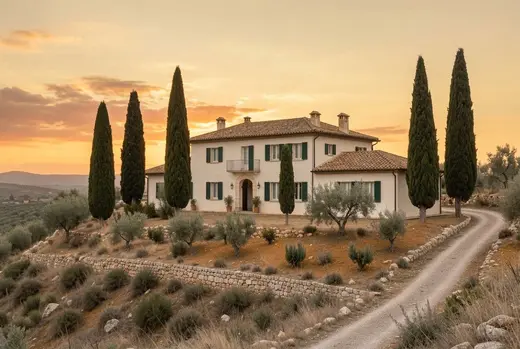
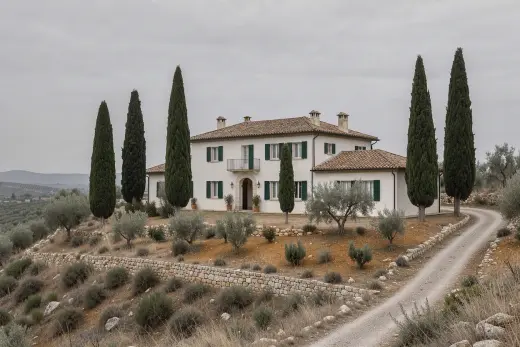 Original Video32TransitionsMake a video that moves from one image to another
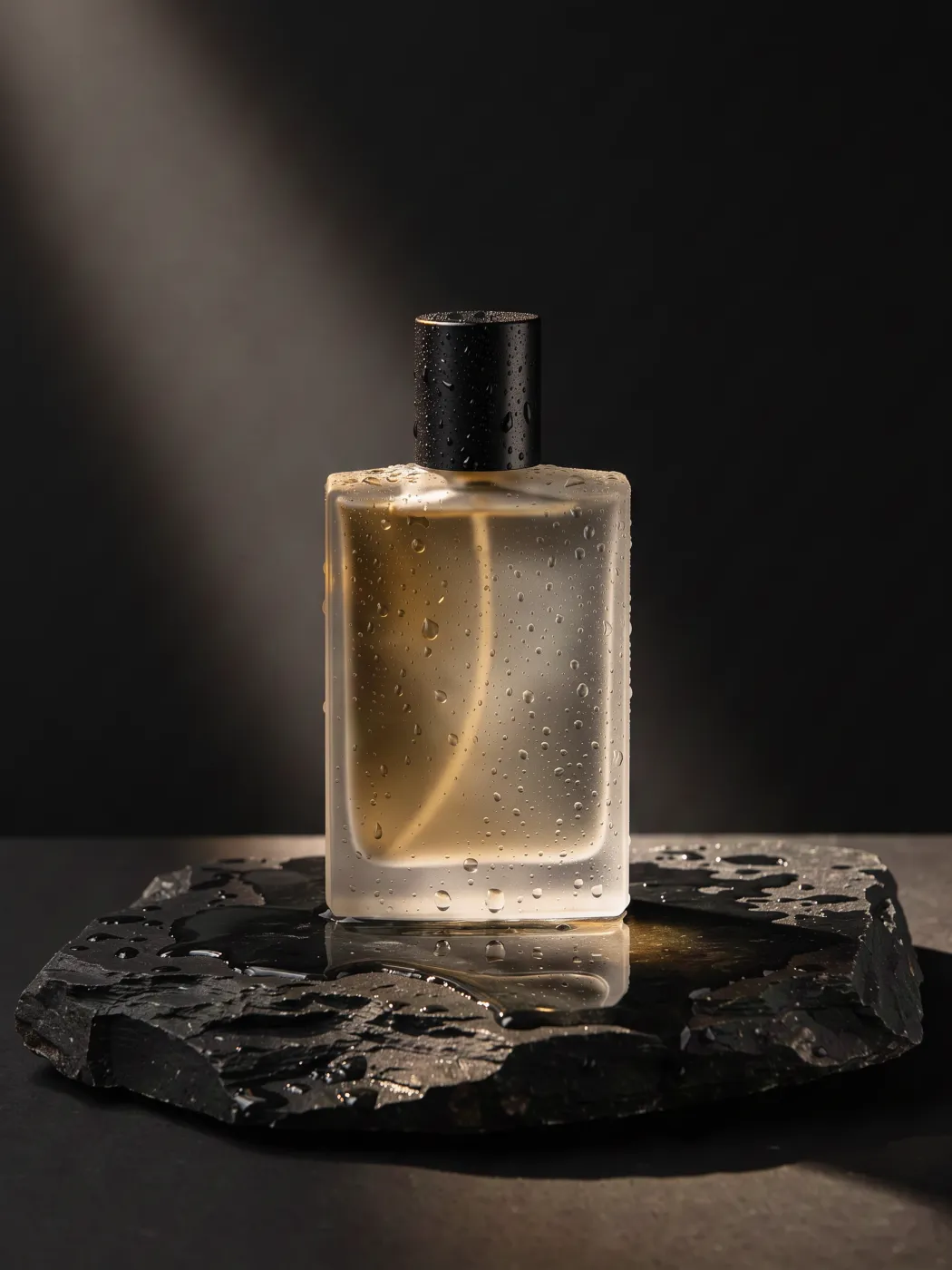 Video32360° product spinTurn one product photo into a smooth turntable video
 Original8Shot listTurn one frame into a 4 or 9 shot sequence for a scene
 Original3RelightChange the lighting of a photo without changing anything else