AI 3D model generator
AI 3D models for Unreal Engine
Block out a level with real props instead of grey boxes, or fill a scene with set dressing. Unreal Engine 5 imports glTF and GLB files directly, materials included.
 Loading model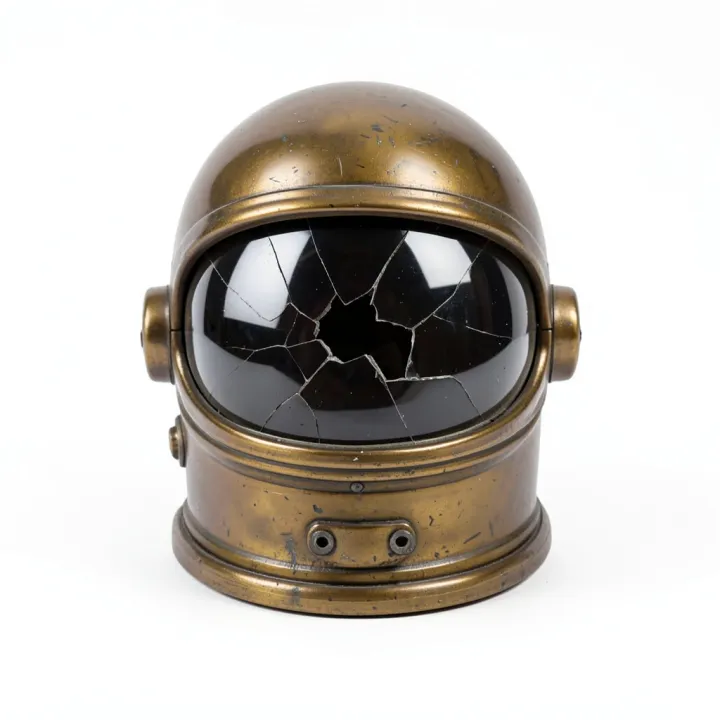
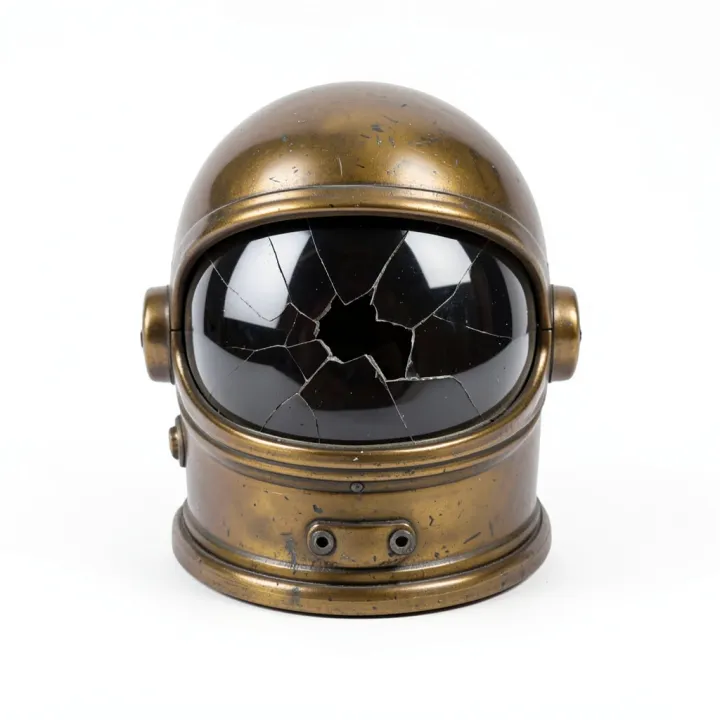
Sci-fi helmet
From a FLUX.2 Klein concept image, meshed with Rodin Gen-2.
Optimised for the web; the file you download from the studio is full size.
Which format to use: GLB
- Formats
- Unreal Engine 5 imports .gltf and .glb through the Interchange import pipeline.
- How
- Content Browser Import, drag and drop into the Content Browser, or File, Import Into Level.
- Our output
- Rodin Gen-2 at default settings: about 30,000 to 40,000 triangles with 2048 × 2048 PBR maps, a comfortable density for props.
From prompt to finished file
Make the prop
Generate the model and download the GLB.
Import it
Drag the .glb into the Content Browser and confirm the import options.
Place and light it
Drop the static mesh into your level; the PBR materials react to your lighting.
Prompts to start from
Tips for better results
Generate variations
Run the same prompt with small changes to get a set of matching props for one area.
Check scale
glTF uses metres and Unreal uses centimetres, so compare the size with the mannequin after import.
Start from concept art
Mesh the concept art you already have with Image to 3D to keep the art direction consistent.
Where AI models fall short
- AI meshes don't have the clean UV layouts or trim sheets of hand-made assets; use them for props, not modular kits.
- Models are static; rig characters before using them with animation.
Questions
Can Unreal Engine import GLB?
Yes. Unreal Engine 5 imports .gltf and .glb through its Interchange pipeline: use Import in the Content Browser, drag and drop, or File, Import Into Level.
Do I need FBX?
Not for static props. GLB carries the mesh and PBR materials in one file.
Will the materials look right?
The colour, normal and metal-roughness maps import as a PBR material. Tweak roughness to taste under your lighting.
Why does my model come out the wrong size?
GLB is measured in metres and AI models are usually about a metre across. Scale it in your tool, or use the free converter, which can set an exact height in millimetres for printing.
Related guides and converters
- AI game asset generatorProps from concept art or a prop list, with PBR for any engine.
- AI 3D models for UnityTextured assets for Unity through glTFast, with PBR materials.
- AI 3D models for BlenderTextured base meshes to sculpt, retopologise and rig in Blender.
- Convert GLB to glTFFree, in your browser
- Convert FBX to GLBFree, in your browser
- Convert OBJ to GLBFree, in your browser
Sources
AI 3D models for Unreal Engine
From 4 credits per model. The price shows before you run it, and failed runs are refunded.