AI 3D model generator
AI 3D models for Blender
Skip the blockout. Generate a textured model from a sentence or a reference photo, import it into Blender with its materials, and spend your time on the parts that need a human.
 Loading model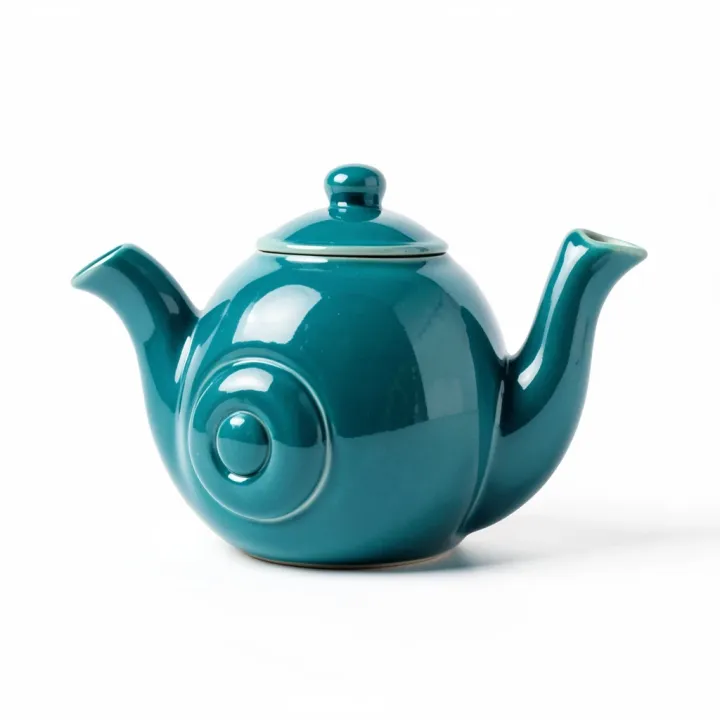
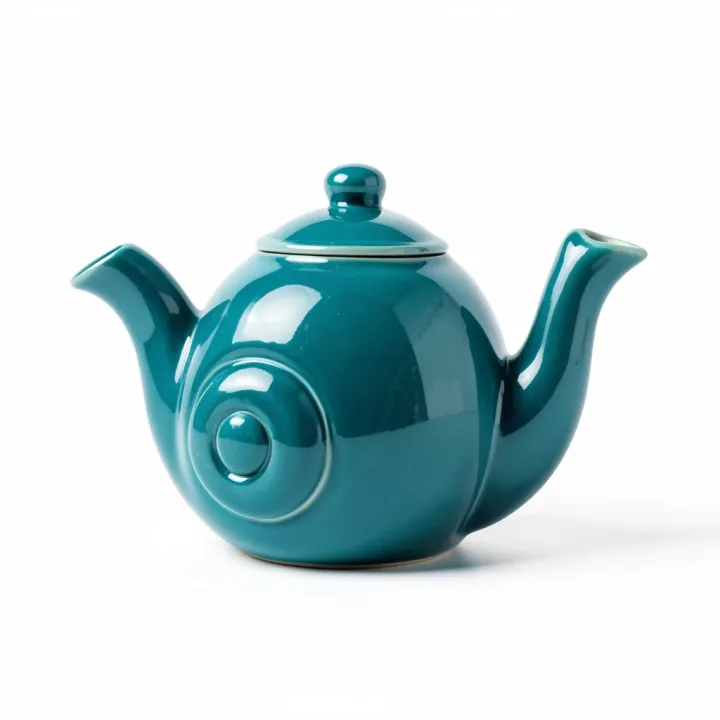
Ceramic teapot
From a FLUX.2 Klein concept image, meshed with Rodin Gen-2.
Optimised for the web; the file you download from the studio is full size.
Which format to use: GLB
- Import
- File, Import, glTF 2.0 (.glb/.gltf). The add-on is enabled by default.
- Materials
- Base colour, metallic, roughness, normal, emissive and baked AO map to the Principled BSDF.
- Also built in
- STL, OBJ (with its .mtl), PLY and USD import.
- Our output
- Rodin Gen-2 at default settings: about 30,000 to 40,000 triangles, in quad topology, which subdivides and edits more predictably.
From prompt to finished file
Make the base mesh
Generate from a prompt or a reference image and download the GLB.
Import it
File, Import, glTF 2.0. The model arrives with its textures set up in the shader editor.
Refine
Decimate or remesh for games, sculpt details, retopologise for animation, or add an armature.
Prompts to start from
Tips for better results
Use it as a sculpting base
Apply a Remesh modifier and sculpt; the AI model gives you proportions in seconds.
Decimate for real-time
A Decimate modifier at ratio 0.3 to 0.5 keeps the silhouette for background props.
Bake down
Bake the high-poly detail onto a low-poly retopology for game-ready assets.
Where AI models fall short
- UV layouts are automatic, not hand-packed; re-unwrap if you need tidy UVs for texturing.
- Hidden areas such as the back and underside are inferred from one image.
Questions
How do I import a GLB into Blender?
File, Import, glTF 2.0 (.glb/.gltf). The importer is built in and enabled by default, and sets up the materials for you.
Can I edit the model?
Yes. It's an ordinary mesh with UVs and image textures. Rodin's quad meshes are the easiest to edit and subdivide.
Is there a Blender add-on?
Not yet. Generate in the browser and import the GLB.
Related guides and converters
- AI game asset generatorProps from concept art or a prop list, with PBR for any engine.
- AI 3D models for 3D printingFigurines, gifts and props as STL or 3MF, scaled in millimetres.
- AI 3D character generatorStylised heroes, creatures and mascots, ready to rig.
- Convert GLB to OBJFree, in your browser
- Convert GLB to STLFree, in your browser
- Convert FBX to GLBFree, in your browser
Sources
AI 3D models for Blender
From 4 credits per model. The price shows before you run it, and failed runs are refunded.