AI 3D model generator
AI 3D models for Unity
Make props, pickups and environment pieces for your Unity project in minutes. Unity doesn't read GLB out of the box, so this guide shows the one package to add, or the OBJ route if you'd rather not.
 Loading model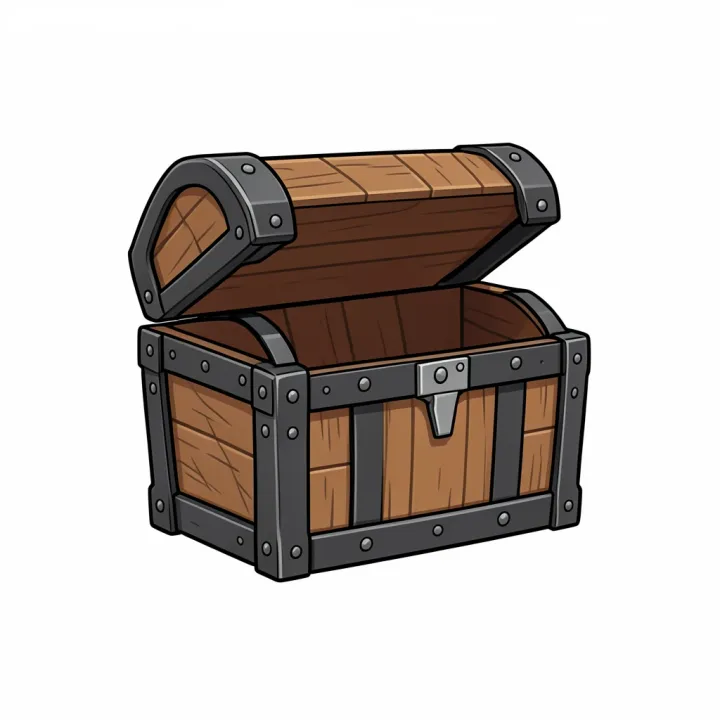
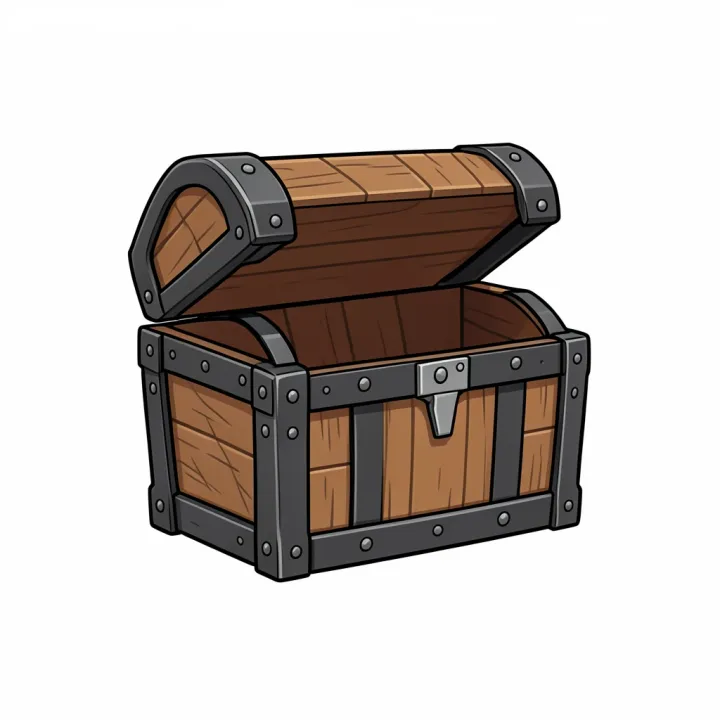
Treasure chest
From a FLUX.2 Klein concept image, meshed with Rodin Gen-2.5.
Optimised for the web; the file you download from the studio is full size.
Which format to use: GLB with glTFast
- Native formats
- Unity 6 imports .fbx, .dae, .dxf and .obj natively. glTF isn't on the list.
- GLB and glTF
- Install Unity glTFast (package com.unity.cloud.gltfast) from the Package Manager with Add package by name. It imports in the Editor and at runtime.
- Alternative
- The Khronos UnityGLTF package also imports glTF and supports Unity 2021.3 and later.
- Our output
- Rodin Gen-2 at default settings: about 30,000 to 40,000 triangles with 2048 × 2048 PBR maps (colour, normal and metal-roughness).
From prompt to finished file
Add glTFast once
Window, Package Manager, the + button, Add package by name: com.unity.cloud.gltfast.
Make the asset
Generate the model and download the GLB.
Drop it into Assets
Drag the .glb into the Project window. glTFast imports the mesh and its materials as a prefab you can place.
Prompts to start from
- A sci-fi supply crate with glowing panels, game asset, plain white backgroundOpen in Text to 3D
- A stylised medieval well with a wooden roof, game prop, plain white backgroundOpen in Text to 3D
- A potion bottle pickup with a cork and a glowing liquid, game asset, plain white backgroundOpen in Text to 3D
Tips for better results
Set up LODs for many copies
Generate once, then use Unity's LOD Group with decimated copies for scenery you place many times.
Use the quad meshes for editing
Rodin's quad topology is easier to clean up in Blender before it goes into Unity.
Keep scale in metres
Unity's unit is a metre, like glTF's, so scale the model to its real size before placing it.
Where AI models fall short
- Meshes are dense triangle or quad meshes, not hand-optimised game topology; decimate background props.
- Models are static; rig characters in Blender or a rigging tool before importing.
Questions
Does Unity support GLB?
Not natively. Unity 6 imports FBX, DAE, DXF and OBJ out of the box; GLB needs the glTFast package (com.unity.cloud.gltfast) or Khronos UnityGLTF.
Can I use OBJ instead?
Yes. Convert the GLB to OBJ with the free converter; you get a .zip with the OBJ, its .mtl and the colour texture. Normal and roughness maps aren't part of OBJ.
Do the materials come through?
With glTFast, the PBR materials import as Unity materials. With OBJ, only the colour texture does.
Why does my model come out the wrong size?
GLB is measured in metres and AI models are usually about a metre across. Scale it in your tool, or use the free converter, which can set an exact height in millimetres for printing.
Related guides and converters
- AI game asset generatorProps from concept art or a prop list, with PBR for any engine.
- AI 3D models for Unreal EngineProps and set dressing for Unreal Engine 5, imported as GLB.
- AI 3D models for GodotGLB straight into Godot 4, the format its docs recommend.
- Convert GLB to OBJFree, in your browser
- Convert FBX to GLBFree, in your browser
- Convert GLB to glTFFree, in your browser
Sources
AI 3D models for Unity
From 4 credits per model. The price shows before you run it, and failed runs are refunded.