AI 3D model generator
3D models from product photos
Give shoppers a model they can turn and place in their room. Upload a clean product shot, get a textured GLB for your web viewer, and convert it to USDZ for iPhone and iPad.
 Loading model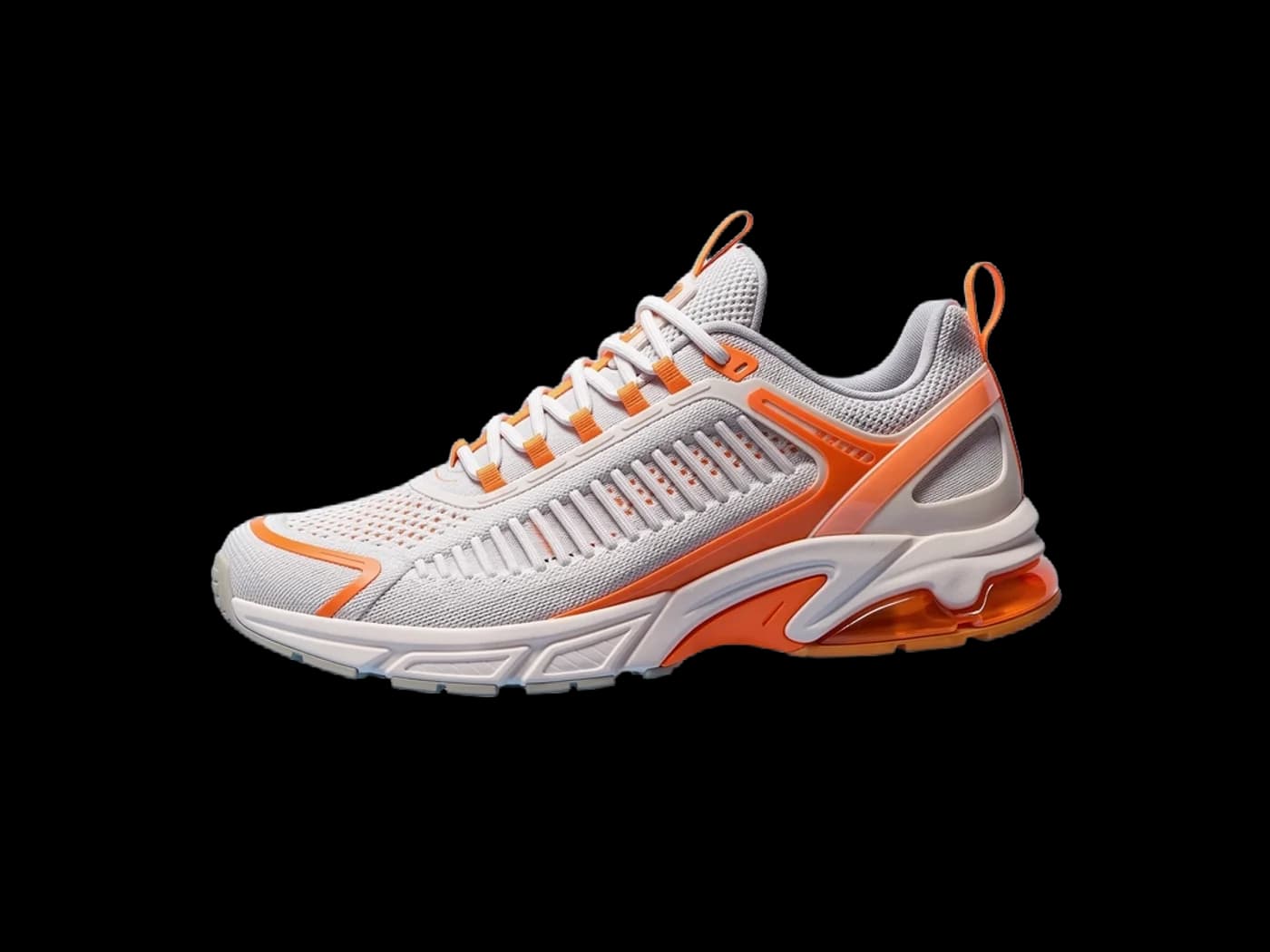
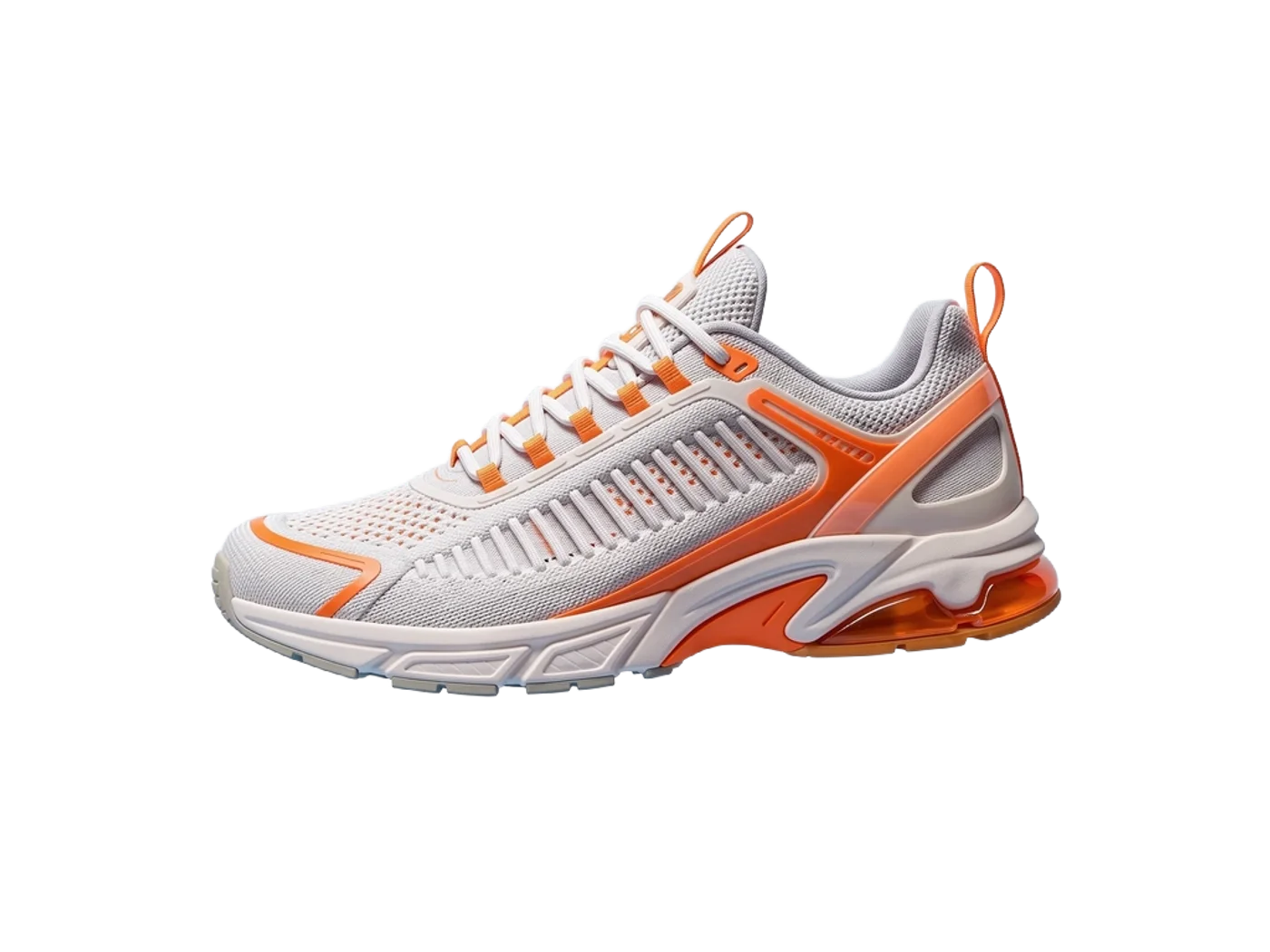
Knit sneaker
From a FLUX 3 product shot with the background removed, meshed with Rodin Gen-2.
Optimised for the web; the file you download from the studio is full size.
Which format to use: GLB and USDZ
- Web
- Google's <model-viewer> loads glTF/GLB and can hand off to Scene Viewer on Android and Quick Look on iOS.
- Android Scene Viewer
- GLB, with up to about 100,000 triangles and 2048 × 2048 textures recommended, around 10 MB.
- iPhone and iPad
- AR Quick Look shows USDZ files on iOS and iPadOS 12 and later, and on Vision Pro.
- Our output
- Rodin Gen-2 at default settings: about 30,000 to 40,000 triangles with 2048 × 2048 textures, inside Scene Viewer's recommendations.
From prompt to finished file
Shoot or clean the photo
One product, evenly lit, three-quarter view. Remove the background in one click if it's busy.
Mesh it
Image to 3D builds a textured GLB. Mesh it again with another model if the first doesn't match.
Publish both formats
Use the GLB in your viewer and convert a USDZ for Apple devices with the free converter.
Prompts to start from
- A minimalist ceramic pour-over coffee set, product shot, three-quarter view, plain white backgroundOpen in Text to 3D
- A leather weekender bag, product shot, three-quarter view, plain white backgroundOpen in Text to 3D
- A modern table lamp with a linen shade, product shot, plain white backgroundOpen in Text to 3D
Tips for better results
Start from a studio shot
Reflections and harsh shadows get baked into the texture. Generate a clean studio shot first if your photo is busy.
Check the back
One photo means the back is inferred. Show products where the front matters, or fix the back in Blender.
Scale to the real size
AR places models at real size. Scale the model to the product's dimensions before publishing.
Where AI models fall short
- A representative model, not a measured scan: don't use it where dimensions must be exact.
- Fine text and logos soften in the texture; check brand marks closely.
- The hidden side is a best guess from one image.
Questions
Can I make a 3D model from one product photo?
Yes. A clean three-quarter photo of one product works best. The front matches closely; the back is inferred.
Which format do I need for AR?
GLB for Android and the web, USDZ for iPhone and iPad. Make the GLB here and convert it to USDZ with the free converter.
Is it accurate enough for ecommerce?
It's good for showing shape, colour and materials. It isn't a measured scan, so state dimensions separately.
Why does my model come out the wrong size?
GLB is measured in metres and AI models are usually about a metre across. Scale it in your tool, or use the free converter, which can set an exact height in millimetres for printing.
Related guides and converters
- AI 3D models for 3D printingFigurines, gifts and props as STL or 3MF, scaled in millimetres.
- AI 3D models for BlenderTextured base meshes to sculpt, retopologise and rig in Blender.
- AI game asset generatorProps from concept art or a prop list, with PBR for any engine.
- Convert GLB to USDZFree, in your browser
- Convert OBJ to GLBFree, in your browser
- Convert GLB to glTFFree, in your browser
Sources
3D models from product photos
From 4 credits per model. The price shows before you run it, and failed runs are refunded.