Examples
This session
Your creations will appear here.
About Remove object
Remove anything from a photo by describing it
Type what you want gone, like the power lines, the bin on the left or the people in the background, and Remove object erases it and fills the space with what would naturally be behind it. Texture, light, perspective and grain are matched so there is no smudge, and nothing else in the photo changes. No brushes or masks needed.
3 credits, about 18 seconds, made withNano Banana 2.1
Examples


Removed: the jar of honey
Questions
How do I describe the object?
Name it and say where it is if there are several: "the red car on the left", "the people in the background", "all the power lines".
Can I paint over the object instead?
Yes. Open the photo in Image Studio and use Edit with a brush mask for pixel-precise control.
Can it remove large objects?
Yes, but the bigger the object, the more the model has to invent behind it. Large removals look best against simple backgrounds like sky, sand or a wall.
How much does it cost?
3 credits per 2K photo.
Related apps
All apps
 Original3Sky replacementSwap a dull sky for sunset, storm, stars or aurora
 Original3Expand imageExtend any photo to a new aspect ratio without cropping
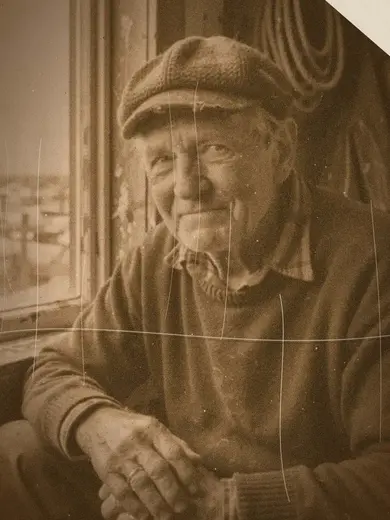 Original3Restore old photoRepair scratches, fading and tears, then add natural color
 Original3RelightChange the lighting of a photo without changing anything else