Examples
This session
Your creations will appear here.
About Restore old photo
Fix scratches and fading, then add color
Restore old photo removes scratches, dust, creases, stains and fading from scanned prints and repairs torn corners, then adds realistic, period-appropriate color if you want it. Faces, expressions, clothing and composition are kept as they are, with no modernising or beautifying. Choose Restore only to keep the original black and white or sepia.
3 credits, about 18 seconds, made withNano Banana 2.1
Examples
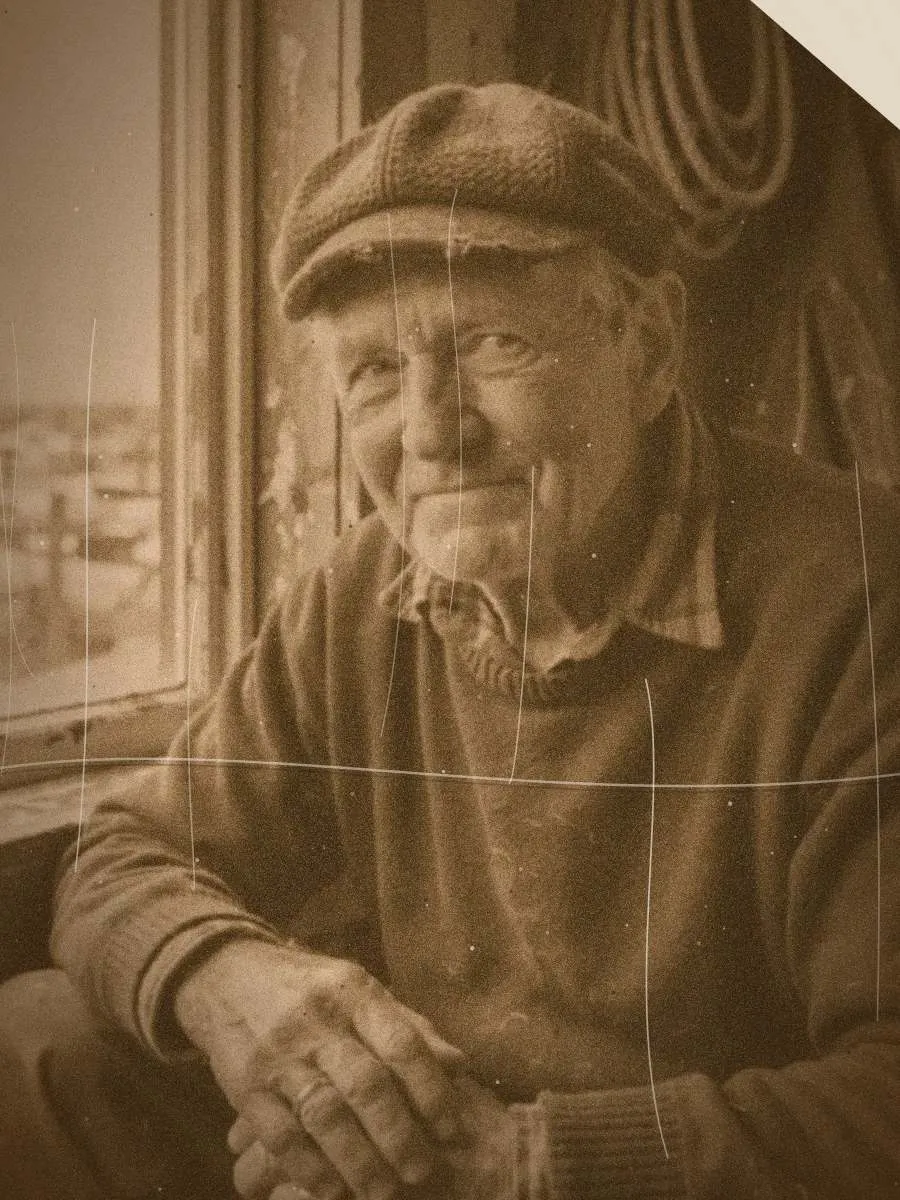

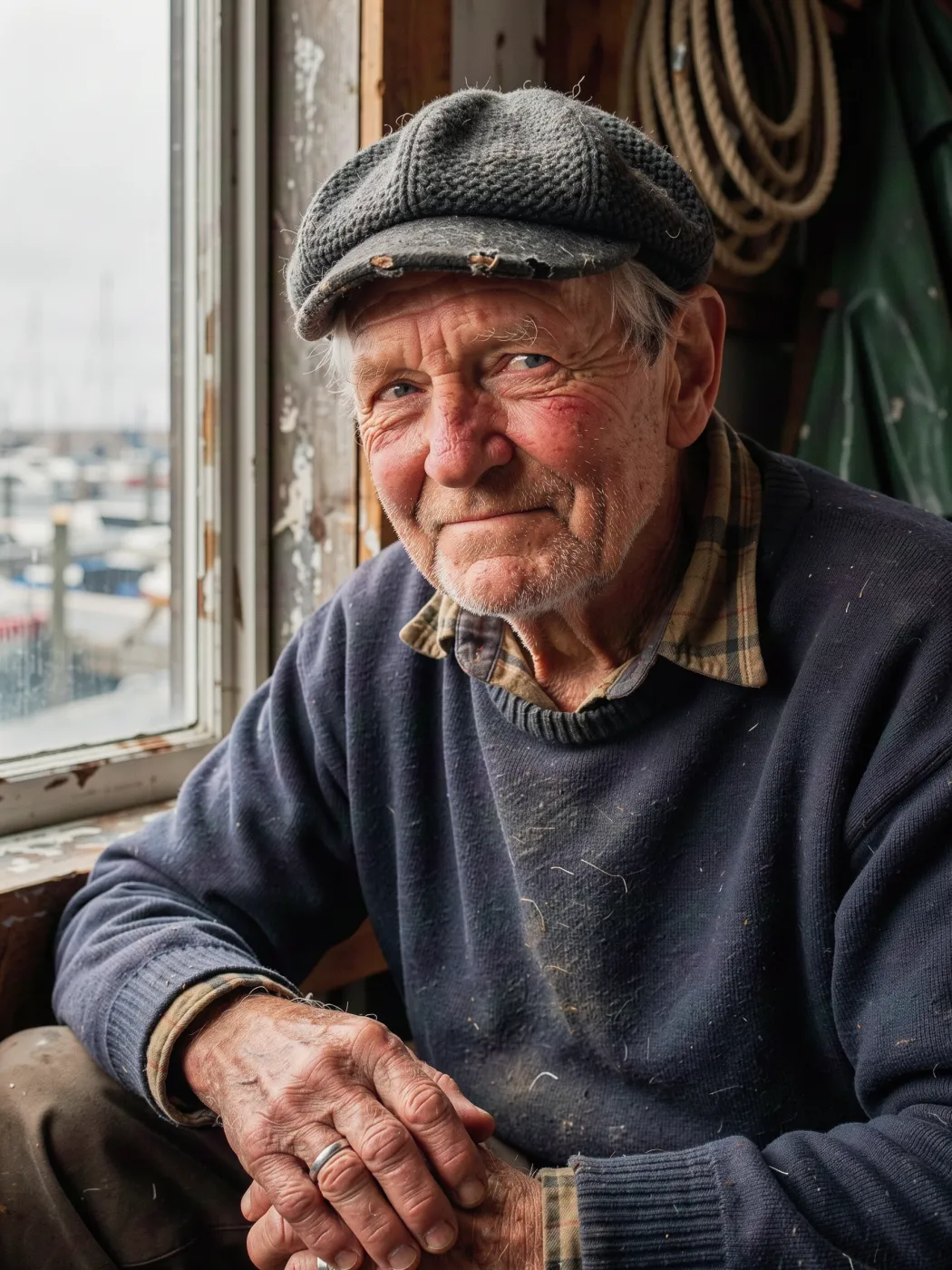
Restore and colorize. The damaged print was simulated from an AI portrait.
Questions
How should I scan the photo?
A flatbed scan is best. A phone photo works if you shoot straight on, in even daylight, without glare or the edges of the frame.
Are the colors accurate?
They are realistic guesses based on the era and the scene, not a record of the original colors. Choose Restore only if accuracy matters more than color.
Will it change faces?
The recipe keeps every person's identity, expression and pose. Badly damaged faces are rebuilt from what remains, so compare closely with the original.
How much does it cost?
3 credits per photo at 2K.
Related apps
All apps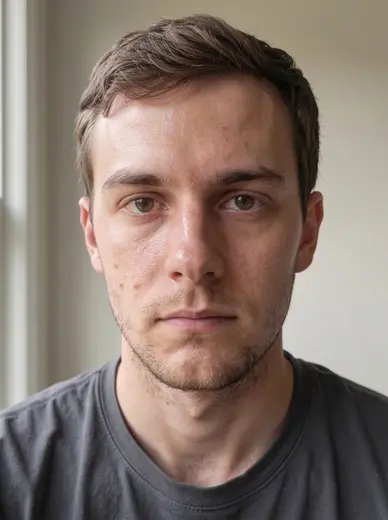
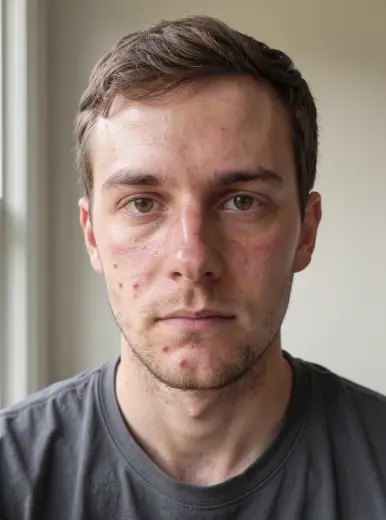 Original3Natural skin retouchEven out skin tone and blemishes while keeping real texture
 Original3Remove objectDescribe what to remove and it disappears cleanly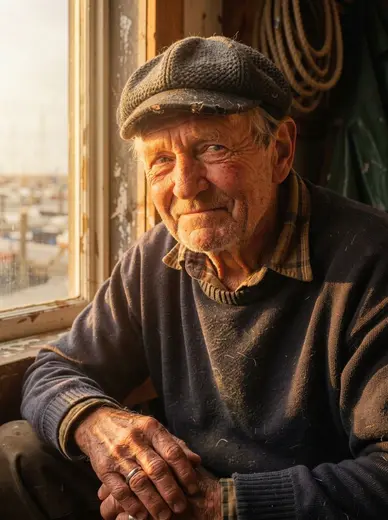
 Original3RelightChange the lighting of a photo without changing anything else
 Original3Expand imageExtend any photo to a new aspect ratio without cropping