Examples
This session
Your creations will appear here.
About Expand image
Extend photos to any aspect ratio
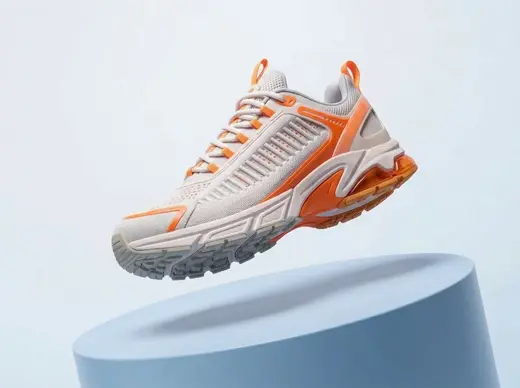
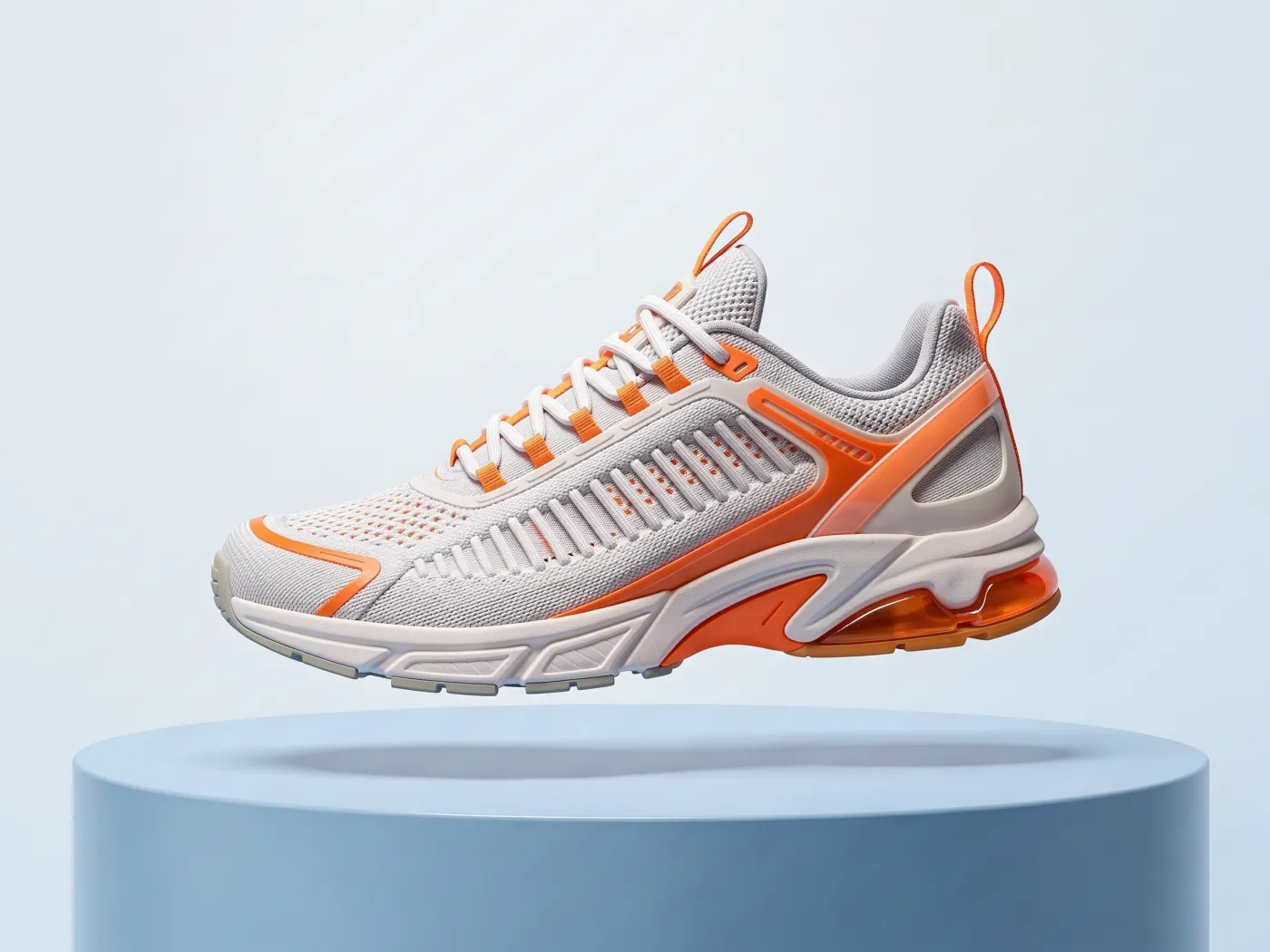
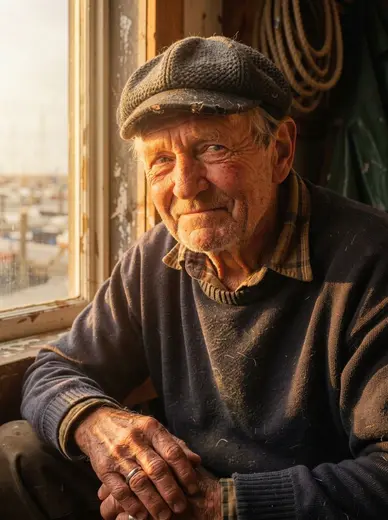
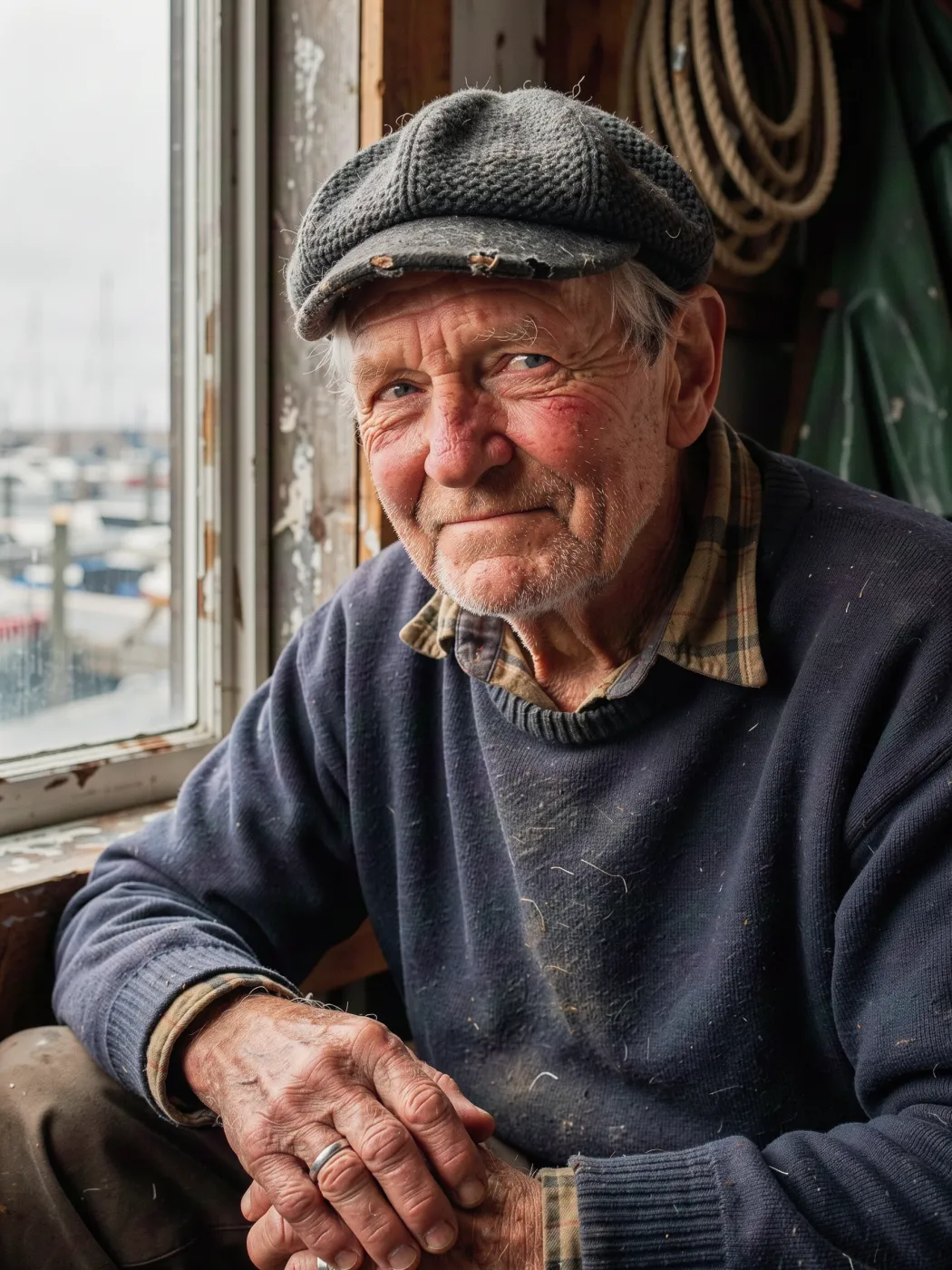
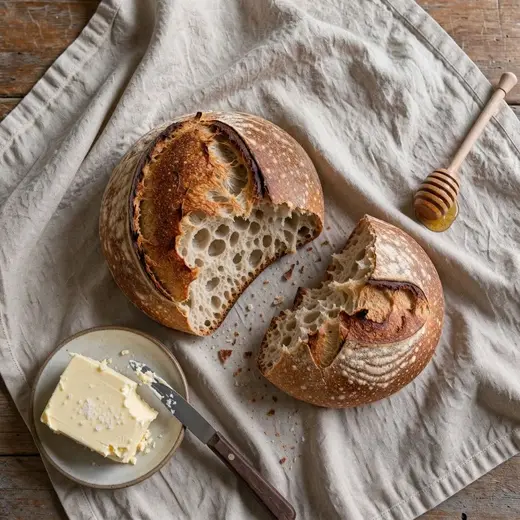
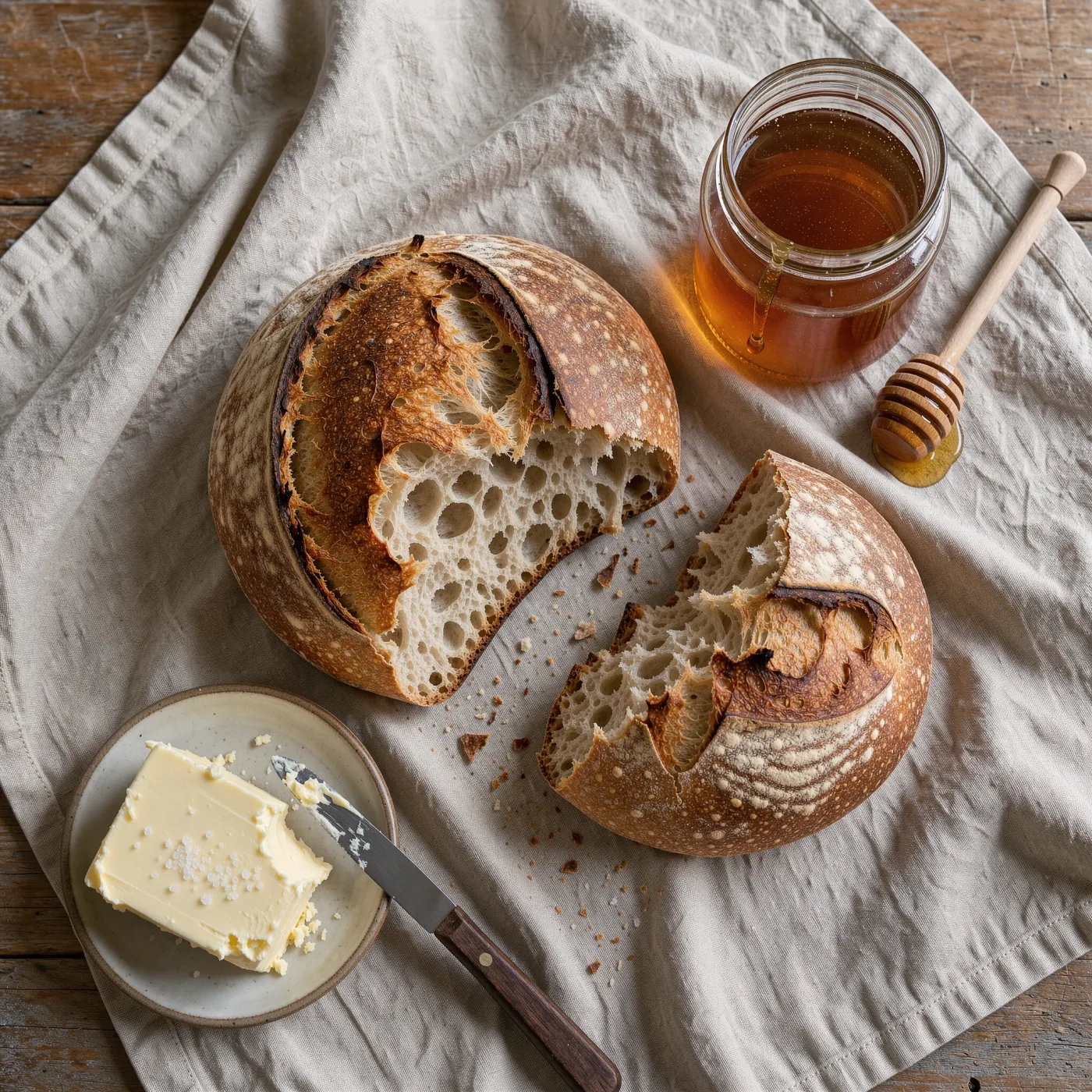
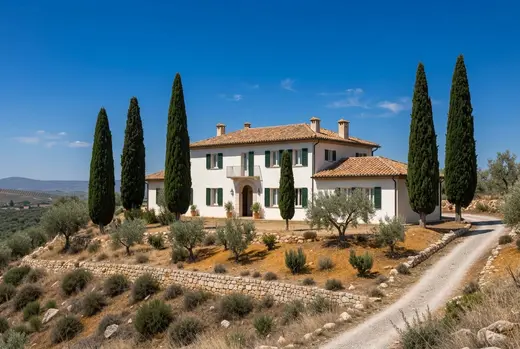
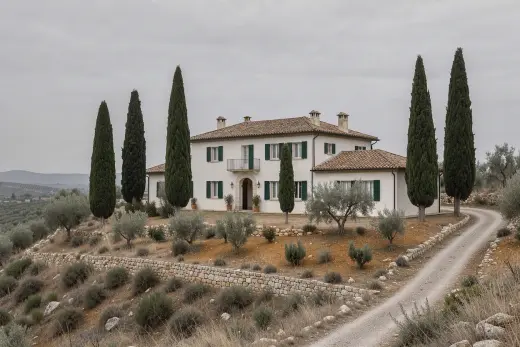
Need a portrait photo as a 16:9 banner, or a landscape shot as a 9:16 story? Expand image keeps your original picture in the center and paints the missing space around it with matching perspective, light and texture. Pick 16:9, 9:16, 1:1, 4:3, 3:4 or 21:9 and get a 2K result with no visible seam.
3 credits, about 18 seconds, made withNano Banana 2.1
Examples
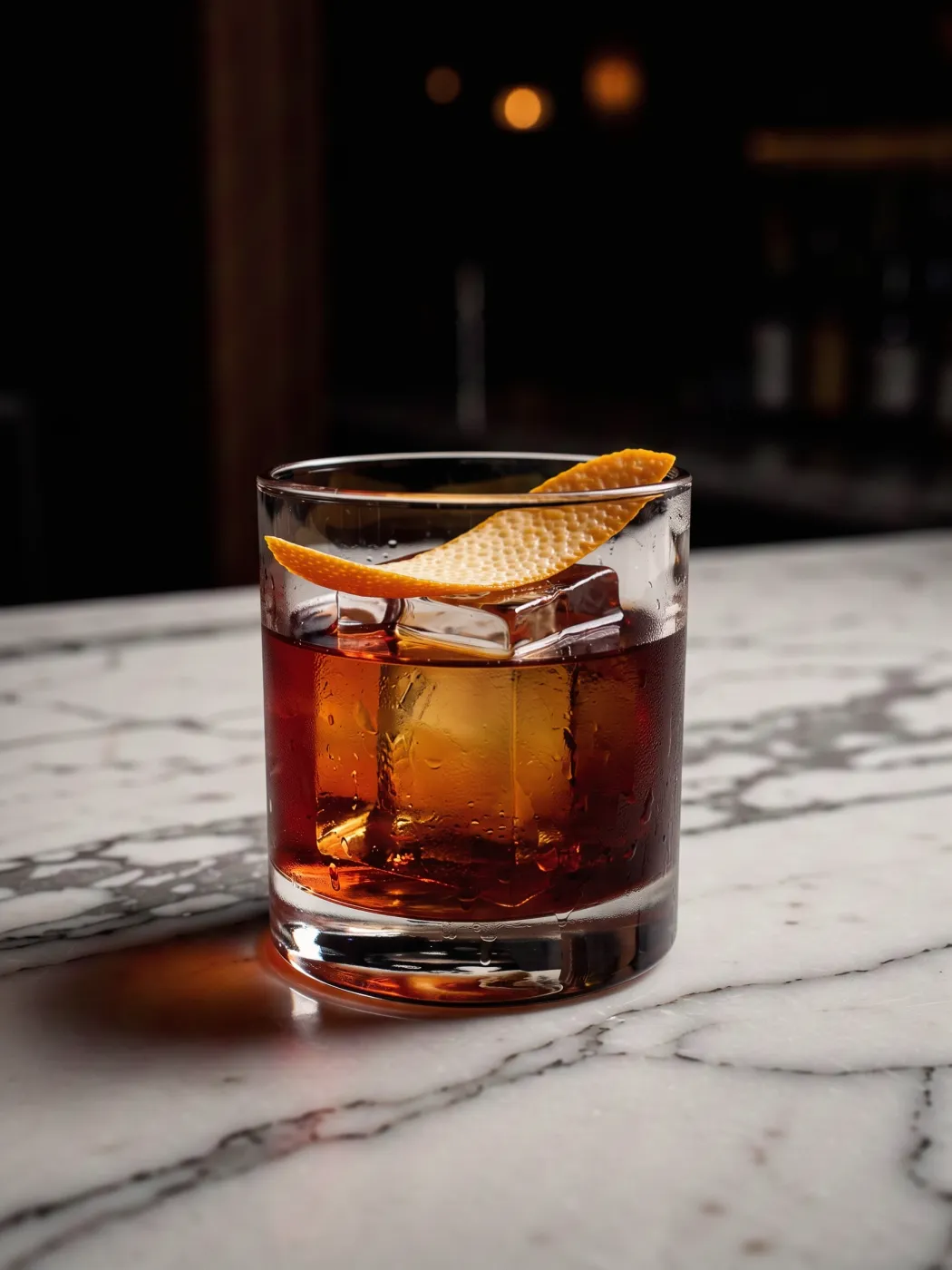
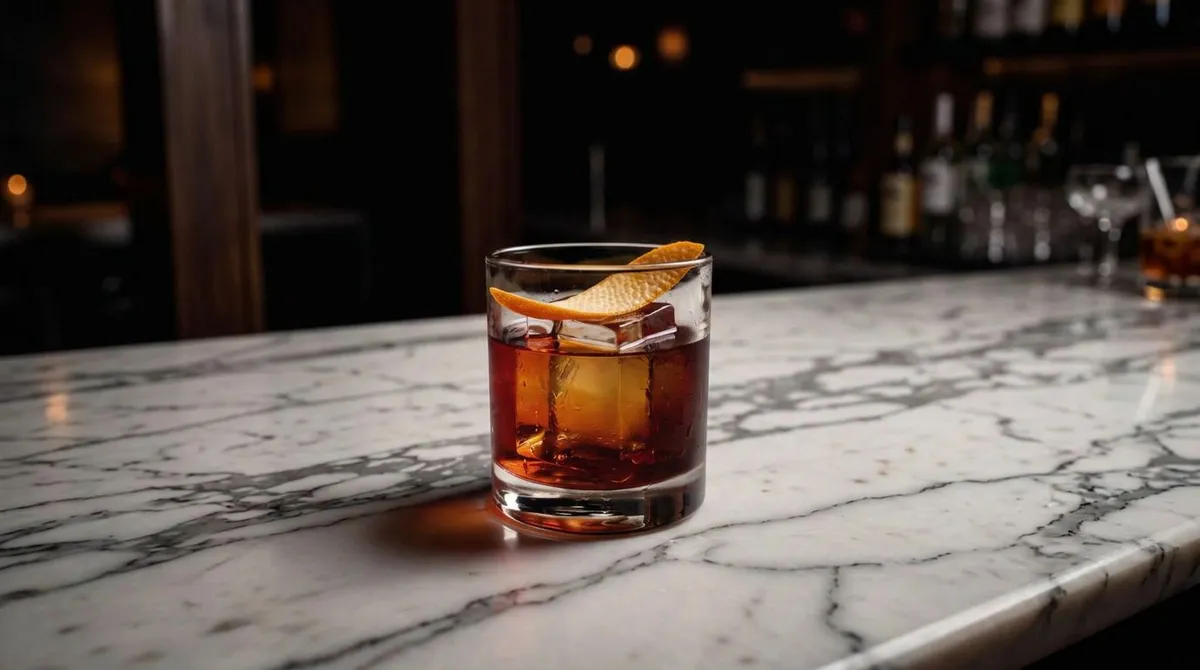
3:4 expanded to 16:9
Questions
Does it change my original photo?
The original stays in the middle of the new frame and the model paints only the new space around it. Very detailed edges can shift slightly at the seam, so compare the two if exact pixels matter.
Which ratio should I pick?
16:9 for YouTube and banners, 9:16 for stories and Reels, 1:1 for feeds, 4:3 or 3:4 for print, and 21:9 for wide cinematic headers.
Can I expand the same photo again?
Yes. Use the result as the new input and expand it to another ratio; each pass adds more scene around the edges.
How much does it cost?
3 credits per 2K image.