Examples
This session
Your creations will appear here.
About Pixel art
8-bit and 16-bit art from any photo
Pixel art redraws your photo on a crisp pixel grid with a limited palette and clean dithering, as chunky 8-bit, detailed 16-bit or an isometric diorama. Composition and recognisable colors are kept, so landscapes, pets and portraits come out as convincing retro game scenes.
2 credits, about 12 seconds, made withNano Banana 2.1
Examples
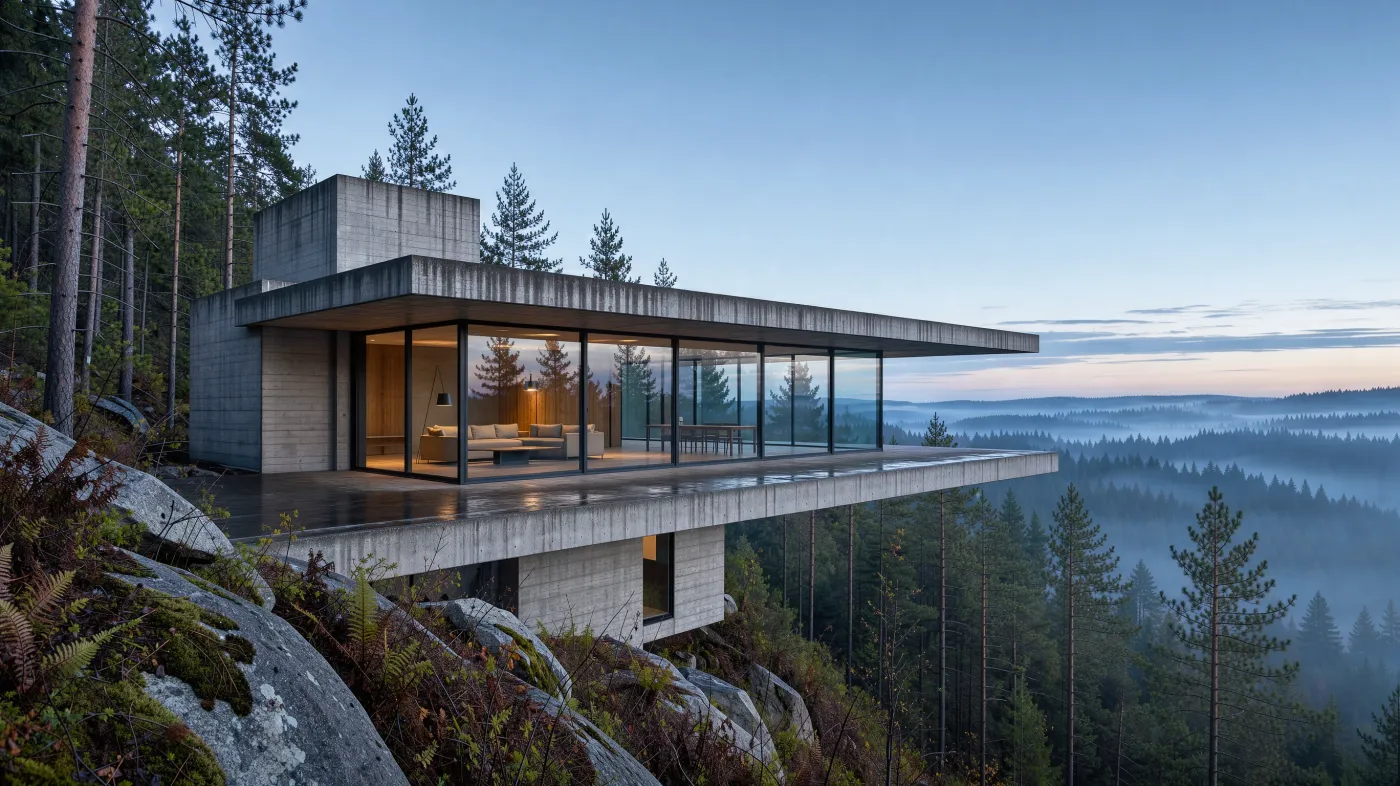
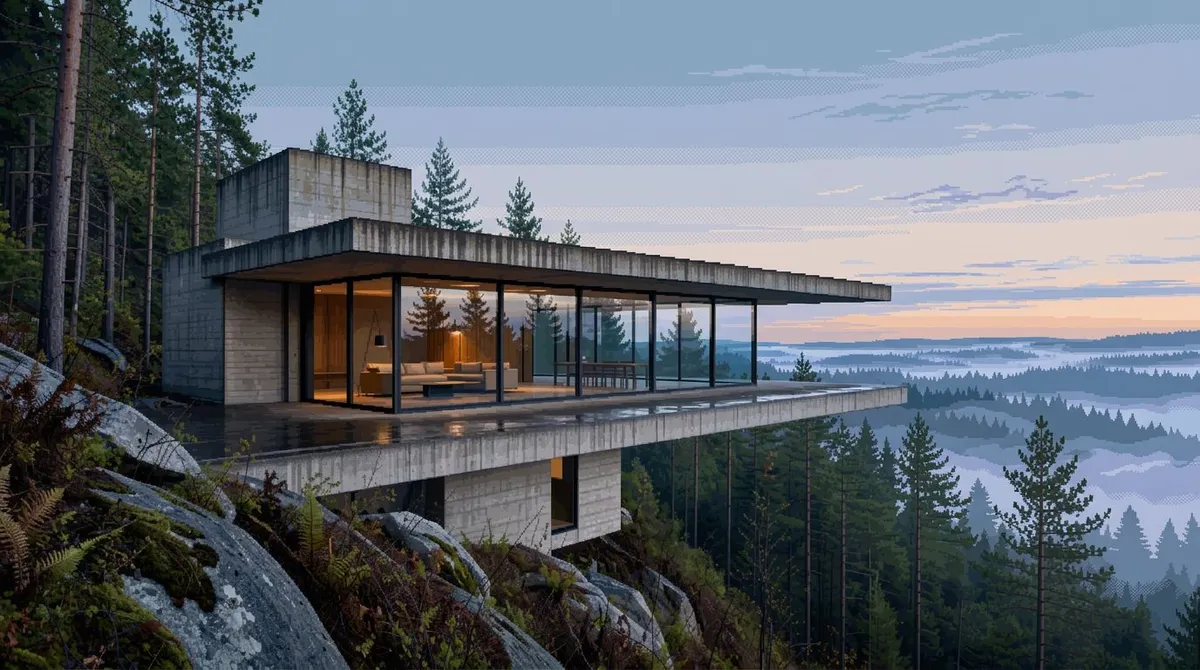
16-bit
Questions
Are the pixels on a real grid?
The model draws on a visible square grid without blur, but the result is a regular image, not a sprite sheet. For exact pixel sizes, scale it down with nearest-neighbor in your editor.
8-bit or 16-bit?
8-bit is chunky with very few colors, like early consoles. 16-bit has finer detail and a richer palette. Isometric turns the scene into a small diorama.
Can I animate it?
Yes. Use Animate on the result to open it in Video Studio.
How much does it cost?
2 credits per image.
Related apps
All apps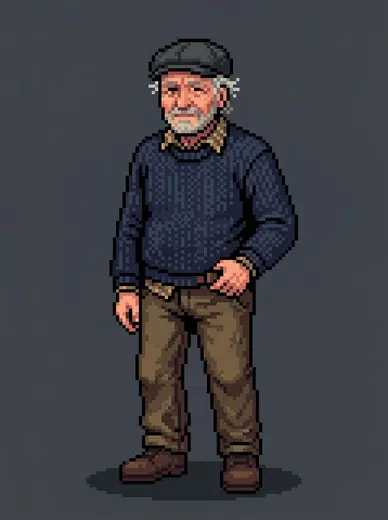
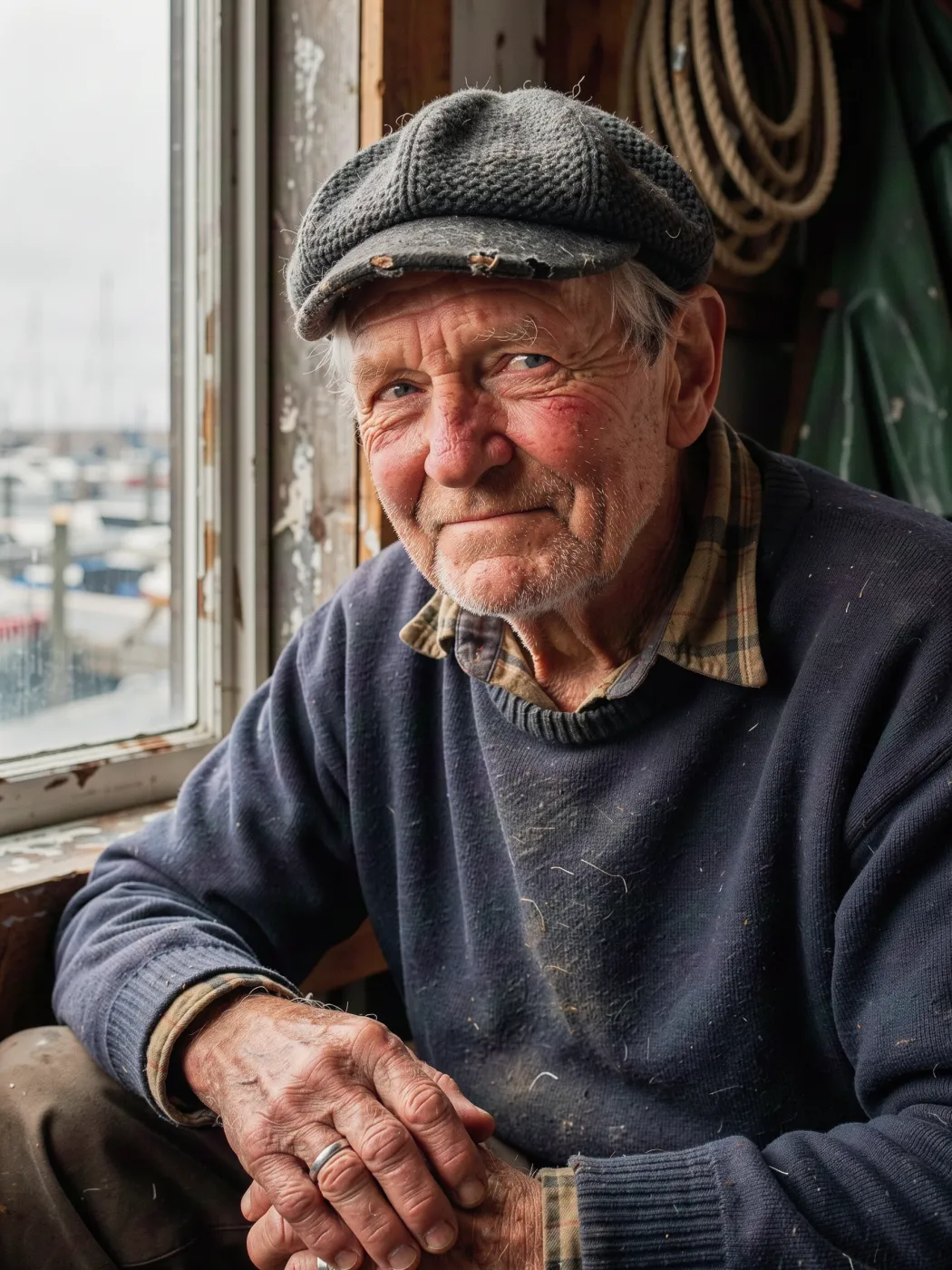 Original12Game characterSee yourself as a game character in six art styles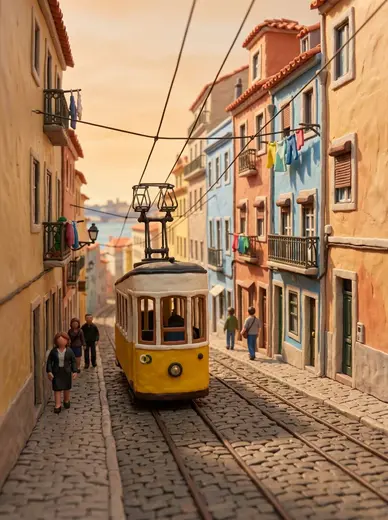
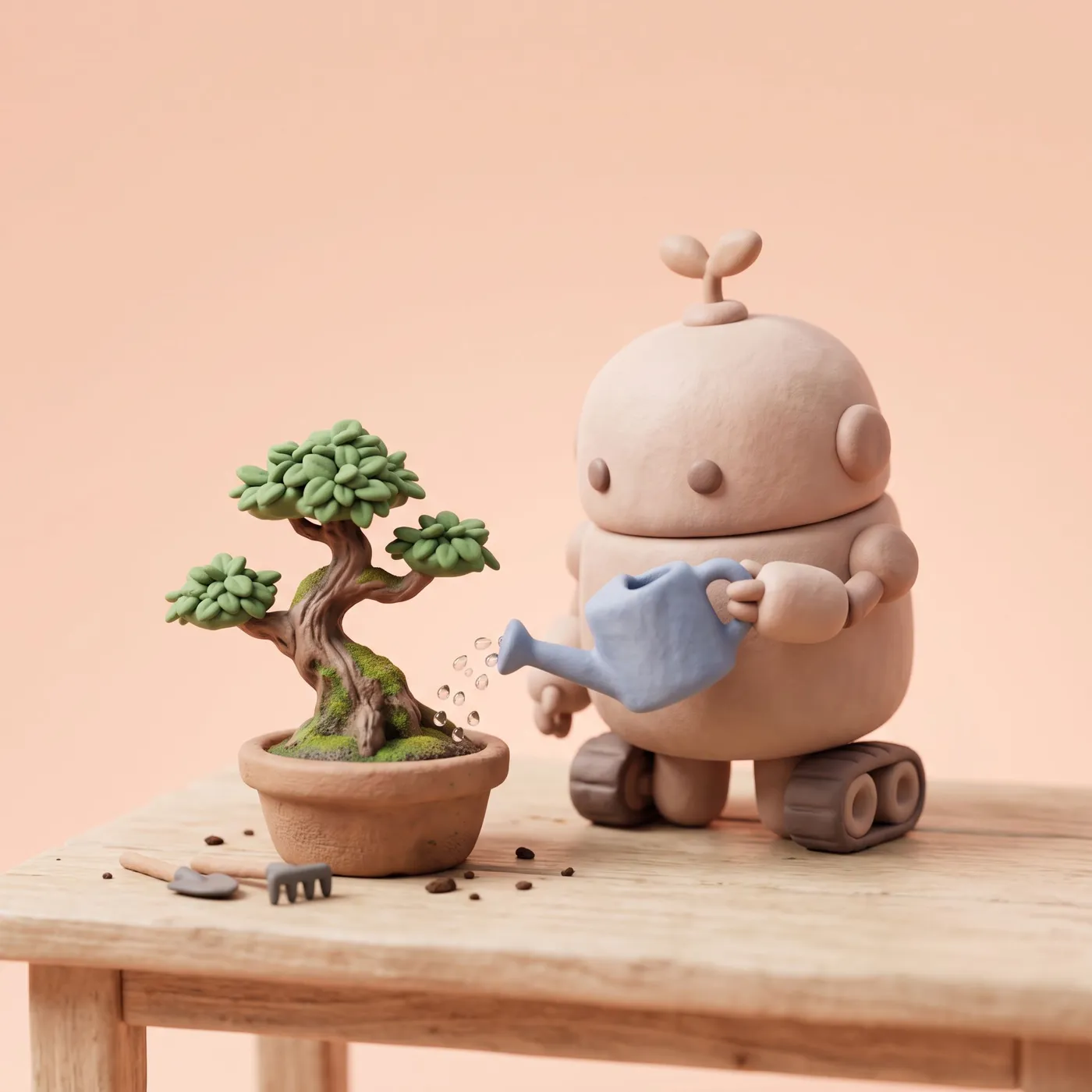
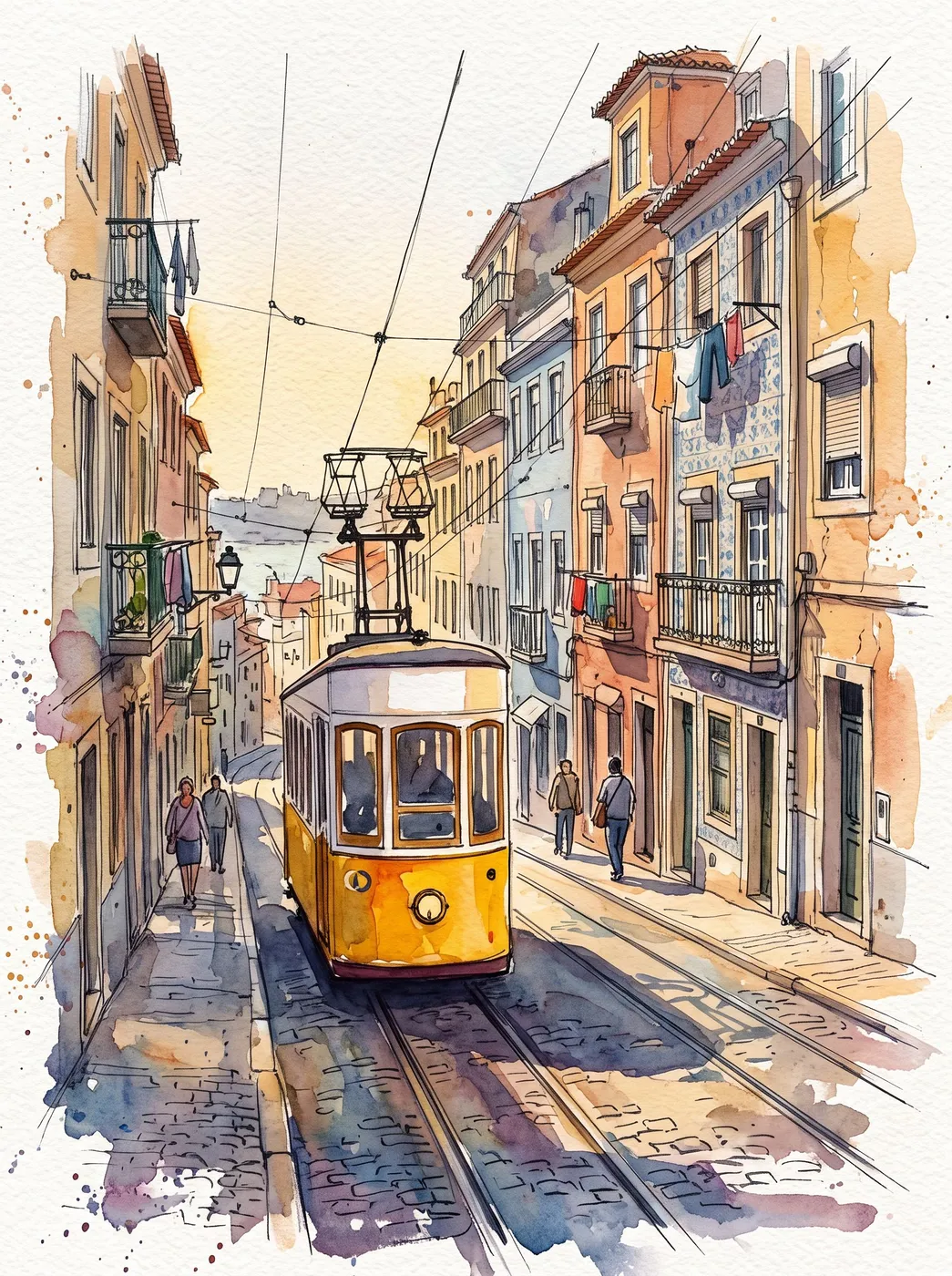 Original2ClaymationRemake any photo as a handmade stop-motion clay scene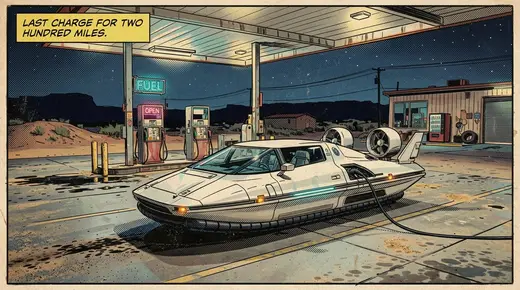
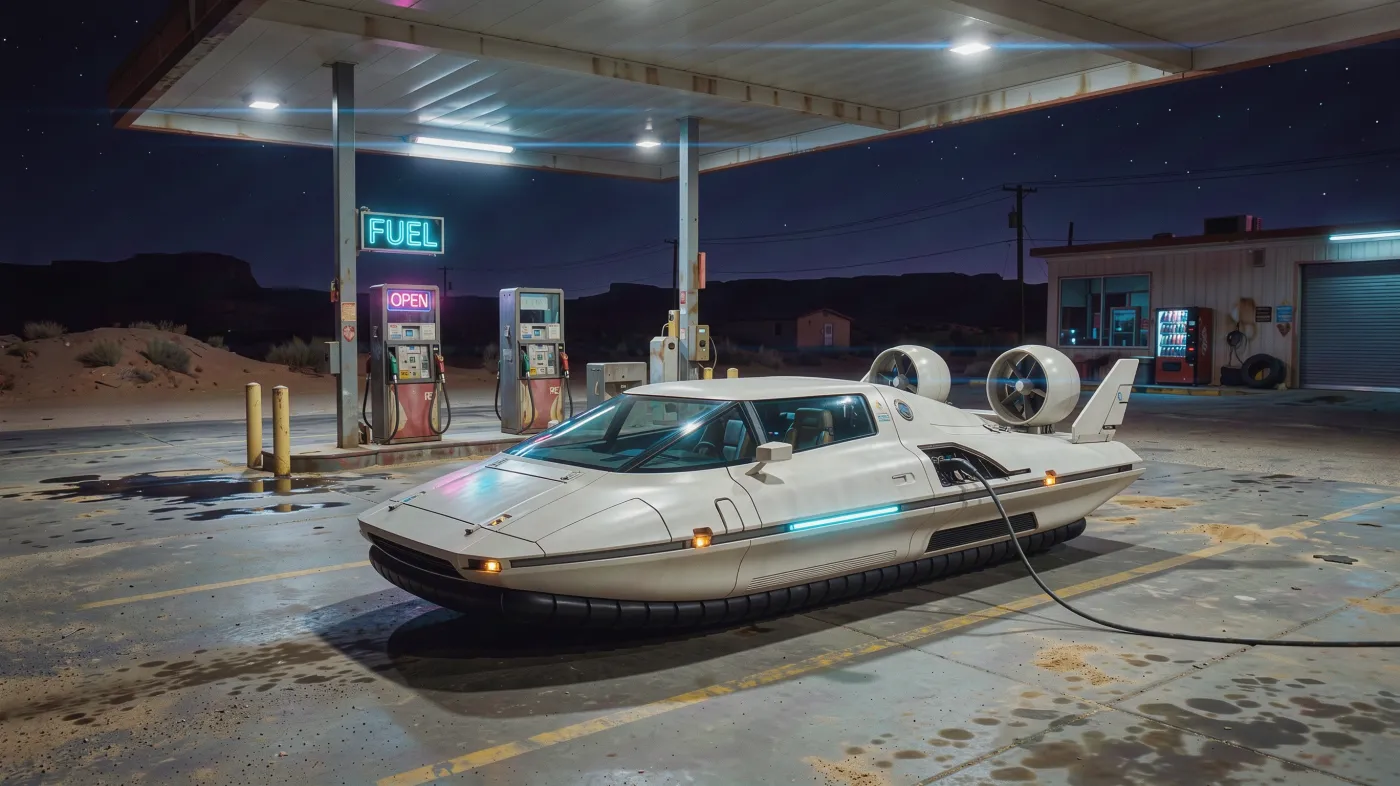 Original2Comic panelTurn a photo into a comic panel with your own speech bubble
 Original3Die-cut stickerTurn a photo into a transparent sticker with a white border